Free Restaurant Receipt Generator
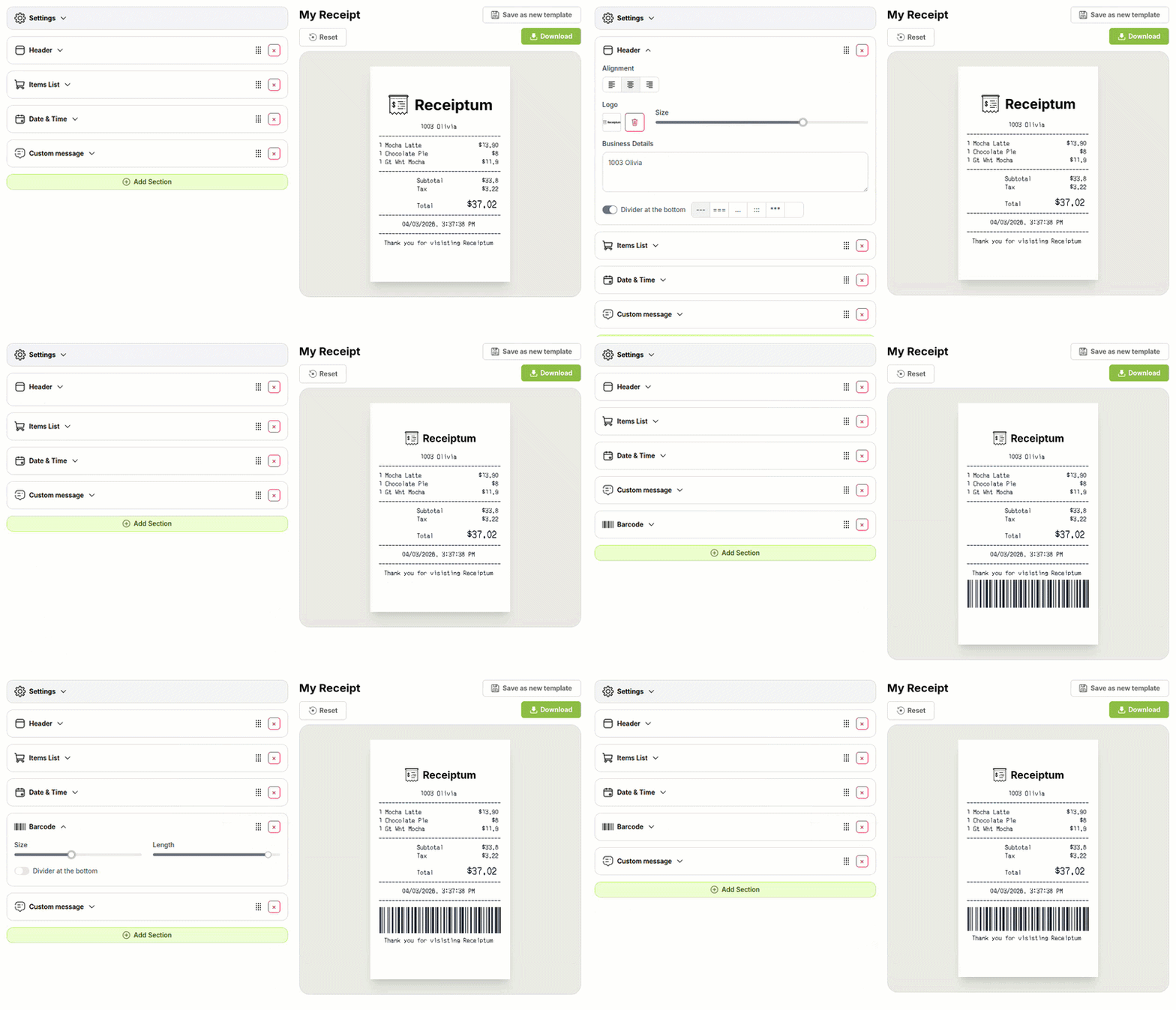
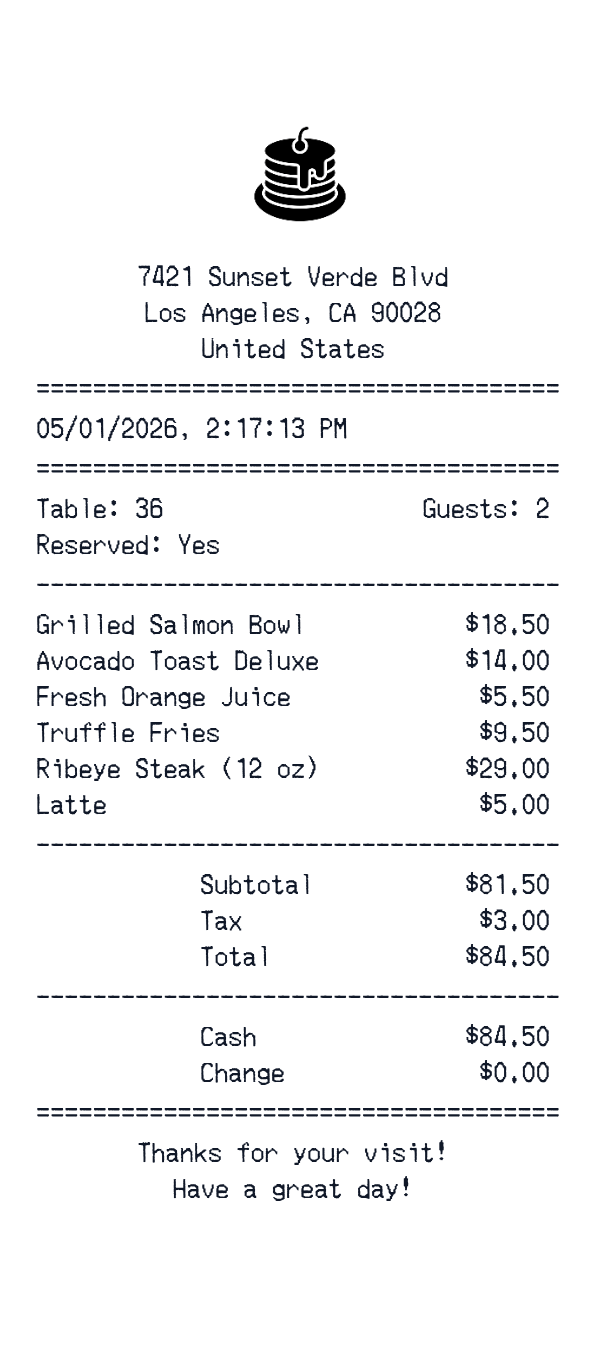
This restaurant receipt template is an itemized dining receipt with a Los Angeles address, a date and time line, and a thank-you message. It fits personal dining records, hospitality training, or creative mockups. The editor lets you adjust every field and download the finished image.
- ✔Create a receipt in seconds
- ✔No design skills needed
- ✔Fully customizable
- ✔Add custom logo
- ✔Edit line items
- ✔Choose payment method
- ✔Add or remove receipt elements
What's on a real Restaurant Receipt?
Every part of the receipt has a purpose. Here is what you will find on this template and why it matters.
Business header
The restaurant name and street address identify the dining location.
Date and time
The visit date and time show when the meal took place.
Itemized lines
Each dish or drink appears as a separate line with its price.
Subtotal and tax
The subtotal and tax are shown separately before the final amount.
Total
The total is the amount due after tax.
Payment block
The payment block records cash or card details and any change.
Closing message
A short thank-you or service message closes the receipt.
How the sample is arranged
This template comes pre-filled with a realistic sample receipt. Here is what it contains, top to bottom.
Header: 7421 Sunset Verde Blvd, Los Angeles, CA 90028, United States. Date and time: 05/01/2026, 2:17:13 PM. Items: Grilled Salmon Bowl 18.50, Avocado Toast Deluxe 14.00, Fresh Orange Juice 5.50, Truffle Fries 9.50, Ribeye Steak (12 oz) 29.00, Latte 5.00. Totals: Subtotal 81.50, Tax 3.00, Total 84.50. Payment: Cash 84.50, Change 0.00. Closing: Thanks for your visit! Have a great day!
How to make a Restaurant Receipt?
With our Receipt Maker, creating any receipt is as easy as 1, 2, 3.
Customize your receipt
Customize every detail, from items to pricing and payment details, with ease.
Export your receipt
One-click export, ready to print.
Where a Restaurant Receipt comes in handy
Personal dining records
Keep a personal record of restaurant visits and their costs.
Dining budget
Track dining-out spending and build a personal budget.
Meal cost review
Review a dining purchase against itemized courses and total.
Film and app mockups
Create sample restaurant checks for film, TV, apps, or design.
Hospitality training
Prepare sample checks for hospitality or bookkeeping training.
Digitizing paper checks
Turn faded paper checks into a clean digital image.
Tips for a Restaurant Receipt
- 1Keep the math consistent: course prices, subtotal, tax, and total should add up.
- 2List dishes in course order, placing appetizers, mains, sides, and drinks in the order served.
- 3Show the tax separately and keep the subtotal, tax, and total consistent.
- 4Use a clear date and time for the visit, with the time to the minute.
- 5For cash payments, include the tendered amount and change if the sample shows them.
Similar Templates
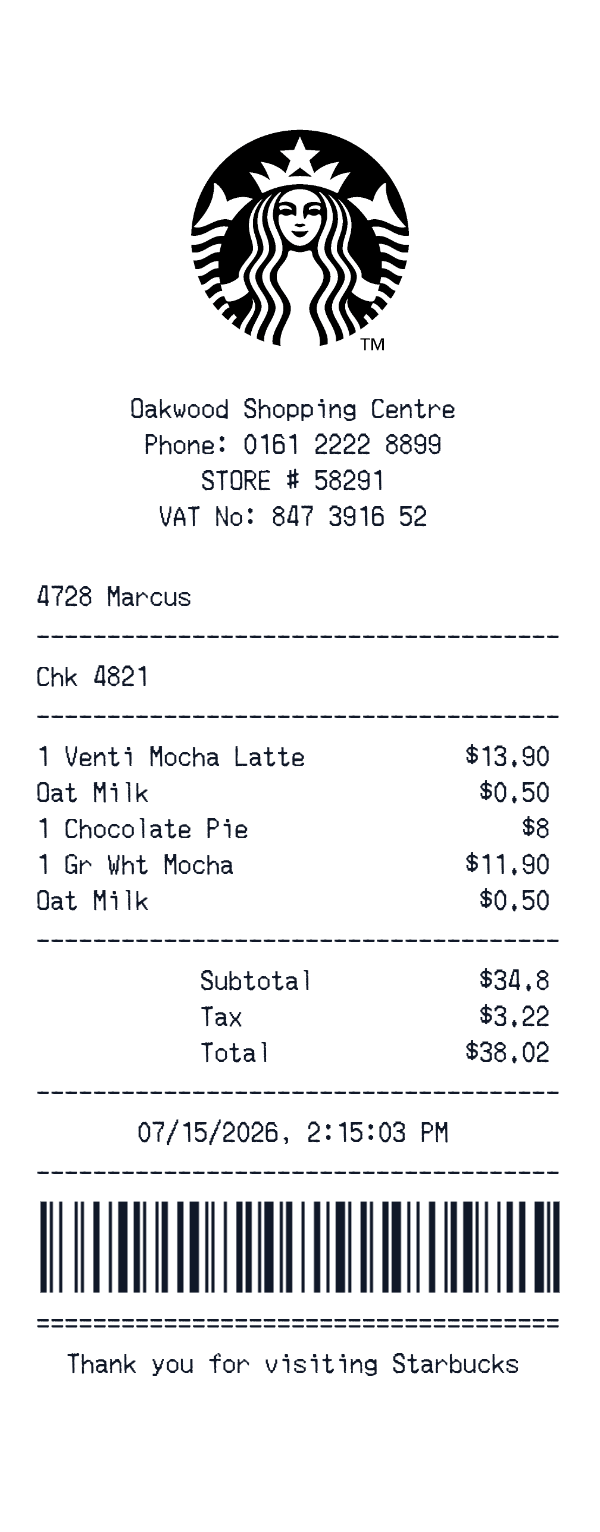
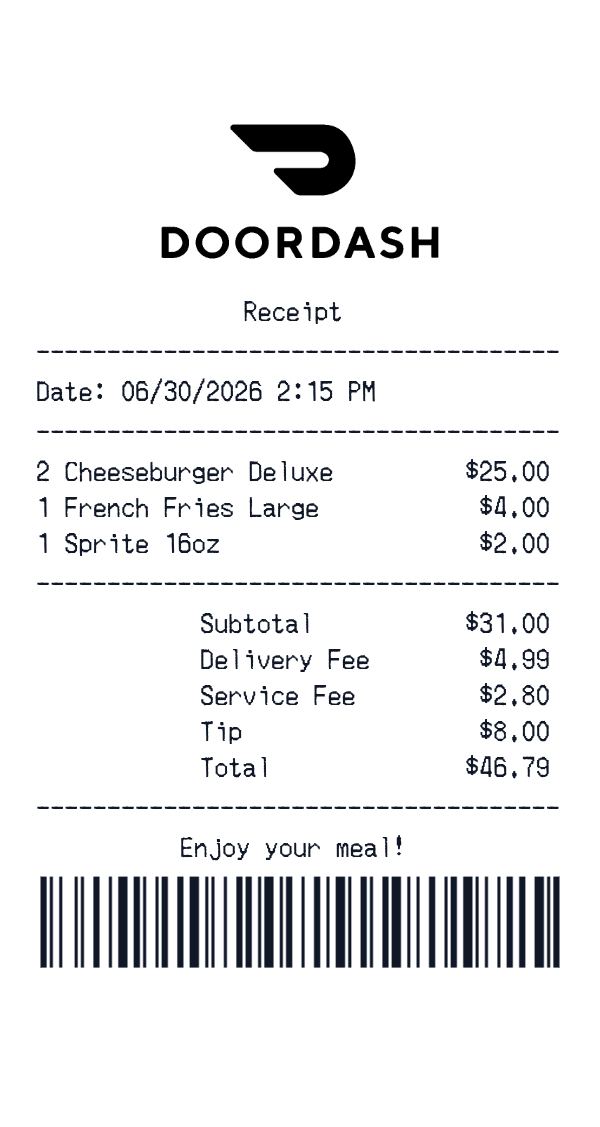
More receipt templates like this one — pick one and generate your own receipt in seconds.
Get started in 1 minute
- ✔Create receipts in seconds
- ✔Customize everything
- ✔Easy with our Receipt Builder