Free Gas Receipt Generator
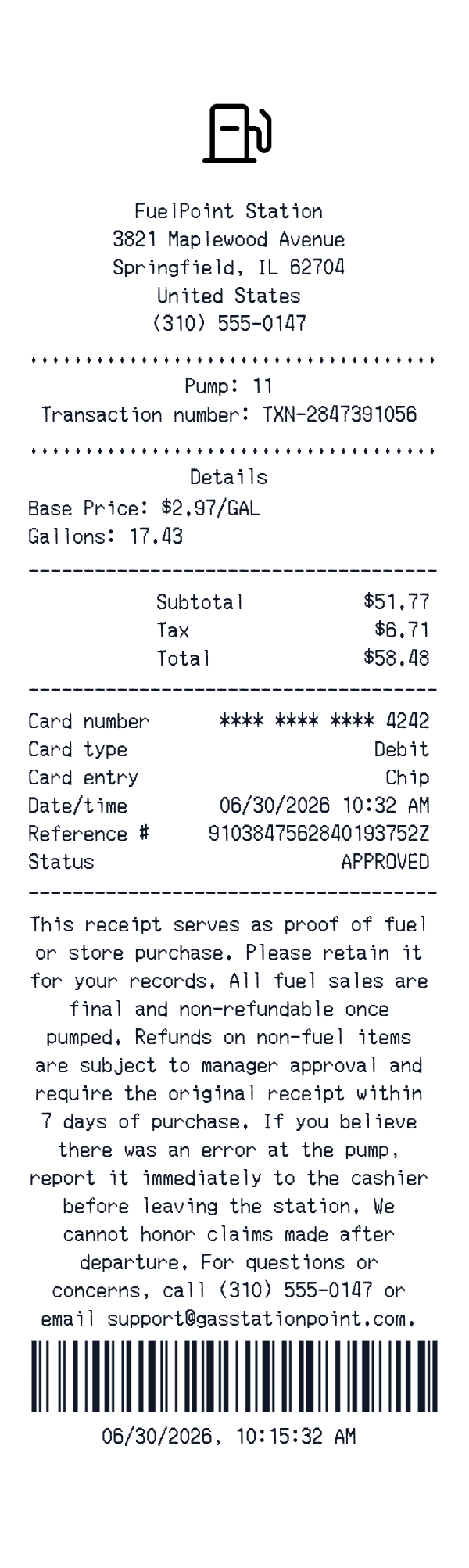
This gas receipt template is a pre-filled sample of a fuel-purchase receipt. It shows a station header, pump and transaction codes, fuel price and gallons, tax, total, card payment, barcode, and date.
Use it for personal records, bookkeeping samples, education, creative projects, or digitizing an existing paper receipt. The editor lets you change each field before downloading or printing.
- ✔Create a receipt in seconds
- ✔No design skills needed
- ✔Fully customizable
- ✔Add custom logo
- ✔Edit line items
- ✔Choose payment method
- ✔Add or remove receipt elements
What's on a real Gas Receipt?
Every part of the receipt has a purpose. Here is what you will find on this template and why it matters.
Station header
The station name, address, and phone number identify where the fuel purchase was made.
Pump and transaction codes
Pump and transaction codes tie the receipt to a specific fill-up and support price checks.
Fuel details
Base price and gallons show what was purchased and how the fuel subtotal is calculated.
Totals
Subtotal, tax, and total summarize the amount charged before payment.
Payment details
Payment method and card details show how the transaction was approved.
Barcode and date/time
The barcode and date/time support price checks and record keeping.
How the sample is arranged
This template comes pre-filled with a realistic sample receipt. Here is what it contains, top to bottom.
FuelPoint Station header with address and phone. Pump 11, transaction number TXN-2847391056, and fuel details: base price $2.97/GAL, gallons 17.43. A station policy message appears before the payment block. Subtotal $51.77, tax $6.71, total $58.48. Debit card ending 4242, chip entry, APPROVED, reference number. Barcode and date 06/30/2026, 10:15:32 AM.
How to make a Gas Receipt?
With our Receipt Maker, creating any receipt is as easy as 1, 2, 3.
Customize your receipt
Customize every detail, from items to pricing and payment details, with ease.
Export your receipt
One-click export, ready to print.
Where a Gas Receipt comes in handy
Personal fuel budget
Keep a running record of fuel costs for a personal vehicle.
Trip cost breakdown
Break down trip costs by fuel when planning a road trip.
Film and TV mockups
Build sample fuel receipts for film, TV, apps, or design projects.
Driving education
Prepare sample fuel receipts for bookkeeping or driving education.
Digitizing old receipts
Turn faded paper fuel receipts into a clean digital format.
Fuel cost tracking
Track gallons, price per gallon, and total for your own records.
Tips for a Gas Receipt
- 1Keep gallons times base price equal to the fuel subtotal before adding tax.
- 2Include the pump number and transaction code, since the sample shows both near the top.
- 3Show fuel tax as its own line and keep the final total consistent.
- 4For card payments, display only the last four digits and the approval status.
- 5Use a clear date and time, matching the fill-up shown in the sample.
Similar Templates
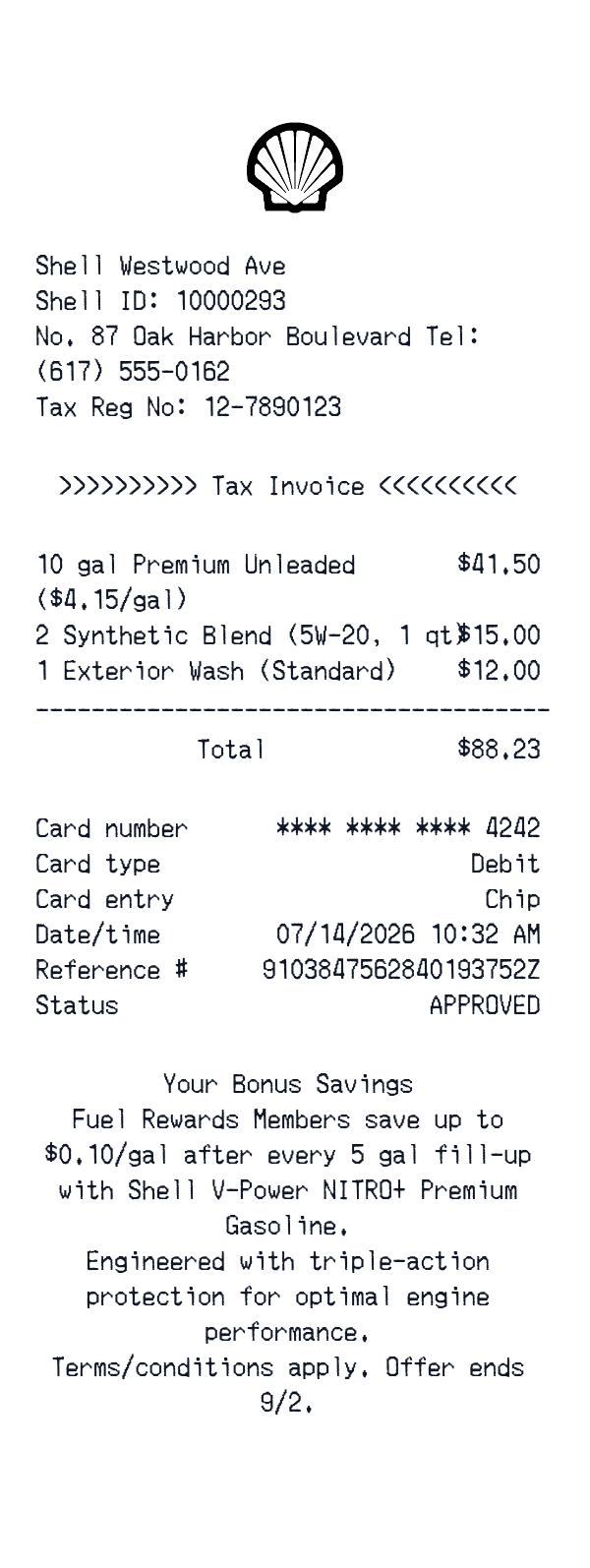
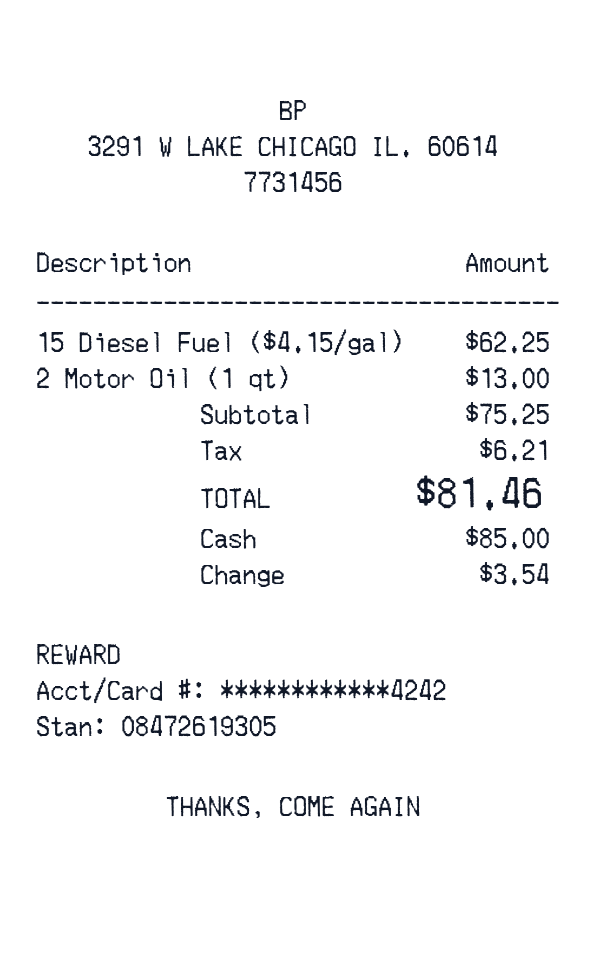
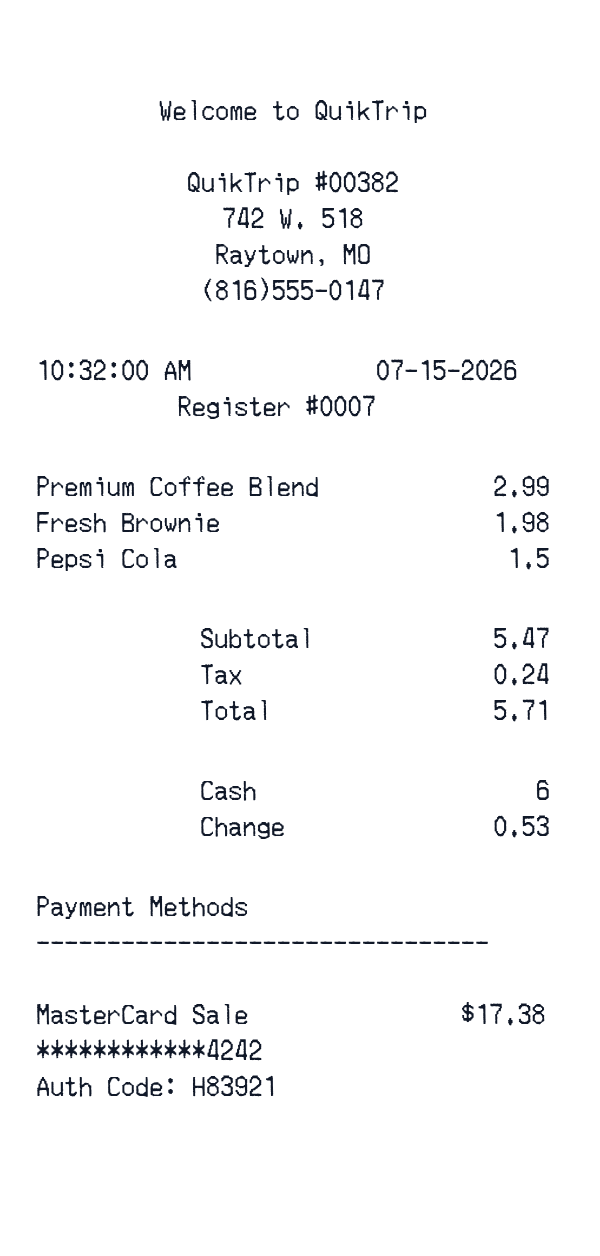
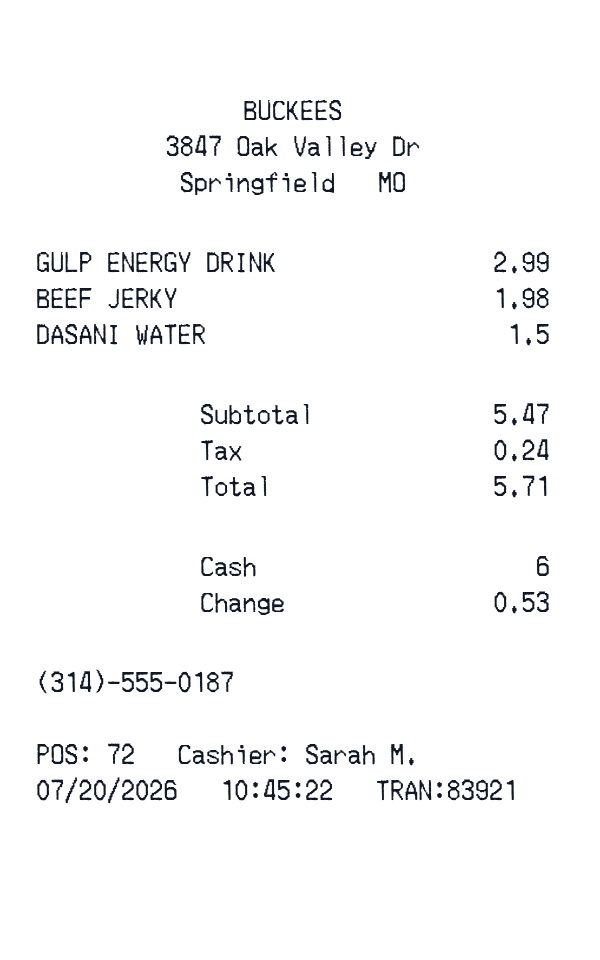
More receipt templates like this one — pick one and generate your own receipt in seconds.
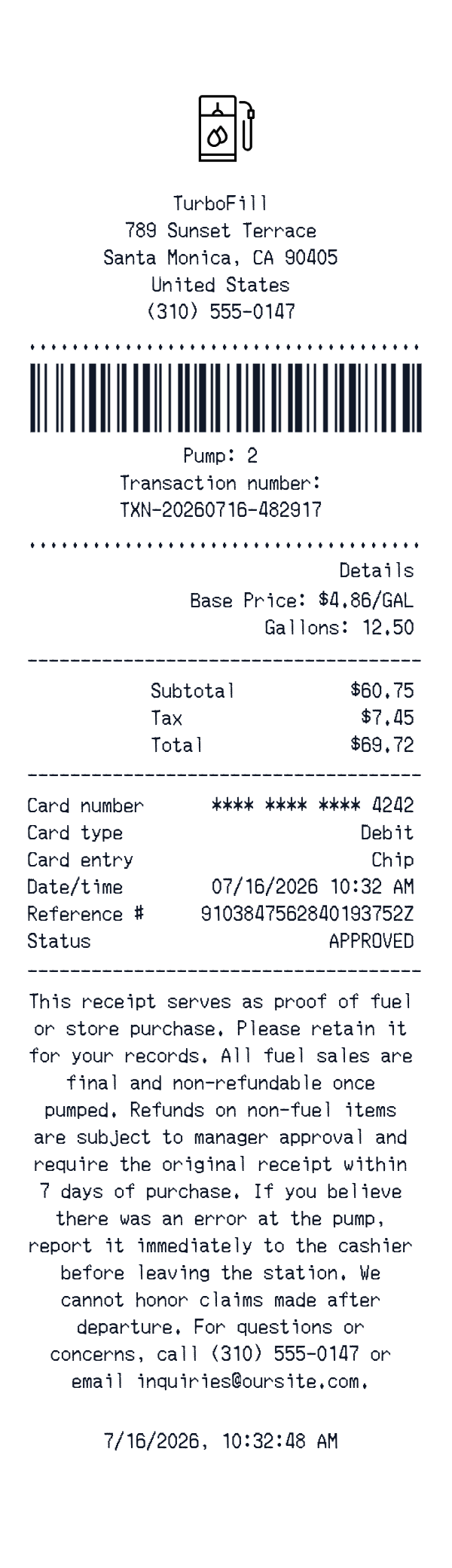
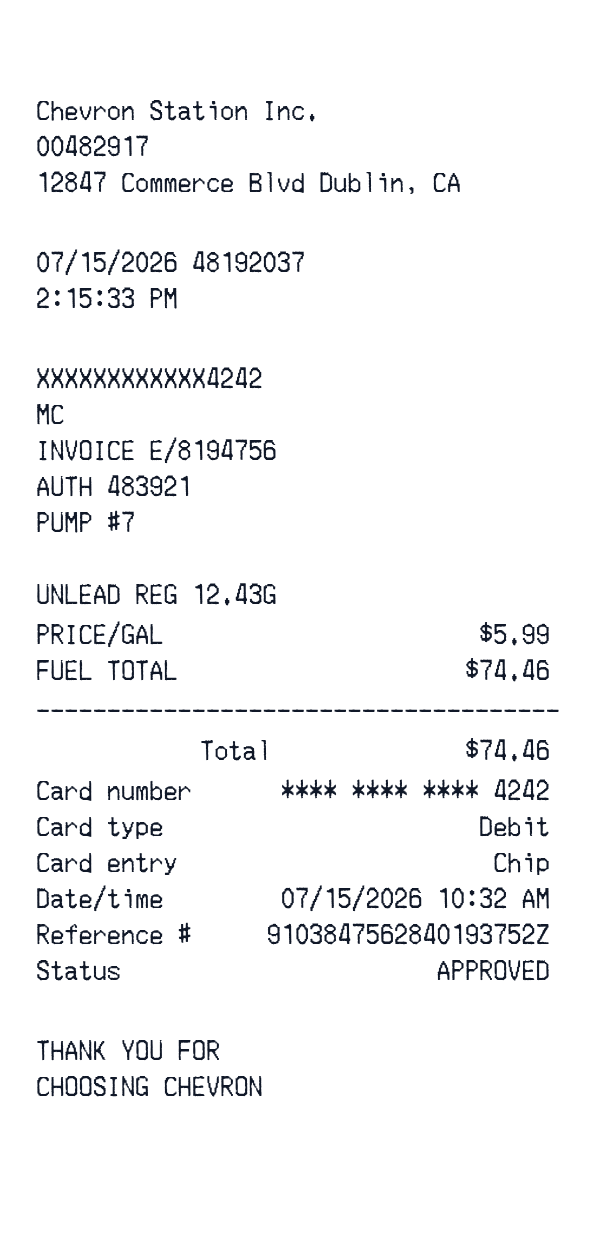
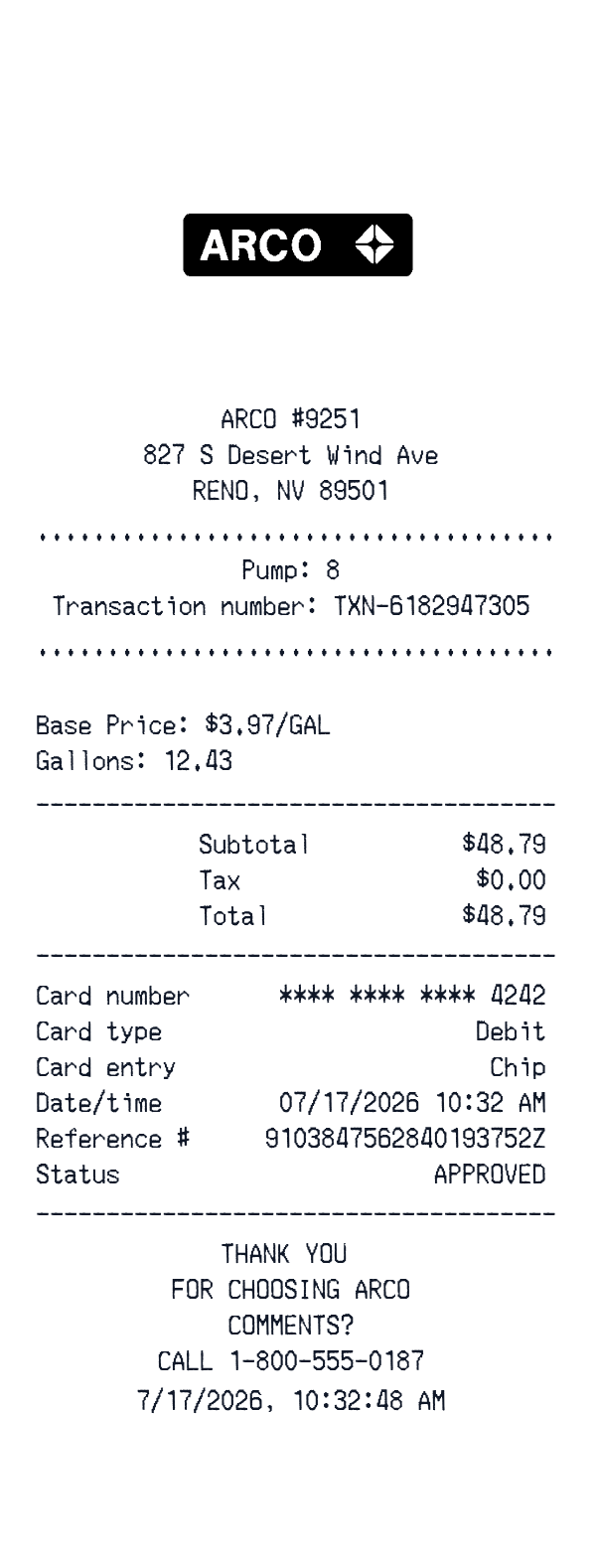
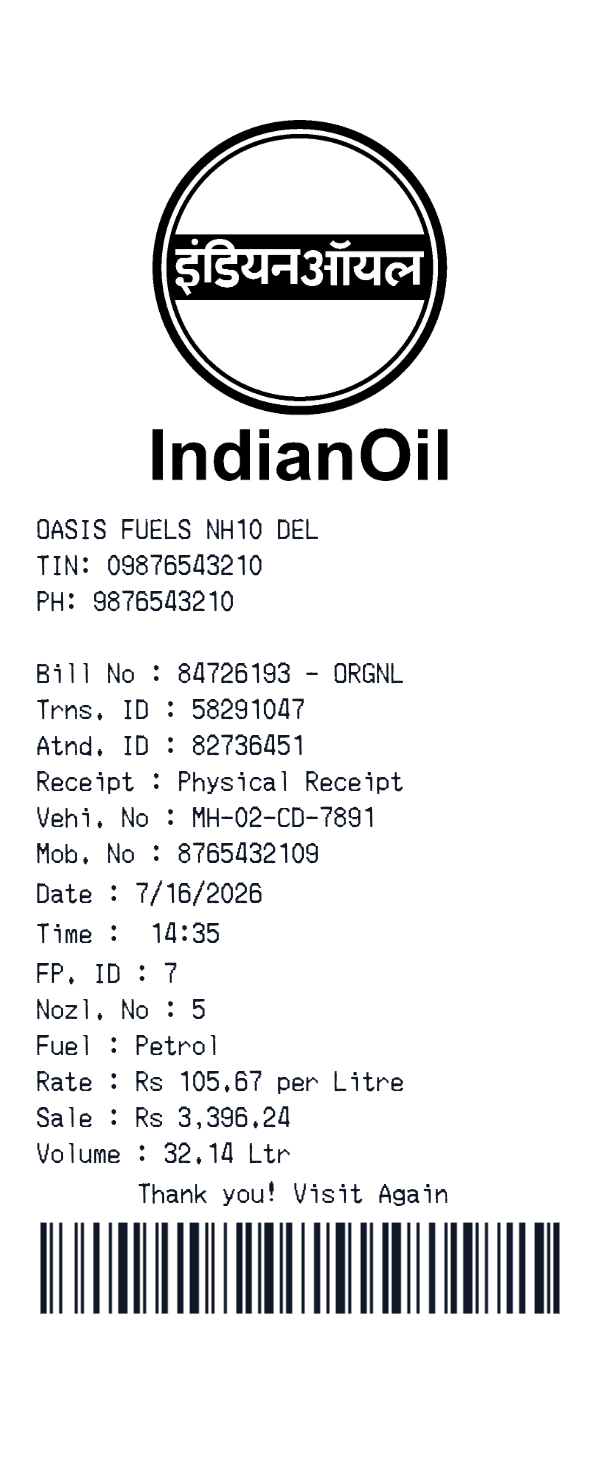
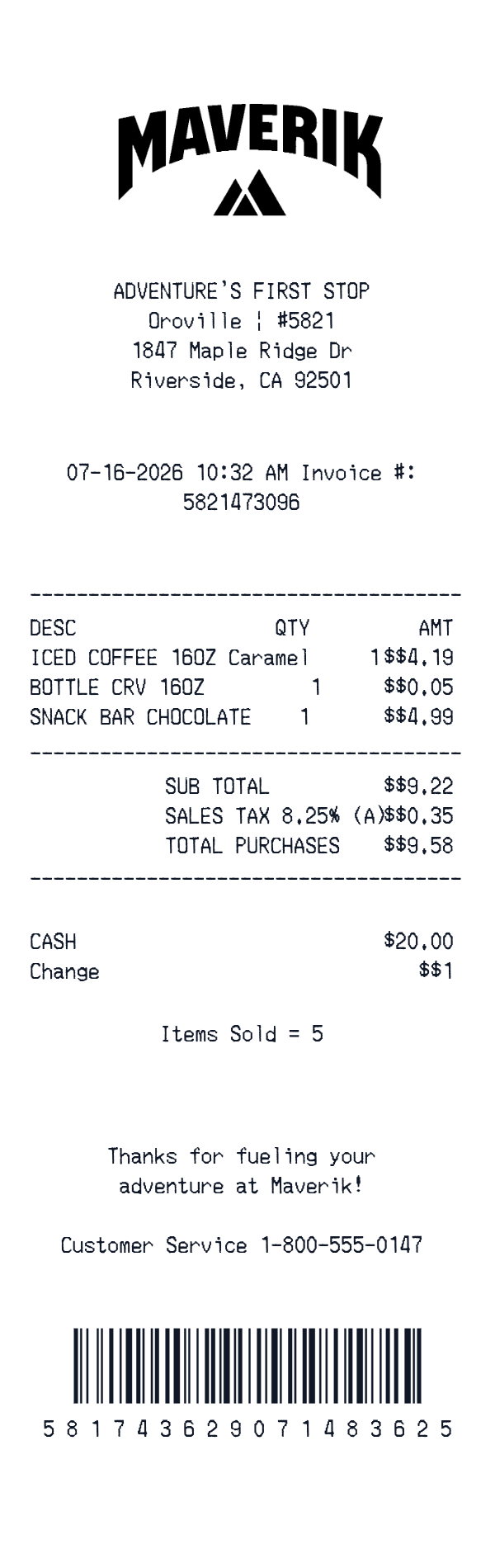
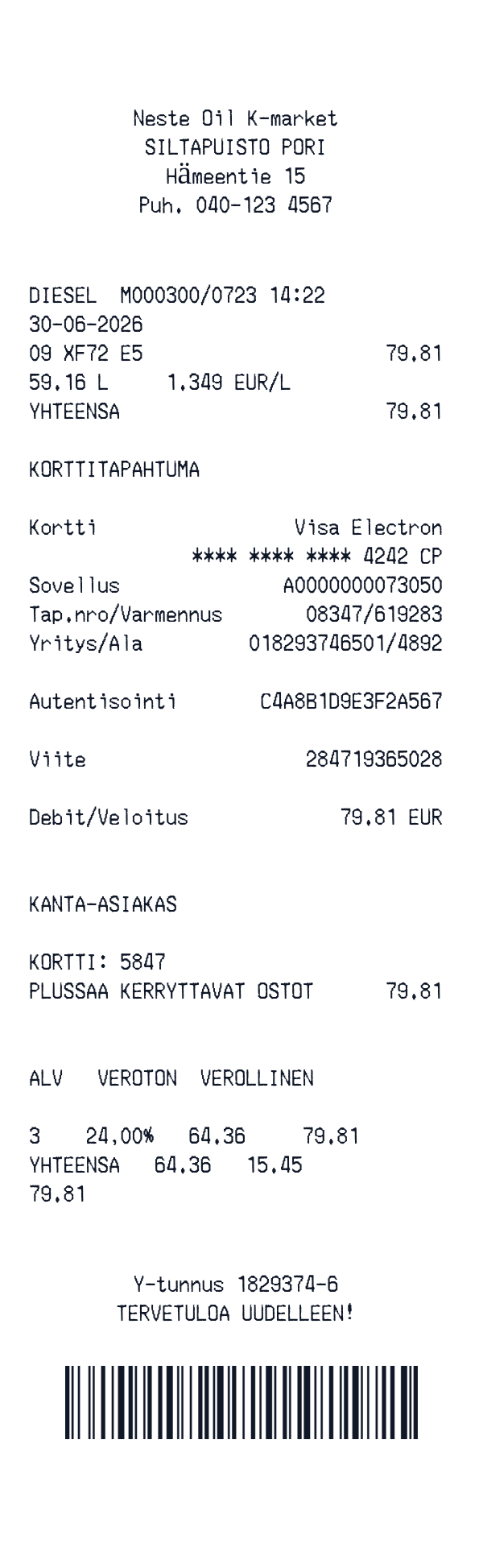
Get started in 1 minute
- ✔Create receipts in seconds
- ✔Customize everything
- ✔Easy with our Receipt Builder
