Free Panda Not Express Generator
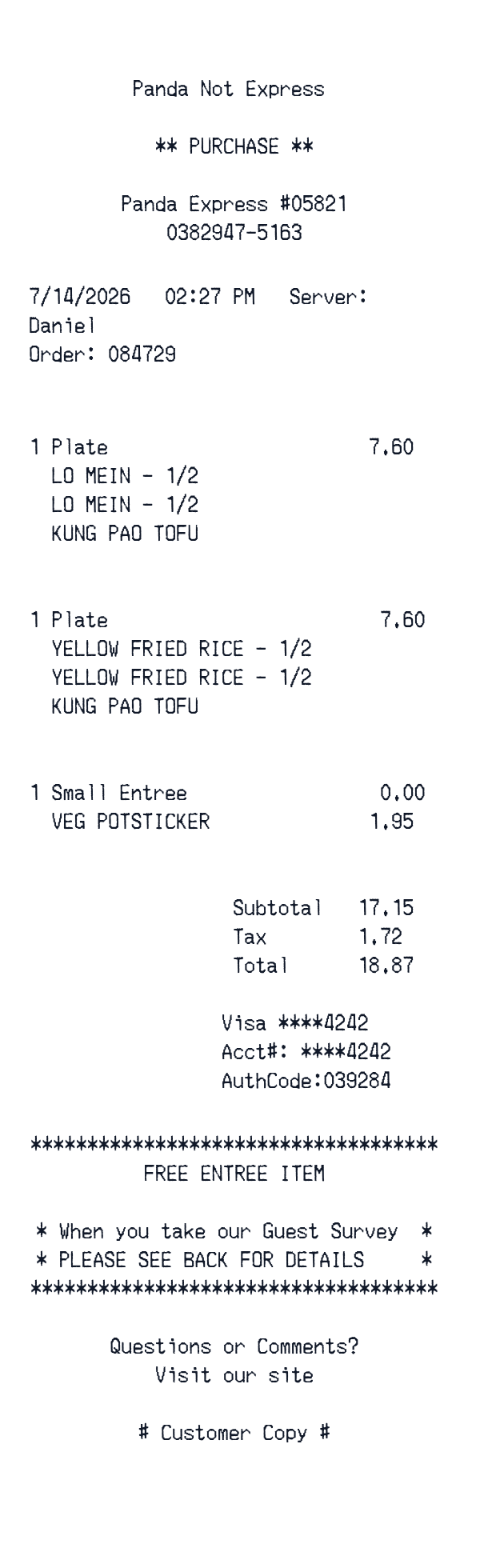
This Panda Not Express-style receipt template is a pre-filled restaurant receipt sample with a venue header, food lines, totals, and a card payment block. It is useful for personal dining records, food budget samples, hospitality training, or creative mockups. You can open it in the editor and adjust the fields.
- ✔Create a receipt in seconds
- ✔No design skills needed
- ✔Fully customizable
- ✔Add custom logo
- ✔Edit line items
- ✔Choose payment method
- ✔Add or remove receipt elements
What's on a real Panda Not Express receipt?
Every part of the receipt has a purpose. Here is what you will find on this template and why it matters.
Business header
The venue name, location or store identifier, and phone number identify the restaurant and the specific visit.
Visit details
Date, time, server, and order number tie the receipt to a particular meal and staff member.
Itemized dishes
Dishes and drinks are listed with modifiers, so the items match what was ordered.
Totals
Subtotal, tax, and total summarize the meal amount before payment.
Payment
The payment method appears after the total, usually with only the last four card digits.
Footer notes
Closing notes or a customer copy marker round out the receipt.
How the sample is arranged
This template comes pre-filled with a realistic sample receipt. Here is what it contains, top to bottom.
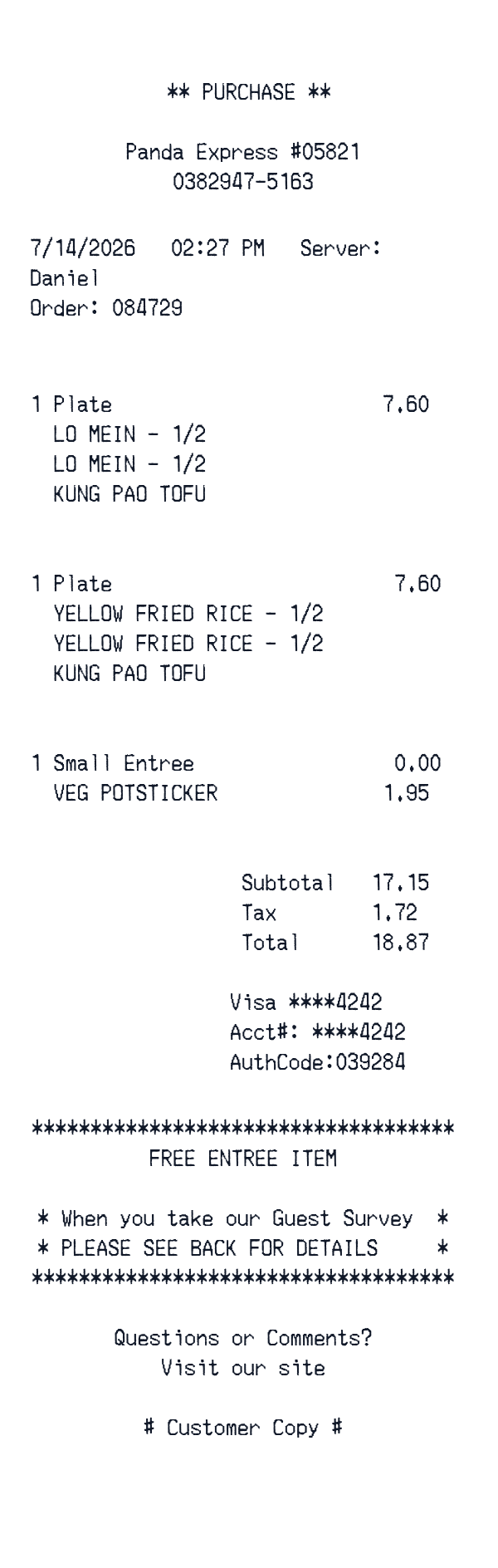
Panda Not Express appears at the top, with the PURCHASE line, Panda Express #05821, and phone 0382947-5163. The sample lists 7/14/2026, 02:27 PM, server Daniel, and order 084729. The first Plate line at 7.60 shows Lo Mein 1/2 lines and Kung Pao Tofu. The second Plate line at 7.60 shows Yellow Fried Rice 1/2 lines and Kung Pao Tofu. A Small Entree line at 0.00 shows Veg Potsticker 1.95. Subtotal 17.15, tax 1.72, total 18.87. Visa ****4242, Acct# ****4242, AuthCode 039284. Footer notes free entree item, guest survey, Customer Copy.
How to make a Panda Not Express?
With our Receipt Maker, creating any receipt is as easy as 1, 2, 3.
Customize your receipt
Customize every detail, from items to pricing and payment details, with ease.
Export your receipt
One-click export, ready to print.
Where a Panda Not Express receipt comes in handy
Personal dining records
Keep a record of restaurant visits and meal details.
Food budget
Track restaurant spending while building a personal food budget.
Meal cost review
Review itemized dishes, tax, and total for a personal meal record.
Film and app mockups
Create sample receipt visuals for film, TV, apps, or design.
Hospitality training
Prepare sample restaurant receipts for bookkeeping or hospitality training.
Digitizing paper receipts
Turn faded paper food receipts into a clean digital format.
Tips for a Panda Not Express receipt
- 1Keep the math consistent: item prices, subtotal, tax, and total should all add up.
- 2Include a check or order number, since it is one of the first details people notice.
- 3Add a server name for dine-in receipts, because most of them include that detail.
- 4For card payments, print only the last four digits of the card.
Similar Templates
More receipt templates like this one — pick one and generate your own receipt in seconds.
Get started in 1 minute
- ✔Create receipts in seconds
- ✔Customize everything
- ✔Easy with our Receipt Builder
