Free Jollibee Receipt Generator
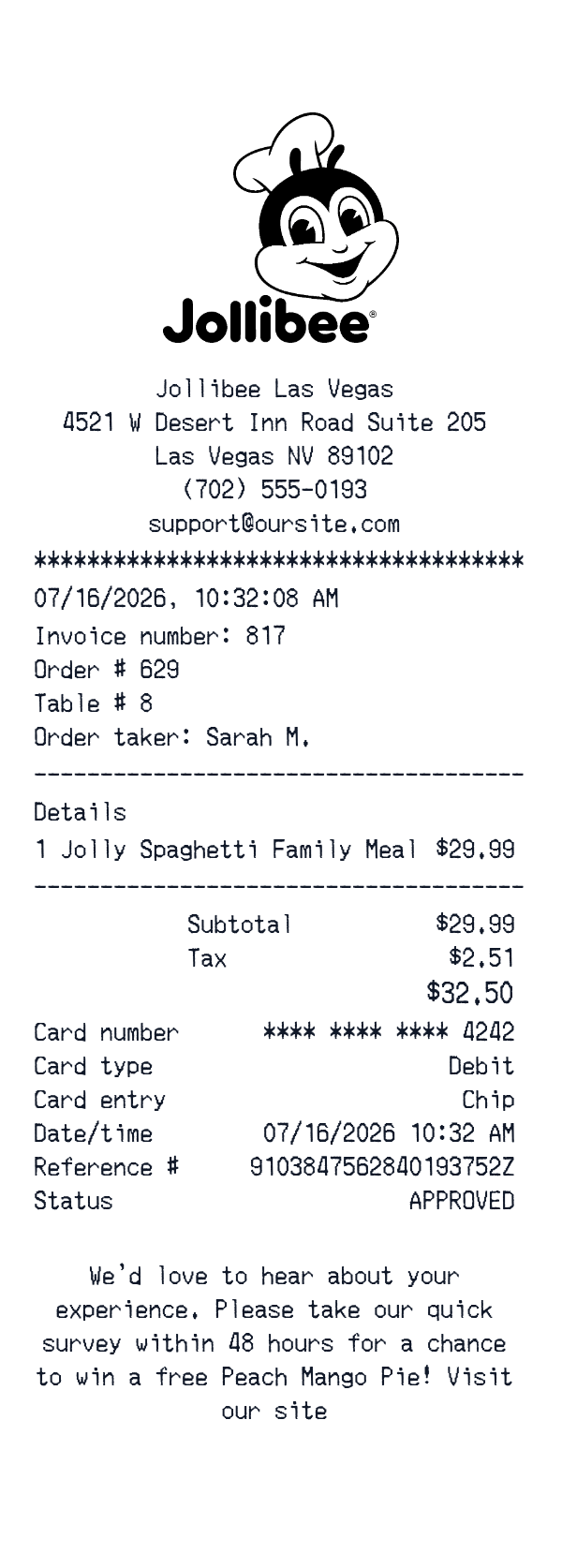
This Jollibee-style receipt template is an itemized restaurant check for a fast-food dining visit. It shows a store header, order details, a single meal line, separate subtotal and tax, and a card payment block.
Use it for personal dining records, hospitality training samples, creative mockups, or digitizing a paper check. The editor is where you adjust the fields and can download or print the finished receipt.
- ✔Create a receipt in seconds
- ✔No design skills needed
- ✔Fully customizable
- ✔Add custom logo
- ✔Edit line items
- ✔Choose payment method
- ✔Add or remove receipt elements
What's on a real Jollibee Receipt?
Every part of the receipt has a purpose. Here is what you will find on this template and why it matters.
Business header
The restaurant name, street address, city, phone number, and sometimes email appear at the top. They identify the location that issued the check.
Visit details
The date and time of the visit, often to the minute, are printed near the top. An order or invoice number can also appear here.
Staff and table
The order taker or server and table number identify the dining visit. These fields are common on dine-in checks.
Itemized meal lines
Food and drink lines list quantities and prices. They are usually grouped by course or service order.
Subtotal and tax
The subtotal and sales tax are printed separately before the final total. This makes the pre-tax amount easy to review.
Payment block
The payment method, card type, last four digits, entry method, reference number, and status appear here. It shows how the check was settled.
How the sample is arranged
This template comes pre-filled with a realistic sample receipt. Here is what it contains, top to bottom.
Jollibee Las Vegas, 4521 W Desert Inn Road Suite 205, Las Vegas NV 89102, (702) 555-0193, support@oursite.com. 07/16/2026, 10:32:08 AM. Invoice number: 817; Order # 629; Table # 8; Order taker: Sarah M. Details. Jolly Spaghetti Family Meal, 1, $29.99. Subtotal $29.99; Tax $2.51; Total $32.50. Debit card, **** **** **** 4242, chip, 07/16/2026 10:32 AM, reference 9103847562840193752Z, APPROVED. Survey message about a free Peach Mango Pie.
How to make a Jollibee Receipt?
With our Receipt Maker, creating any receipt is as easy as 1, 2, 3.
Customize your receipt
Customize every detail, from items to pricing and payment details, with ease.
Export your receipt
One-click export, ready to print.
Where a Jollibee Receipt comes in handy
Personal dining records
Keep a record of fast-food visits and their costs.
Dining budget
Track spending on family meals and casual dining.
Meal cost review
Check a meal line against the subtotal, tax, and total.
Film and app mockups
Build a fast-food check for a scene, app, or design.
Hospitality training
Prepare a sample itemized check for service or bookkeeping lessons.
Digitizing paper checks
Turn a faded fast-food check into a clean image.
Tips for a Jollibee Receipt
- 1Keep the math consistent: item price, subtotal, tax, and total should all add up.
- 2Include an order number, table number, and order taker, which this fast-food check carries.
- 3List the meal line before the subtotal, tax, and total, like an itemized restaurant check.
- 4For card payments, show the card type, last four digits, entry method, and approval status.
- 5Use a clear date and time, and keep the survey message in the footer.
Similar Templates
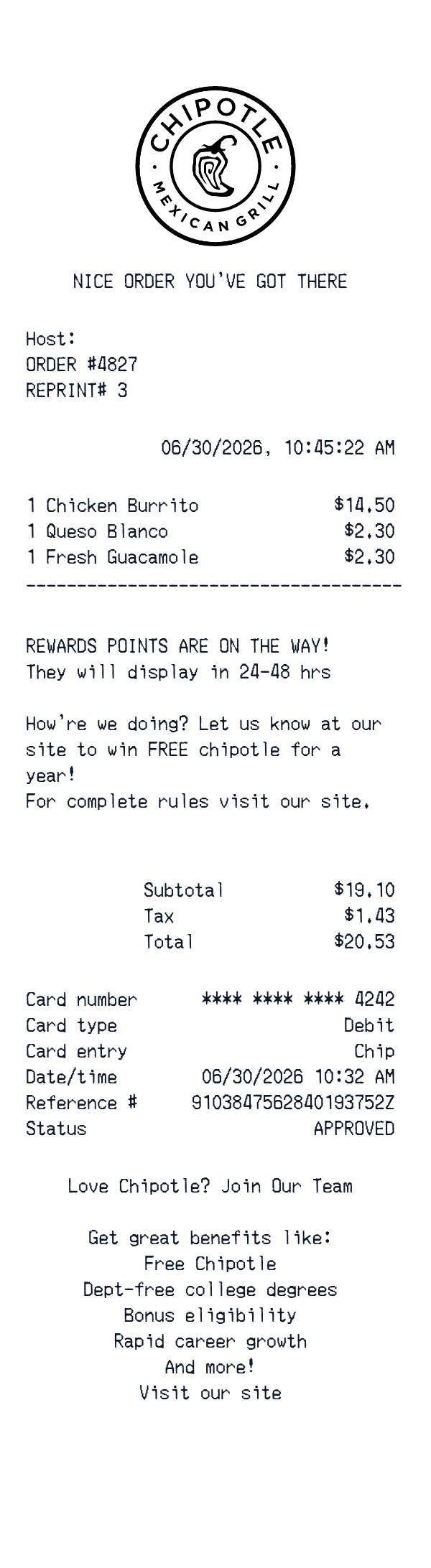
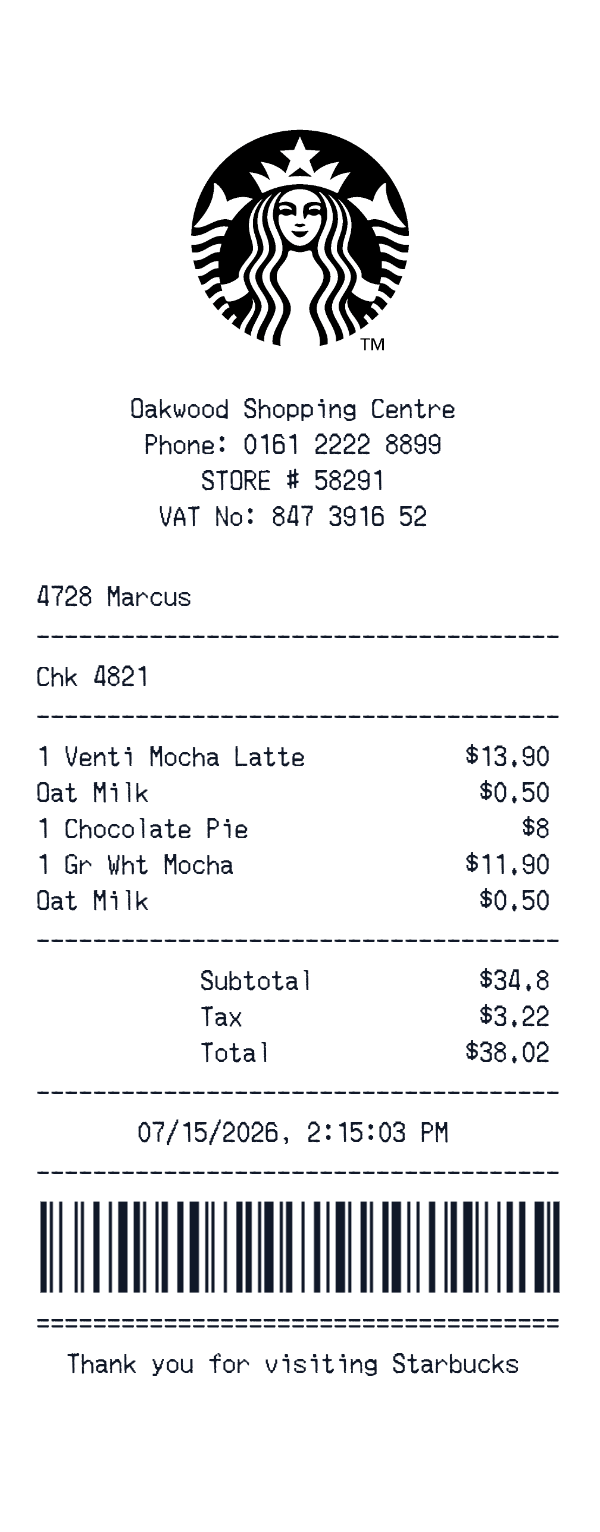
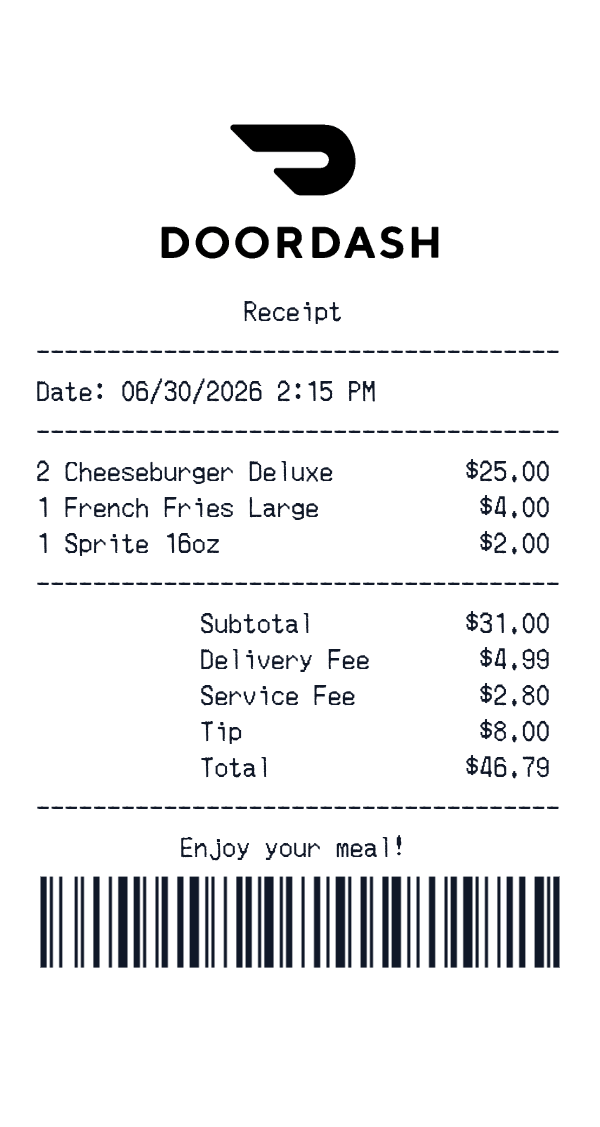
More receipt templates like this one — pick one and generate your own receipt in seconds.
Get started in 1 minute
- ✔Create receipts in seconds
- ✔Customize everything
- ✔Easy with our Receipt Builder