Free NOMAD Coffee & Bakery Receipt Generator
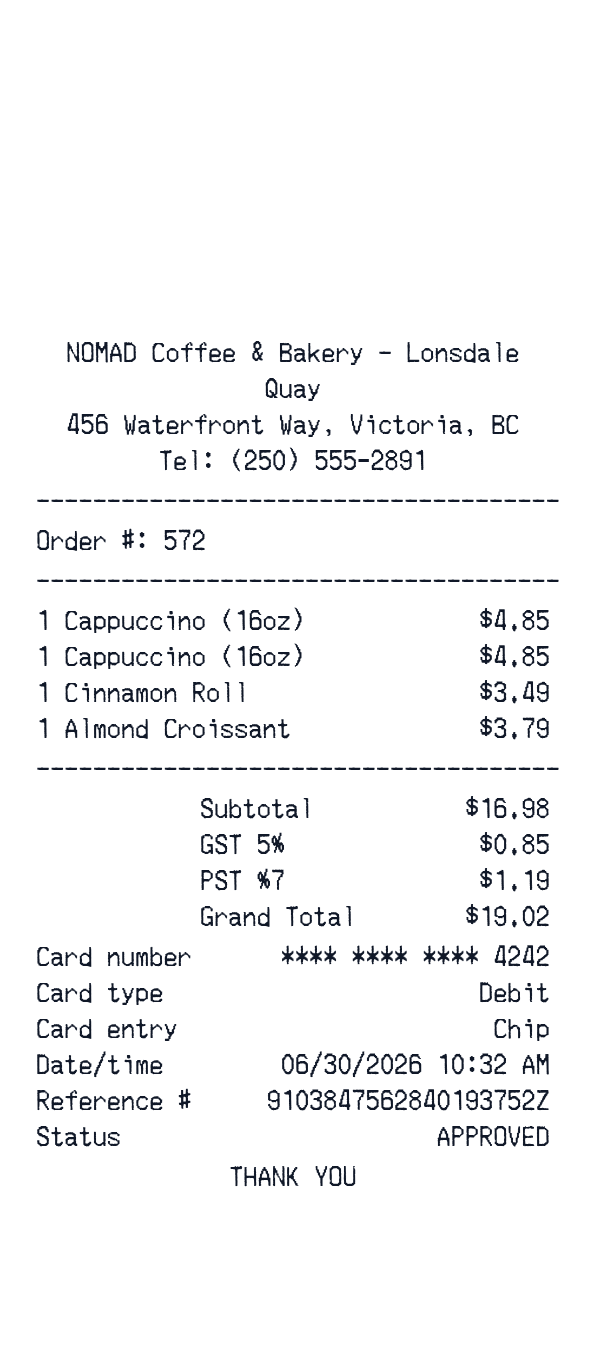
This NOMAD Coffee & Bakery receipt template creates a cafe-style itemized receipt. It shows a small coffee and bakery order with drinks, pastries, taxes, and a card payment. The template opens in the editor, where you can adjust the business details, item lines, totals, and payment information.
- ✔Create a receipt in seconds
- ✔No design skills needed
- ✔Fully customizable
- ✔Add custom logo
- ✔Edit line items
- ✔Choose payment method
- ✔Add or remove receipt elements
What's on a real NOMAD Coffee & Bakery Receipt?
Every part of the receipt has a purpose. Here is what you will find on this template and why it matters.
Venue header
The cafe or bakery name, address, and phone number identify the business at the top.
Order number
A short order or check number helps distinguish one sale from another.
Itemized lines
Each drink or baked good appears as its own line, often with size or quantity details.
Tax and total lines
Subtotal, applicable tax rates, and grand total show how the final amount is calculated.
Card payment
Card payment details can include the card type, entry method, last four digits, date and time, and reference number.
Closing note
A brief thank-you or other short note can close the receipt.
How the sample is arranged
This template comes pre-filled with a realistic sample receipt. Here is what it contains, top to bottom.
NOMAD Coffee & Bakery – Lonsdale Quay 456 Waterfront Way, Victoria, BC Tel: (250) 555‑2891 Order #: 572 Cappuccino (16oz) ×1 — $4.85 Cappuccino (16oz) ×1 — $4.85 Cinnamon Roll ×1 — $3.49 Almond Croissant ×1 — $3.79 Subtotal $16.98 GST 5% $0.85 PST %7 $1.19 Grand Total $19.02 Card payment: Debit, chip, **** **** **** 4242, 06/30/2026 10:32 AM, reference 9103847562840193752Z, approved THANK YOU
How to make a NOMAD Coffee & Bakery Receipt?
With our Receipt Maker, creating any receipt is as easy as 1, 2, 3.
Customize your receipt
Customize every detail, from items to pricing and payment details, with ease.
Export your receipt
One-click export, ready to print.
Where a NOMAD Coffee & Bakery Receipt comes in handy
Cafe purchase records
Keep a personal record of coffee and bakery purchases.
Food budget tracking
Track cafe spending as part of a personal food budget.
Meal cost review
Check that drink and pastry lines add to the final total.
Film and app mockups
Create sample cafe receipts for film, TV, apps, or design projects.
Hospitality training samples
Prepare sample itemized cafe receipts for bookkeeping or hospitality training.
Paper receipt digitizing
Digitize faded paper cafe receipts into a clean digital format.
Tips for a NOMAD Coffee & Bakery Receipt
- 1Keep item prices, subtotal, GST, PST, and grand total mathematically consistent.
- 2Use the last four digits only when showing a card payment.
- 3Include a short order number near the top so each sample is easy to identify.
- 4List drink sizes and pastry names on separate lines, matching the quantities and prices.
Similar Templates
More receipt templates like this one — pick one and generate your own receipt in seconds.
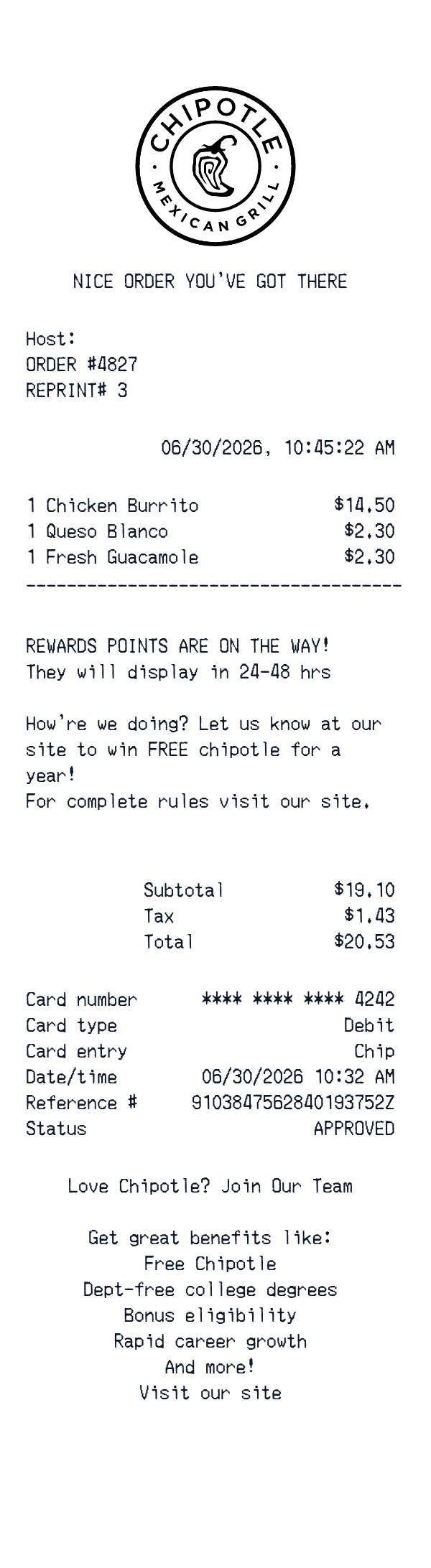
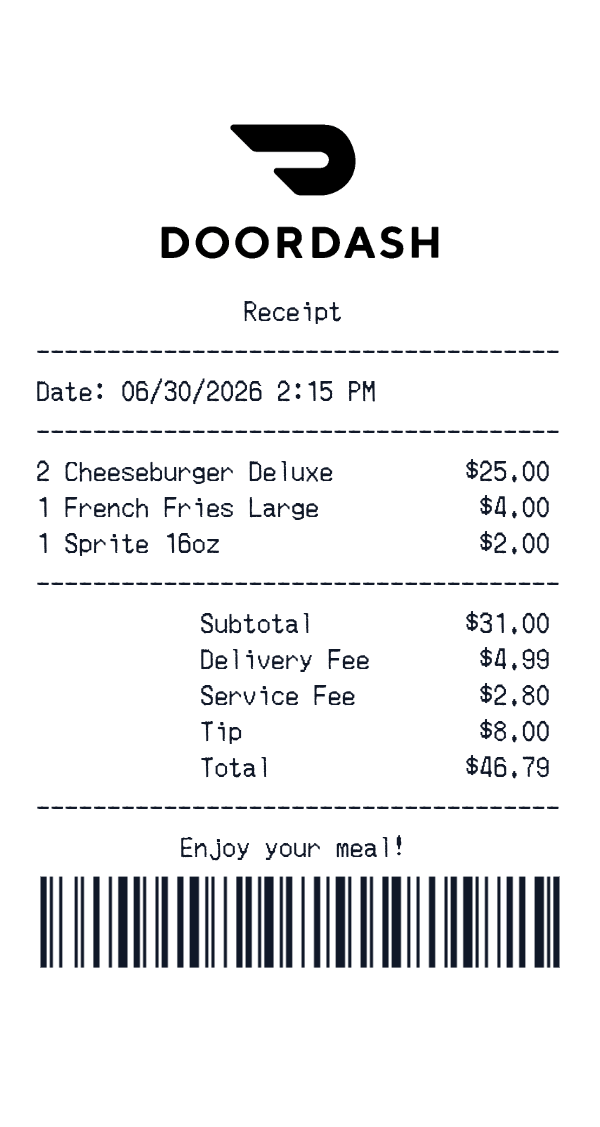
Get started in 1 minute
- ✔Create receipts in seconds
- ✔Customize everything
- ✔Easy with our Receipt Builder
