Free Market Basket Receipt Generator
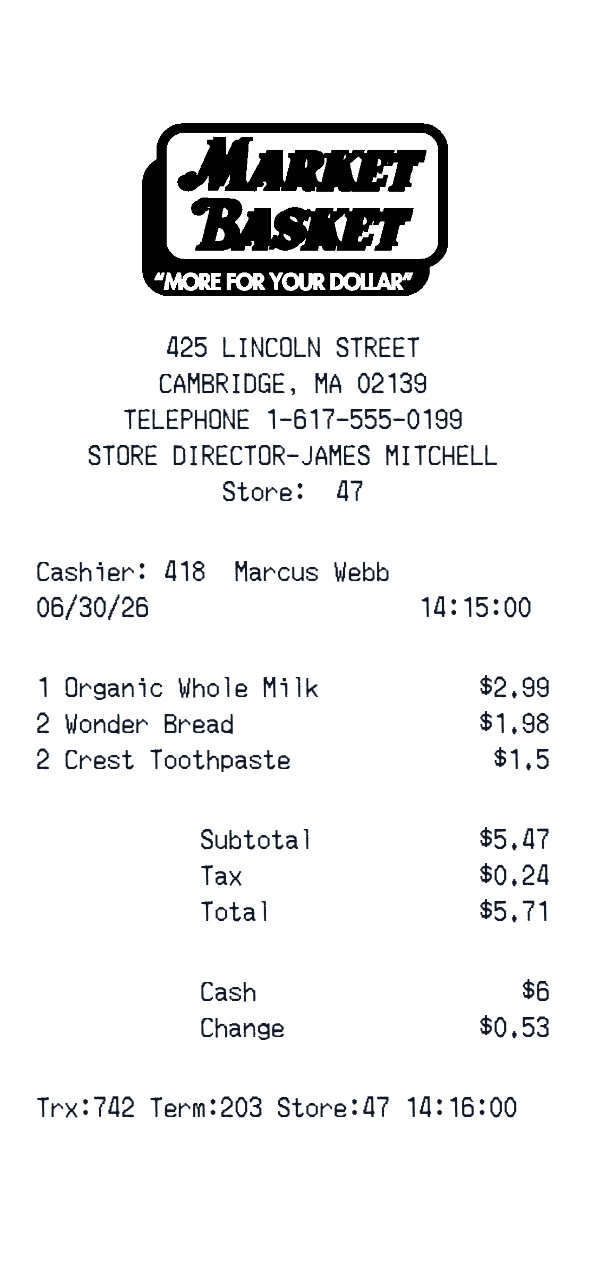
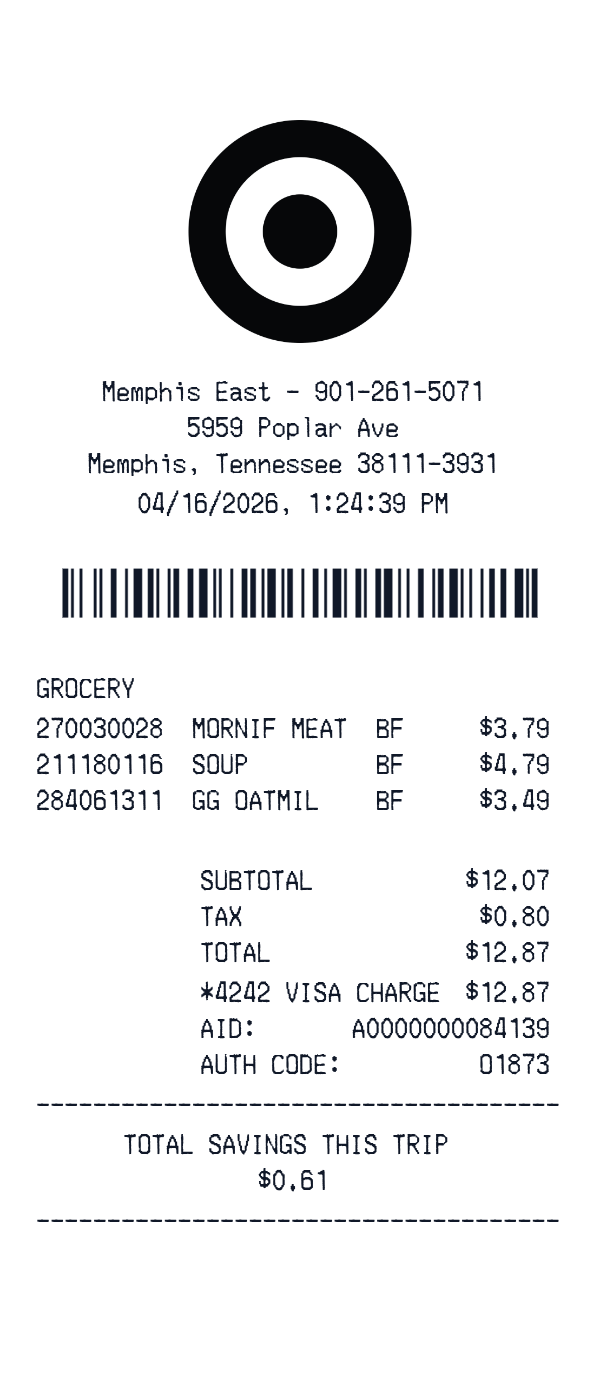
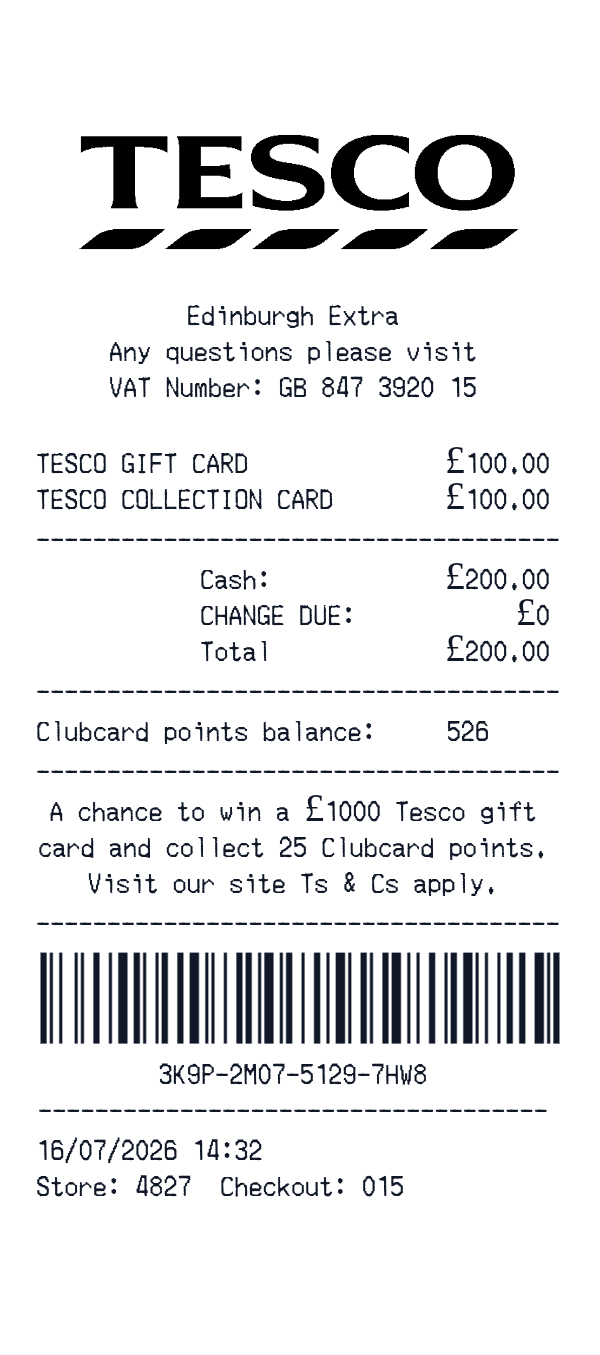
This Market Basket-style receipt template is a simple grocery receipt layout for itemized store purchases. It includes a store header, date and time, product lines, subtotal, tax, total, and a cash payment block.
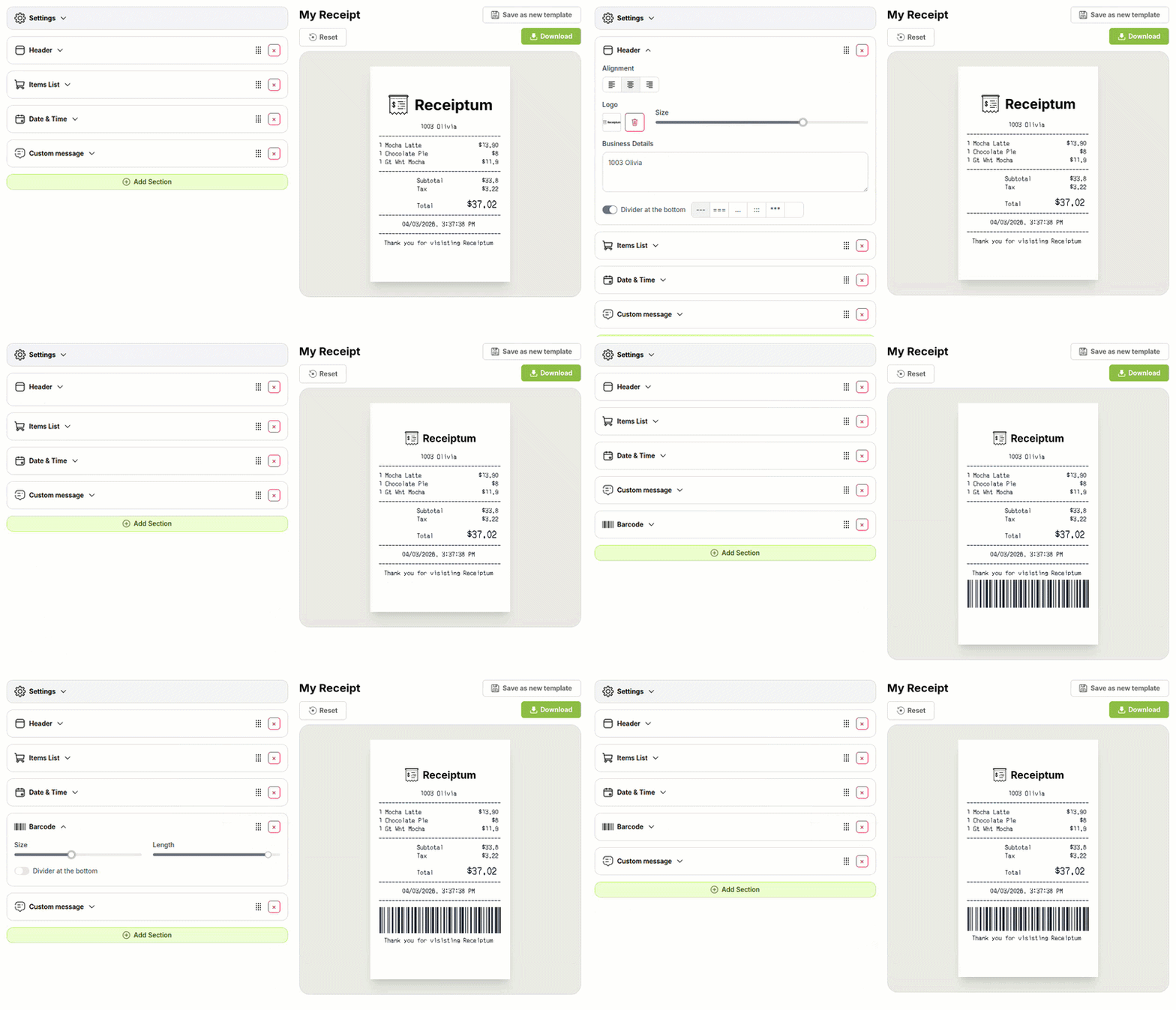
In the Receiptum editor, you can customize each field and download the finished receipt as a PNG image or print it directly.
- ✔Create a receipt in seconds
- ✔No design skills needed
- ✔Fully customizable
- ✔Add custom logo
- ✔Edit line items
- ✔Choose payment method
- ✔Add or remove receipt elements
What's on a real Market Basket Receipt?
Every part of the receipt has a purpose. Here is what you will find on this template and why it matters.
Store header
The store name, number, address, and phone appear at the top. They identify the location where the purchase happened.
Date and cashier
The purchase date, time, and cashier or register line record when the transaction occurred. They help match the receipt to a specific visit.
Itemized products
Each product line shows the item, quantity, and price. This makes the purchase contents easy to review.
Subtotal and tax
The subtotal lists the pre-tax amount, and tax adds the applicable charge. Together they explain how the final total is reached.
Final total
The total is the amount due after tax. It is the key figure for payment and record keeping.
Cash payment
The payment block shows the cash tendered and change due. It confirms how the shopper settled the purchase.
How the sample is arranged
This template comes pre-filled with a realistic sample receipt. Here is what it contains, top to bottom.
425 LINCOLN STREET, Cambridge, MA 02139, phone 1-617-555-0199, Store Director-James Mitchell, Store: 47. Cashier: 418 Marcus Webb, 06/30/26 14:15:00, then Trx:742 Term:203 Store:47 14:16:00. Organic Whole Milk 1 $2.99; Wonder Bread 2 $1.98; Crest Toothpaste 2 $1.50. Subtotal $5.47, Tax $0.24, Total $5.71. Cash $6.00, Change $0.53. The sample has no logo or barcode.
How to make a Market Basket Receipt?
With our Receipt Maker, creating any receipt is as easy as 1, 2, 3.
Customize your receipt
Customize every detail, from items to pricing and payment details, with ease.
Export your receipt
One-click export, ready to print.
Where a Market Basket Receipt comes in handy
Personal purchase records
Keep a clean personal record of a grocery trip and its cost.
Household food budget
Track household food spending and keep a clear monthly budget picture.
Trip cost review
Review what a shopping trip cost, line by line.
Film and app mockups
Build grocery receipt mockups for film, TV, apps, or design projects.
Retail education
Prepare sample itemized receipts for retail or bookkeeping education.
Digitizing paper receipts
Turn a paper grocery receipt into a clean digital record.
Tips for a Market Basket Receipt
- 1Use abbreviated product names, because real grocery registers often print short codes instead of full titles.
- 2Keep the item count consistent with the number of product lines shown in the list.
- 3Match the tax amount to the taxed subtotal so the total stays internally consistent.
- 4For cash payments, show the amount tendered and the change due as separate lines.
Similar Templates
More receipt templates like this one — pick one and generate your own receipt in seconds.
Get started in 1 minute
- ✔Create receipts in seconds
- ✔Customize everything
- ✔Easy with our Receipt Builder