Free Hardee's Receipt Generator
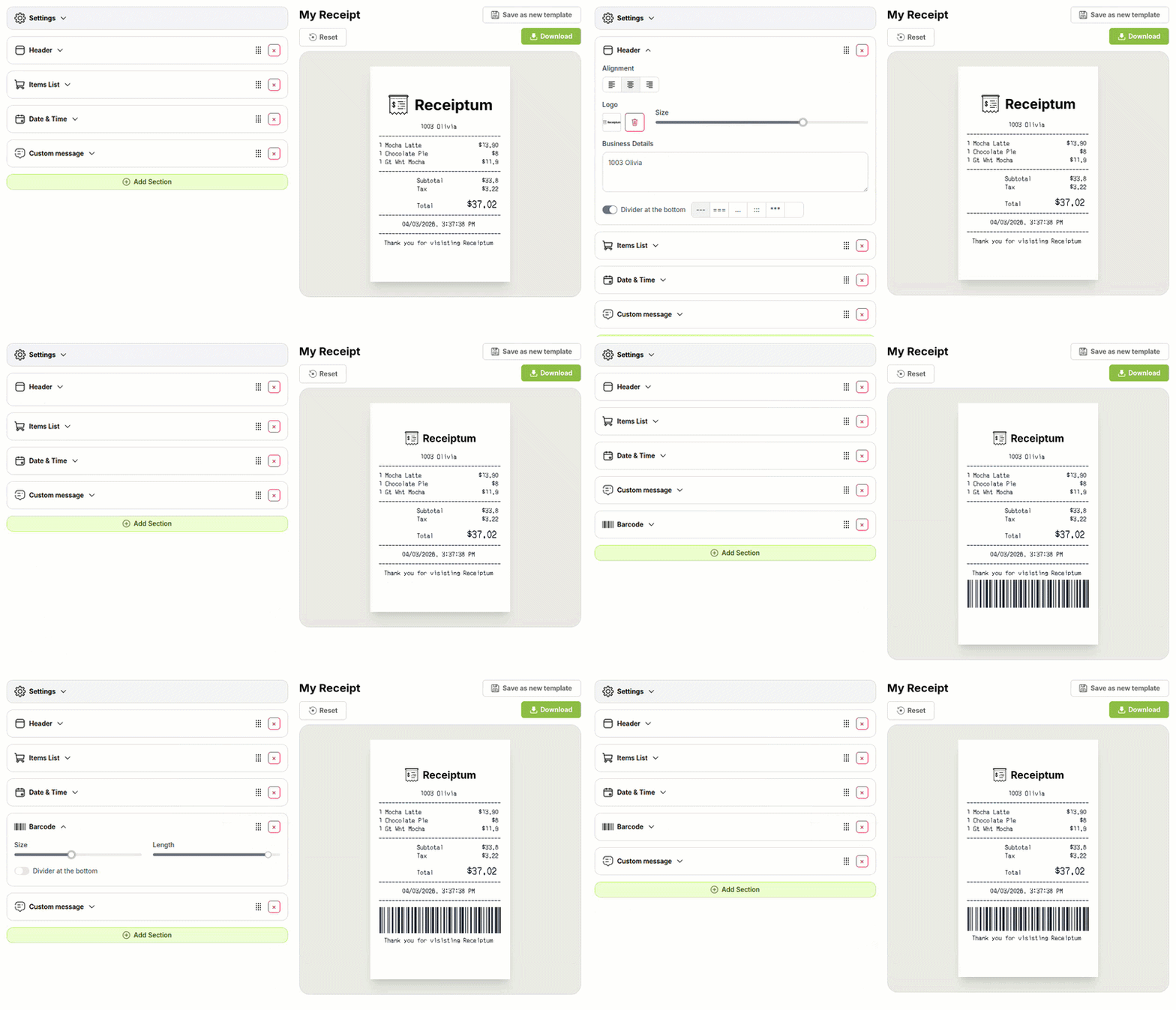
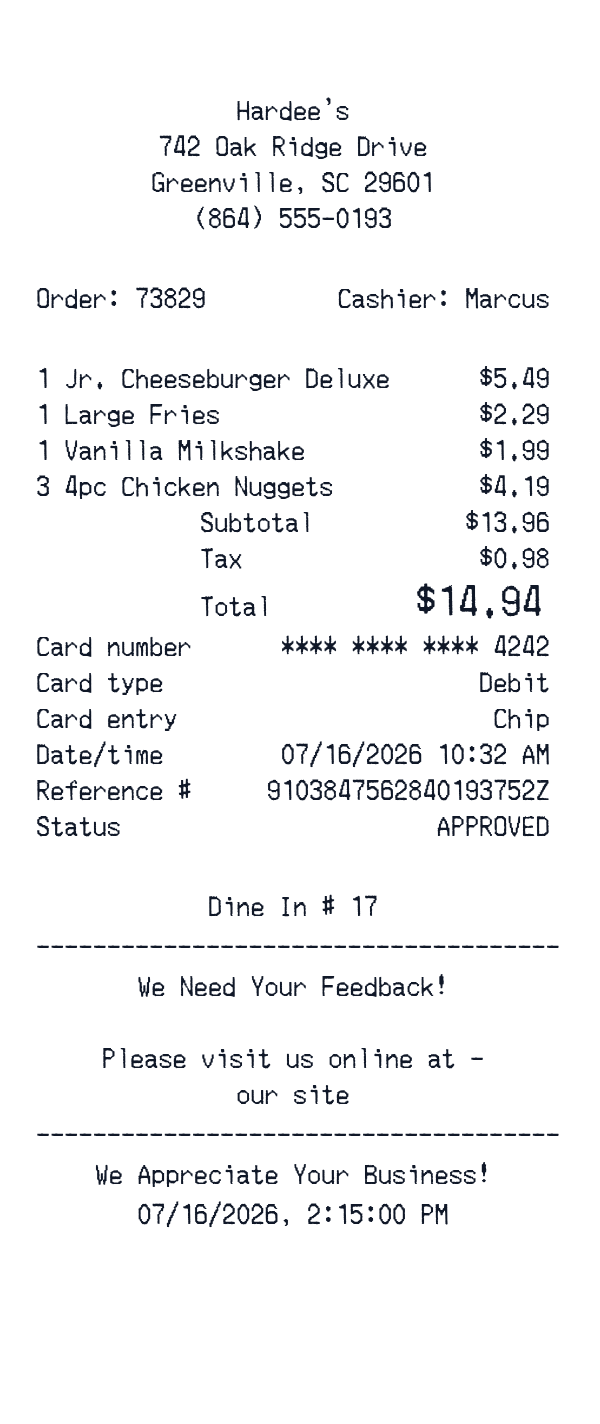
This Hardee's-style receipt template is a fast-food itemized receipt layout with a restaurant header, order number, food lines, totals, card payment, and footer notes. It is useful for personal meal records, budget tracking, training samples, or creative mockups. The editor lets you adjust the fields.
- ✔Create a receipt in seconds
- ✔No design skills needed
- ✔Fully customizable
- ✔Add custom logo
- ✔Edit line items
- ✔Choose payment method
- ✔Add or remove receipt elements
What's on a real Hardee's Receipt?
Every part of the receipt has a purpose. Here is what you will find on this template and why it matters.
Venue header
Shows the restaurant name, street address, and phone number so the dining location is clear.
Check or order number
Identifies the specific dine-in or counter visit, which is useful for matching the receipt to the meal.
Food and drink lines
Lists the ordered items with quantities and prices, giving a clear breakdown of the meal.
Subtotal and tax
Separates the pre-tax amount from sales tax before the final total.
Total
Shows the final amount due after subtotal and tax.
Card payment block
Records the payment method, masked card digits, entry type, reference details, and approval status.
Footer notes and time
Carries short service messages and the visit date or time.
How the sample is arranged
This template comes pre-filled with a realistic sample receipt. Here is what it contains, top to bottom.
Hardee's header shows 742 Oak Ridge Drive, Greenville, SC 29601, and (864) 555-0193. Dine In # 17 appears near the top. Items list Jr. Cheeseburger Deluxe 1 at 5.49, Large Fries 1 at 2.29, Vanilla Milkshake 1 at 1.99, and 4pc Chicken Nuggets 3 at 4.19. Totals show Subtotal 13.96, Tax 0.98, and Total 14.94. Payment shows a debit card ending 4242, chip entry, 07/16/2026 10:32 AM, reference number, and approved. Footer includes feedback, appreciation, and 07/16/2026, 2:15:00 PM.
How to make a Hardee's Receipt?
With our Receipt Maker, creating any receipt is as easy as 1, 2, 3.
Customize your receipt
Customize every detail, from items to pricing and payment details, with ease.
Export your receipt
One-click export, ready to print.
Where a Hardee's Receipt comes in handy
Personal dining records
Keep a record of fast-food meals and totals.
Food budget tracking
Track spending on quick meals and snacks.
Itemized meal review
Check the meal against itemized food lines and total.
Film and design mockups
Create a sample fast-food receipt for scenes or design screens.
Hospitality training samples
Prepare sample receipts for bookkeeping or service training.
Digitizing paper receipts
Convert faded paper fast-food receipts into a clean digital format.
Tips for a Hardee's Receipt
- 1Keep the math consistent: item prices, subtotal, tax, and total should add up.
- 2Include a check or order number near the top, since it is one of the first things people notice.
- 3For card payments, show only the last four digits of the card.
- 4Keep fast-food item names and quantities clear, with modifiers only when they affect the price.
- 5Use a clear date and time for the meal visit.
Similar Templates
More receipt templates like this one — pick one and generate your own receipt in seconds.
Get started in 1 minute
- ✔Create receipts in seconds
- ✔Customize everything
- ✔Easy with our Receipt Builder