Free Finish Line Receipt Generator
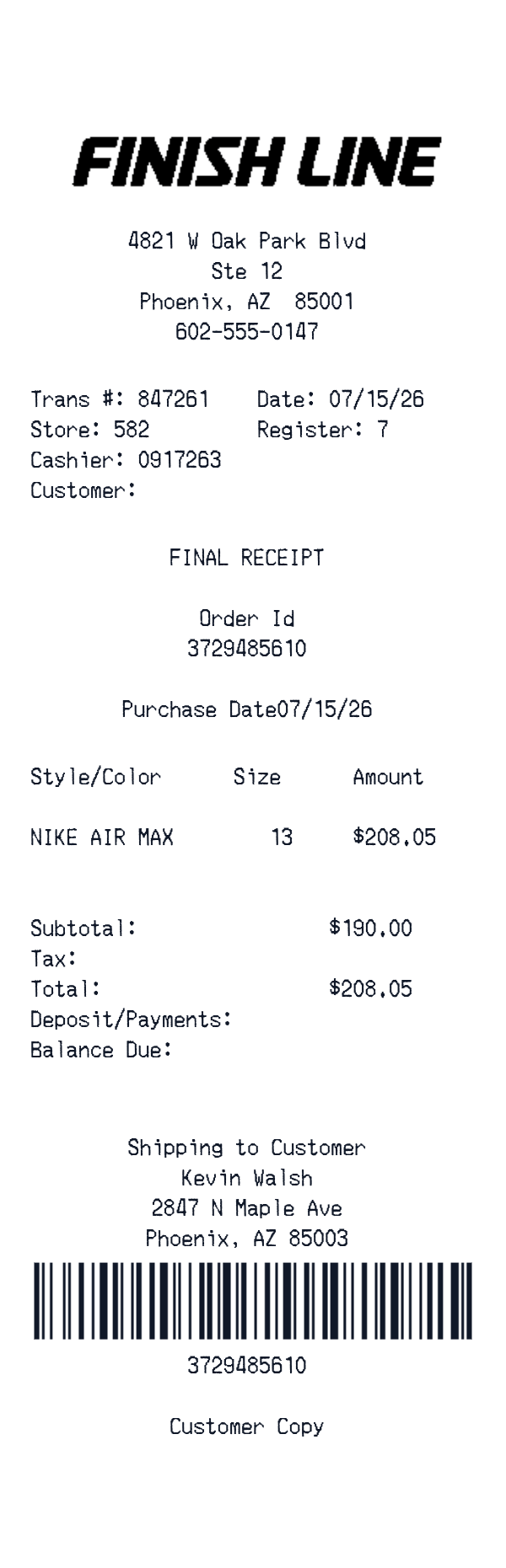
This Finish Line-style receipt template is a retail store receipt layout for a purchase with a style, size, and amount line. It includes a store header, transaction identifiers, an item line, subtotal, tax, total, payment fields, shipping details, and a customer-copy footer. The editor lets you adjust the fields, colors, logo, and layout before downloading as a PNG or printing.
- ✔Create a receipt in seconds
- ✔No design skills needed
- ✔Fully customizable
- ✔Add custom logo
- ✔Edit line items
- ✔Choose payment method
- ✔Add or remove receipt elements
What's on a real Finish Line Receipt?
Every part of the receipt has a purpose. Here is what you will find on this template and why it matters.
Store header
Identifies the store location with address and phone, helping the reader know which outlet issued the receipt.
Transaction identifiers
Carries the receipt, order, store, register, cashier, and date fields used to track the sale.
Item line
Shows the purchased product with style/color, size, and amount, which is the core detail for a footwear or apparel sale.
Totals
Presents subtotal, tax, and final total so the purchase amount can be checked against the item lines.
Payment and balance
Provides deposit/payment and balance-due fields for recording how the purchase was settled or what remains.
Customer and closing block
Includes shipping or customer details, a barcode, and a customer-copy marker to complete the record.
How the sample is arranged
This template comes pre-filled with a realistic sample receipt. Here is what it contains, top to bottom.
Business header: 4821 W Oak Park Blvd, Ste 12, Phoenix, AZ 85001, with phone 602-555-0147 and a logo. Transaction block: Trans # 847261, Date 07/15/26, Store 582, Register 7, Cashier 0917263, Customer blank; FINAL RECEIPT, Order Id 3729485610, Purchase Date 07/15/26. Item line: NIKE AIR MAX, size 13, $208.05. Totals: Subtotal $190.00, Tax blank, Total $208.05. Payment: Deposit/Payments and Balance Due are blank. Closing: Shipping to Customer Kevin Walsh, 2847 N Maple Ave, Phoenix, AZ 85003; barcode 3729485610 and Customer Copy.
How to make a Finish Line Receipt?
With our Receipt Maker, creating any receipt is as easy as 1, 2, 3.
Customize your receipt
Customize every detail, from items to pricing and payment details, with ease.
Export your receipt
One-click export, ready to print.
Where a Finish Line Receipt comes in handy
Personal purchase records
Keeping a clean personal record of shoe or apparel purchases and their costs.
Business spending log
Tracking business purchases of footwear or apparel in a simple spending log.
Trip cost review
Reviewing what a shopping trip cost, line by line, for personal records.
Design and film mockups
Creating retail mockups for design, film, or TV projects.
Retail training material
Preparing sample receipts for retail training, education, or register practice.
Digitizing paper receipts
Digitizing paper receipts into a clean digital format for personal files.
Tips for a Finish Line Receipt
- 1Keep product names short and register-style, using style, size, and amount columns for footwear lines.
- 2Match the tax amount to the tax rate shown, or leave the tax line blank if no rate is printed.
- 3Include a receipt or order number, store number, register, cashier, and a consistent purchase date.
- 4For card payments, print only the last four digits; for cash, show tender and change due if needed.
- 5Add a short return-policy or customer-service line near the bottom if the store uses one.
Similar Templates
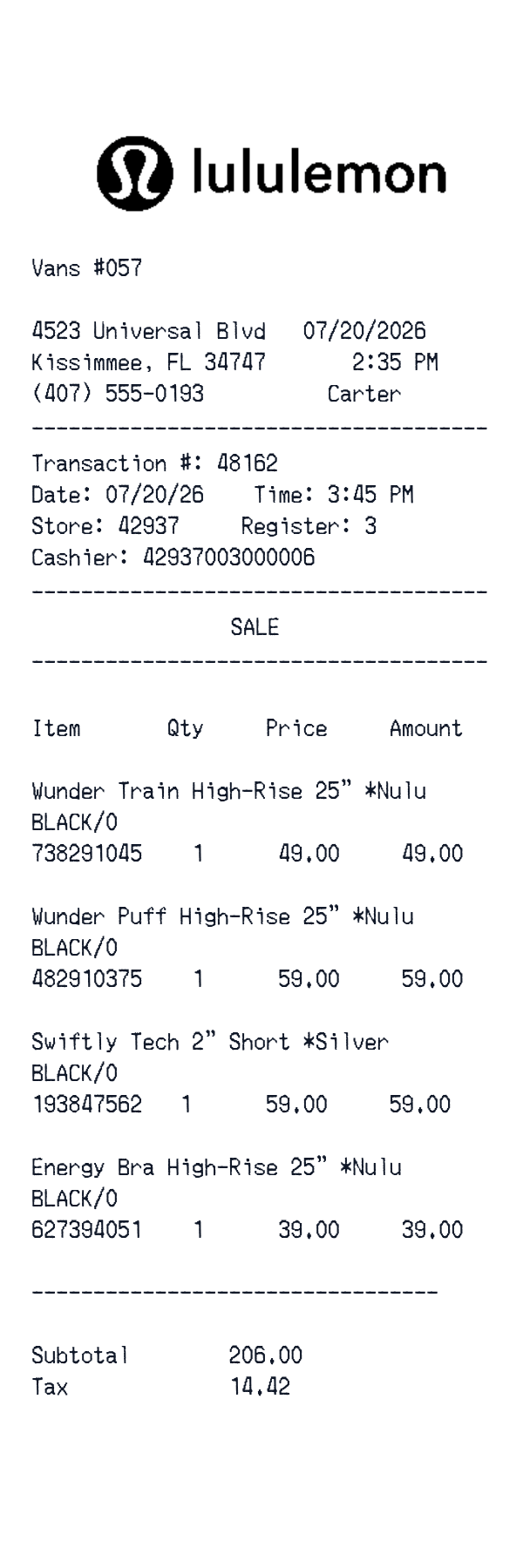
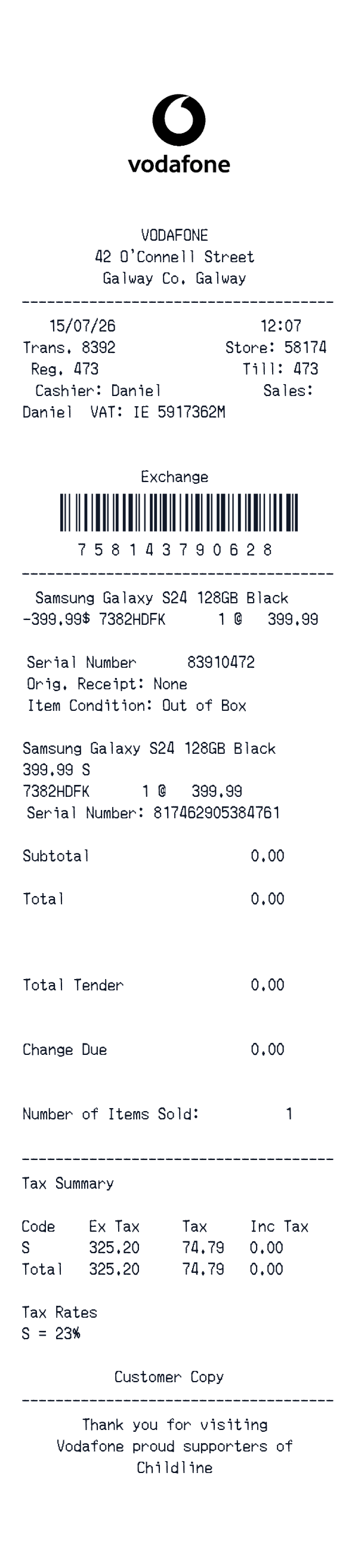
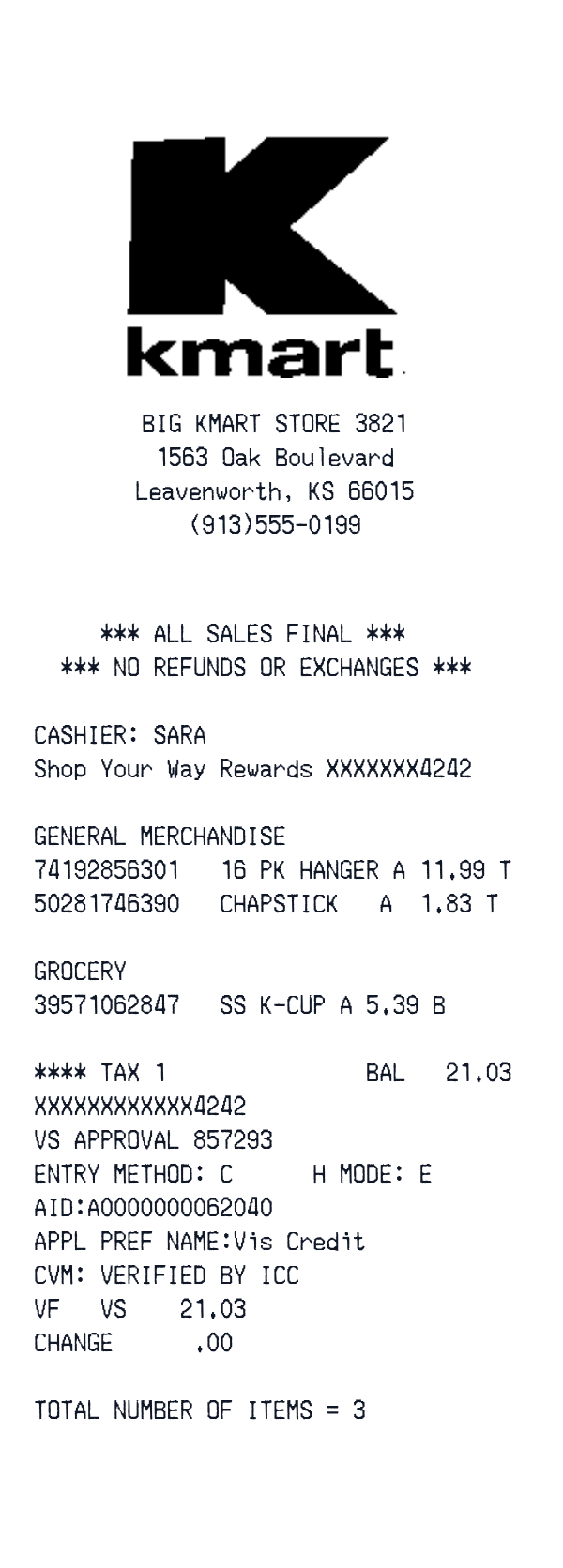
More receipt templates like this one — pick one and generate your own receipt in seconds.
Get started in 1 minute
- ✔Create receipts in seconds
- ✔Customize everything
- ✔Easy with our Receipt Builder
