Free GOAT Receipt Generator
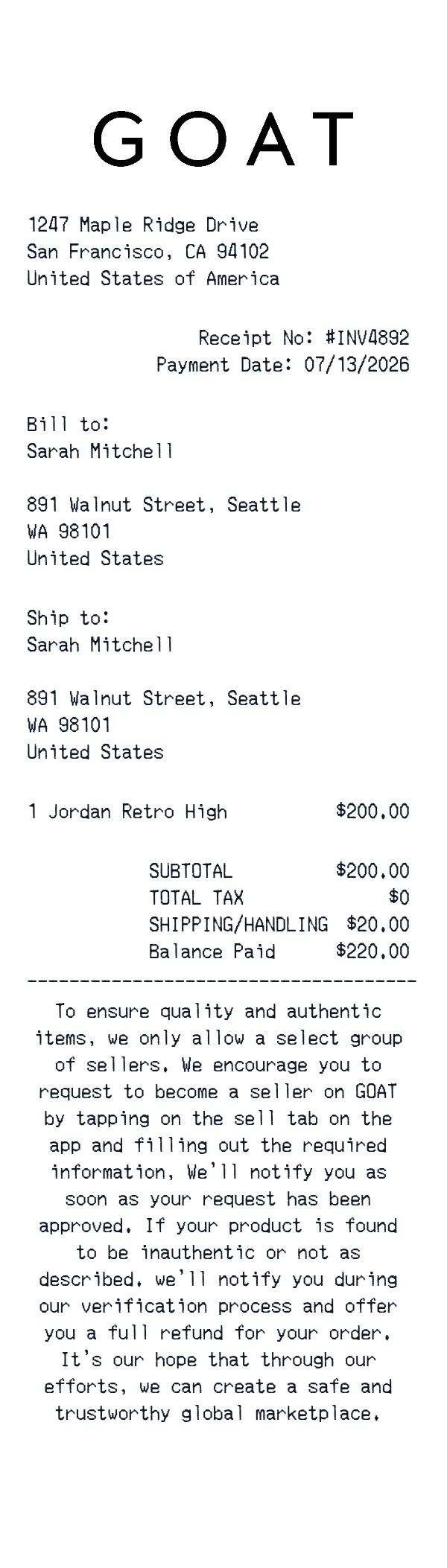
This GOAT-style receipt template is a retail itemized receipt layout for marketplace or sneaker purchases. It includes a business address, receipt number, bill and ship details, one product line, subtotal, tax, shipping, and a balance paid total.
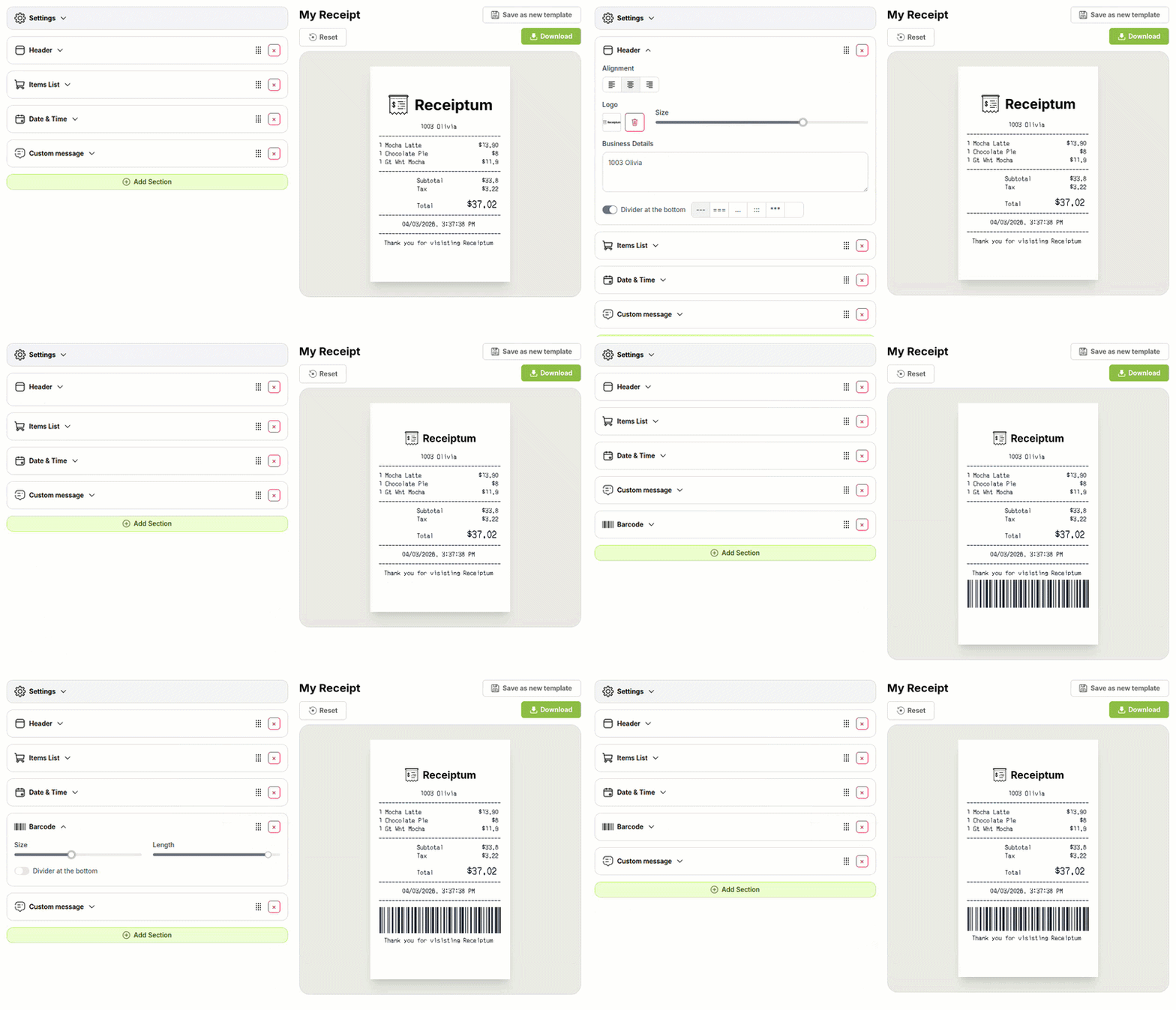
The editor lets you adjust the fields, colors, and logo before downloading or printing.
- ✔Create a receipt in seconds
- ✔No design skills needed
- ✔Fully customizable
- ✔Add custom logo
- ✔Edit line items
- ✔Choose payment method
- ✔Add or remove receipt elements
What's on a real GOAT Receipt?
Every part of the receipt has a purpose. Here is what you will find on this template and why it matters.
Business header
The top block identifies the store or marketplace address, giving the receipt a clear point of origin.
Receipt number and date
A transaction identifier and payment date help distinguish this receipt from other purchases and keep records orderly.
Bill and ship details
Customer name and address lines show who the order was billed to and where it was delivered, which is common for marketplace orders.
Itemized products
Each purchased item appears with quantity and price, making it easy to see what was bought and how the total was built.
Subtotal, tax, shipping
The total lines break out the base amount, tax, and shipping or handling charges before the final balance.
Balance paid
The final paid amount closes the financial section and confirms the amount settled for the order.
Marketplace note
A short seller or authenticity note explains the marketplace's verification and refund policy in a customer-facing way.
How the sample is arranged
This template comes pre-filled with a realistic sample receipt. Here is what it contains, top to bottom.
The sample header shows 1247 Maple Ridge Drive, San Francisco, CA 94102, United States of America. Below it are Receipt No: #INV4892 and Payment Date: 07/13/2026, followed by bill-to and ship-to lines for Sarah Mitchell at 891 Walnut Street, Seattle, WA 98101, United States. The item line shows Jordan Retro High, quantity 1, 200.00. The totals list SUBTOTAL 200.00, TOTAL TAX 0, and SHIPPING/HANDLING 20.00. No payment method is shown; the final line is Balance Paid 220.00. A GOAT marketplace note appears near the bottom.
How to make a GOAT Receipt?
With our Receipt Maker, creating any receipt is as easy as 1, 2, 3.
Customize your receipt
Customize every detail, from items to pricing and payment details, with ease.
Export your receipt
One-click export, ready to print.
Where a GOAT Receipt comes in handy
Personal purchase records
Keeping a clean record of marketplace sneaker purchases and their costs.
Sneaker spending log
Tracking personal sneaker purchases across orders in one place.
Order cost review
Reviewing a marketplace order line by line, including shipping and tax.
Design and film mockups
Creating retail marketplace mockups for design, film, or TV projects.
Retail training material
Preparing sample marketplace receipts for retail or customer-service training.
Digitizing paper receipts
Turning paper marketplace receipts into a clean digital format.
Tips for a GOAT Receipt
- 1Keep product names short, such as the sneaker model, and avoid long marketing descriptions.
- 2Include a receipt number and payment date, then keep both fields consistent across the layout.
- 3Match the tax amount to the tax rate or tax line shown on the receipt.
- 4Add a short marketplace note about seller verification or refunds if the brand uses one.
- 5Use bill-to and ship-to blocks when the order is delivered to a customer address.
Similar Templates
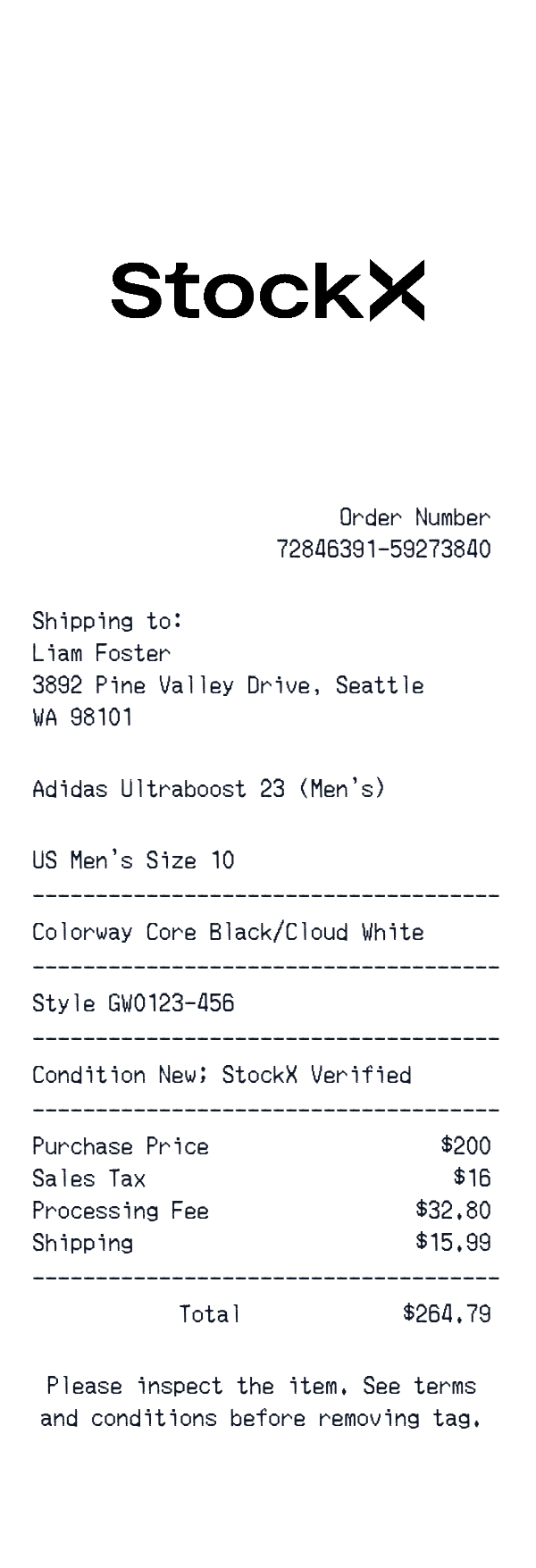
More receipt templates like this one — pick one and generate your own receipt in seconds.
Get started in 1 minute
- ✔Create receipts in seconds
- ✔Customize everything
- ✔Easy with our Receipt Builder