Free Boots Receipt Generator
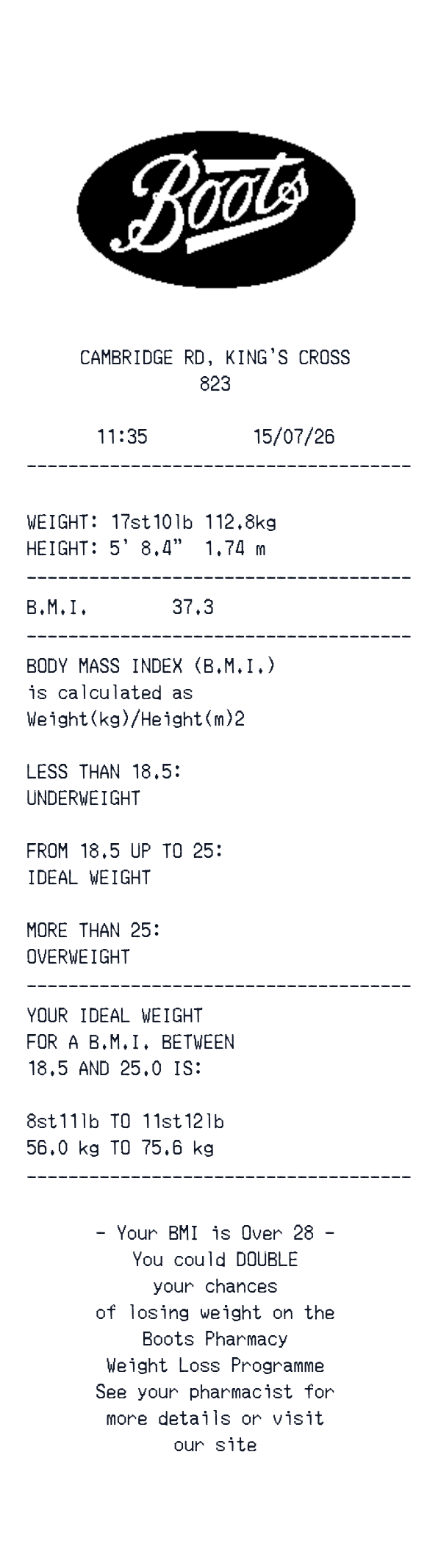
This Boots-style receipt template is a pharmacy receipt layout with a location header and a series of plain-text health messages. It is useful for personal records, training samples, or creative mockups of a pharmacy-style printout. The editor lets you adjust the header, message blocks, colors, and logo before downloading a PNG or printing.
- ✔Create a receipt in seconds
- ✔No design skills needed
- ✔Fully customizable
- ✔Add custom logo
- ✔Edit line items
- ✔Choose payment method
- ✔Add or remove receipt elements
What's on a real Boots Receipt?
Every part of the receipt has a purpose. Here is what you will find on this template and why it matters.
Pharmacy header
The business name and location line identify the pharmacy outlet and set the document context.
Date and time
The transaction timestamp shows when the visit or printout was generated, which helps place the record in time.
Health measurement block
A plain-text block can record body measurements such as weight and height, often shown with metric equivalents.
BMI calculation note
This section explains how the body mass index is derived and gives category ranges for interpreting the result.
Ideal weight range
A range block states the weight interval associated with a target BMI band.
Programme note
A closing note can point to a pharmacy service or pharmacist conversation, keeping the message informational.
How the sample is arranged
This template comes pre-filled with a realistic sample receipt. Here is what it contains, top to bottom.
Header: CAMBRIDGE RD, KING'S CROSS, with 823 as the address line and 11:35 15/07/26 shown as the date and time. No item lines, totals, or payment details are pre-filled. Custom message blocks follow: weight and height, BMI value, BMI calculation and category ranges, ideal weight range, and a programme note. The layout is plain text in a narrow pharmacy print style.
How to make a Boots Receipt?
With our Receipt Maker, creating any receipt is as easy as 1, 2, 3.
Customize your receipt
Customize every detail, from items to pricing and payment details, with ease.
Export your receipt
One-click export, ready to print.
Where a Boots Receipt comes in handy
Personal health records
Keep a personal record of pharmacy visits and measurement notes.
Pharmacy spending log
Track out-of-pocket pharmacy costs across the year.
Personal files image
Turn paper pharmacy printouts you already have into a clean digital image.
Pharmacy education sample
Prepare sample pharmacy documents for education or training.
Film and design mockups
Build mockups for film, TV, or design projects.
Tips for a Boots Receipt
- 1Keep the header compact, with the location name, address line, and date or time on separate lines.
- 2Use plain, dense text blocks for weight, height, BMI, and ideal weight ranges, as shown in the sample.
- 3Keep the message order consistent: measurements first, then calculation notes, then the programme or service note.
- 4If you add product lines, keep medication names, strengths, and quantities on the same line.
Similar Templates
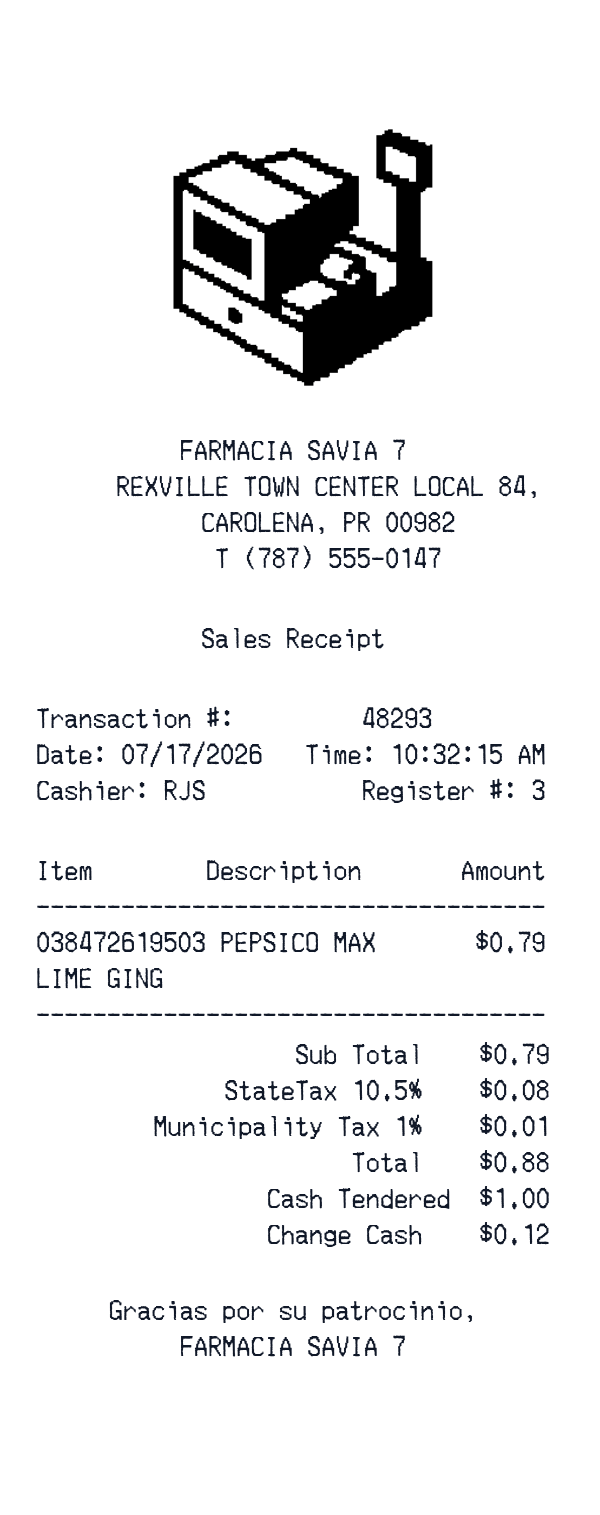
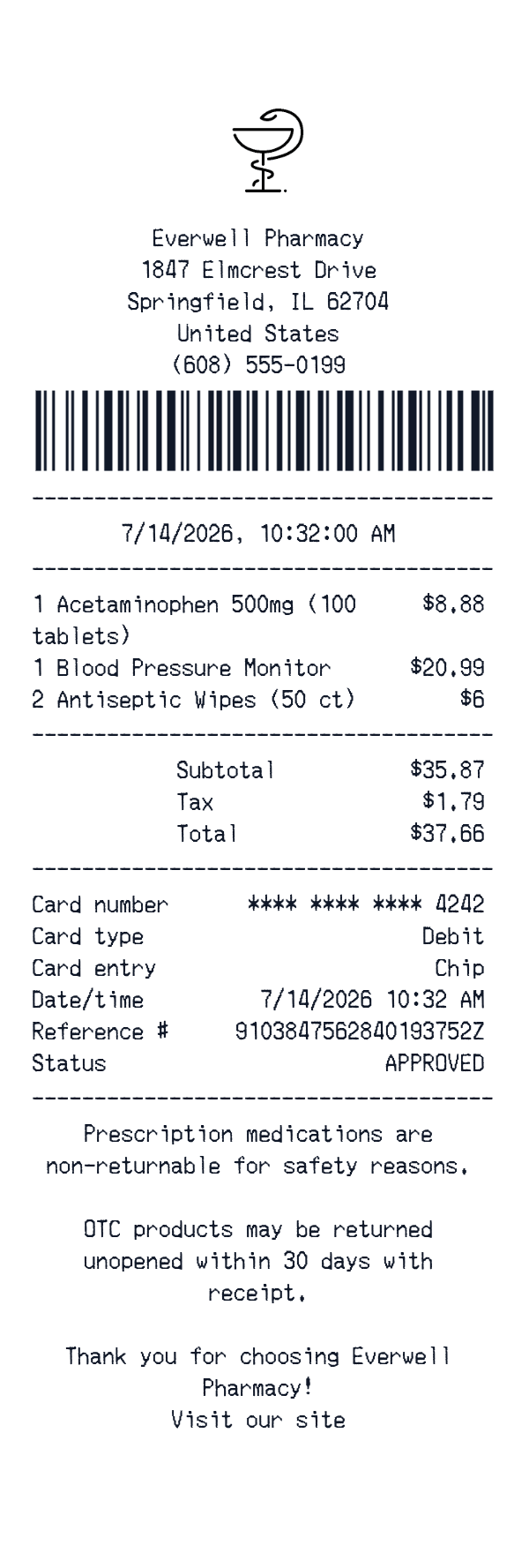
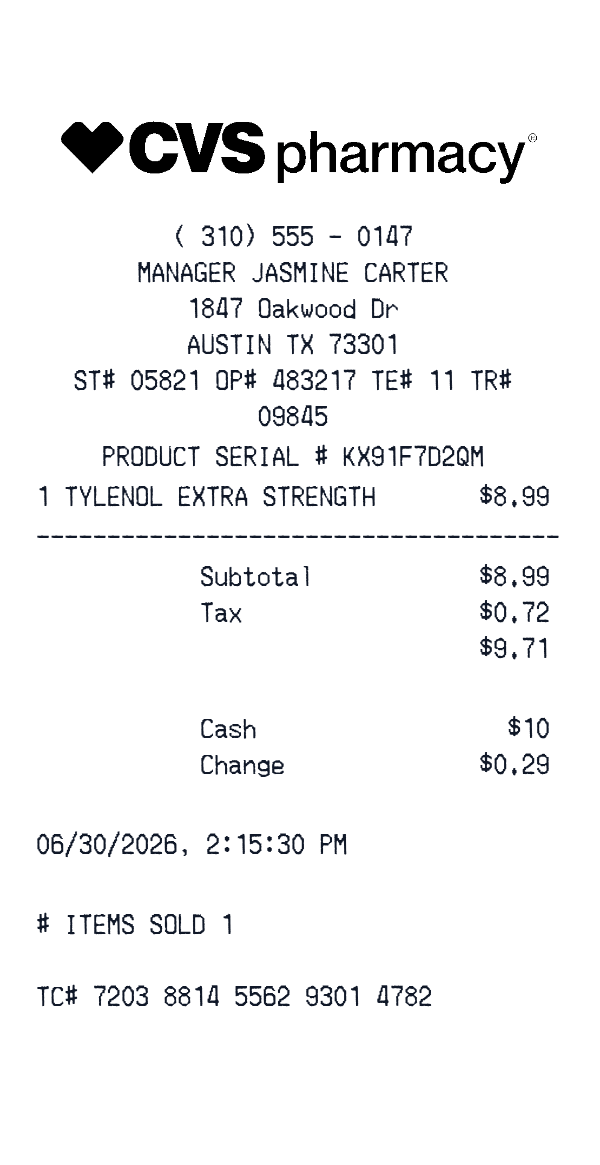
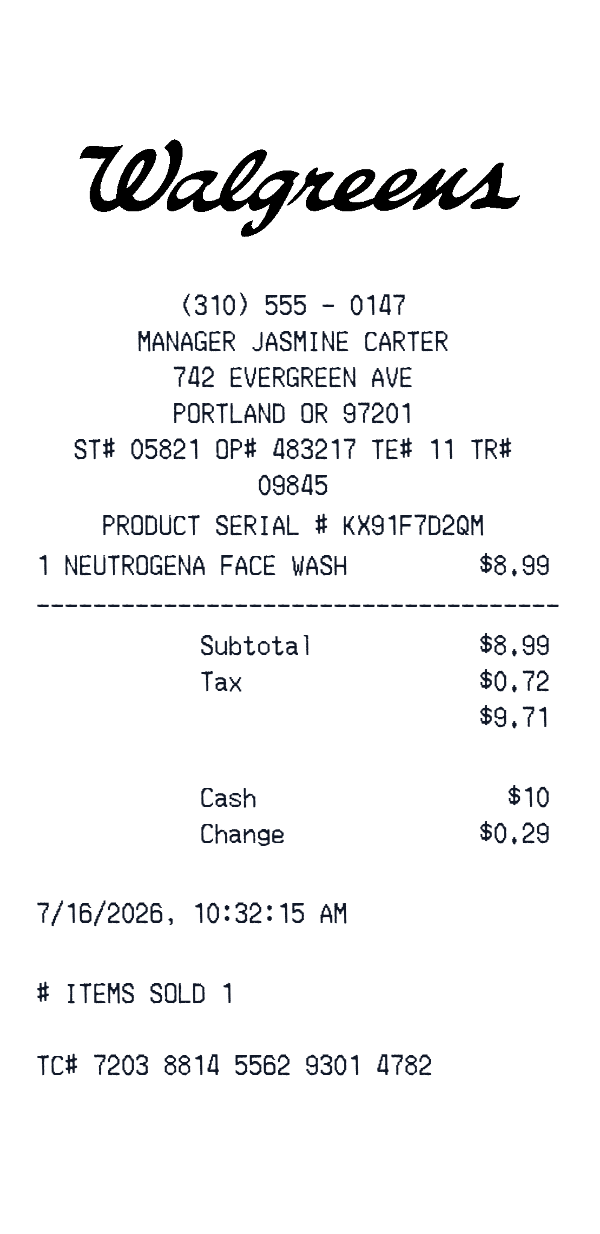
More receipt templates like this one — pick one and generate your own receipt in seconds.
Get started in 1 minute
- ✔Create receipts in seconds
- ✔Customize everything
- ✔Easy with our Receipt Builder
