Free Airport Parking Receipt Generator
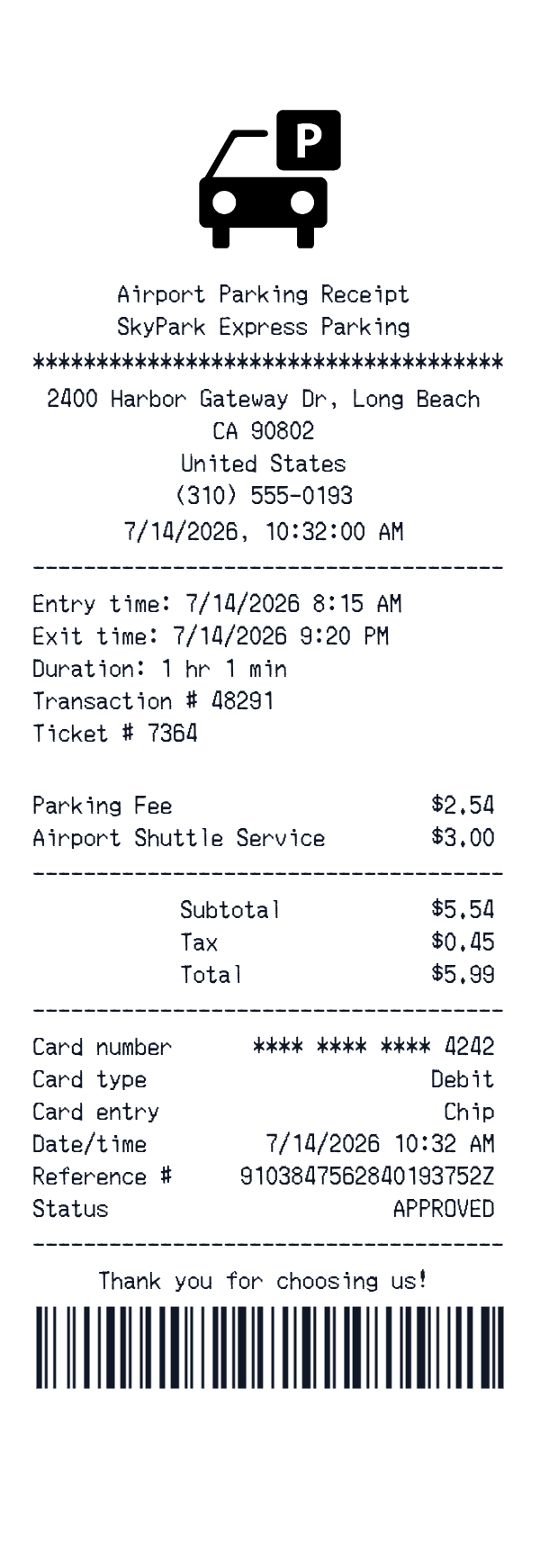
This airport parking receipt template is a pre-filled sample for recording a parking session at an airport lot. It includes the facility header, session times, item lines, totals, card payment, and barcode. The editor lets you adjust the fields to your own sample or project.
- ✔Create a receipt in seconds
- ✔No design skills needed
- ✔Fully customizable
- ✔Add custom logo
- ✔Edit line items
- ✔Choose payment method
- ✔Add or remove receipt elements
What's on a real Airport Parking Receipt?
Every part of the receipt has a purpose. Here is what you will find on this template and why it matters.
Facility header
Names the parking facility and sets the context for the parking session.
Location and contact
Shows the lot address or phone number so the session can be tied to a specific facility.
Session times
Entry, exit, and duration explain how long the vehicle was parked.
Session identifiers
Transaction or ticket numbers identify the parking session for reference.
Charges
Lists the parking fee and any added services for the session.
Totals
Subtotal, tax, and final total show the amount charged for the session.
Payment details
Shows the payment method and card status, usually with only the last four digits.
Footer
A footer can hold a thank-you note, date, or barcode for quick reference.
How the sample is arranged
This template comes pre-filled with a realistic sample receipt. Here is what it contains, top to bottom.
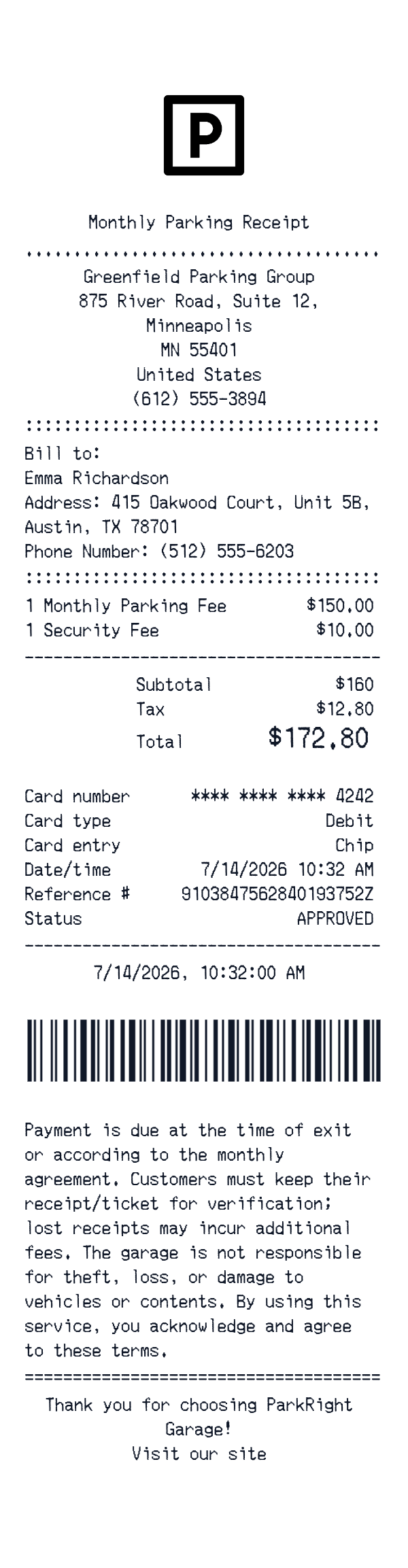
The sample opens with the business header: Airport Parking Receipt and SkyPark Express Parking. It then shows the Long Beach address, date/time, and entry, exit, duration, transaction, and ticket details. The item lines are Parking Fee at 2.54 and Airport Shuttle Service at 3.00. Totals list Subtotal 5.54, Tax 0.45, and Total 5.99. Payment shows a Debit card ending 4242, chip entry, reference number, and APPROVED status. The footer closes with a thank-you message and a barcode.
How to make a Airport Parking Receipt?
With our Receipt Maker, creating any receipt is as easy as 1, 2, 3.
Customize your receipt
Customize every detail, from items to pricing and payment details, with ease.
Export your receipt
One-click export, ready to print.
Where a Airport Parking Receipt comes in handy
Personal parking records
Keep a simple record of airport parking sessions and fees.
Travel cost tracking
Track parking and added service costs while planning or reviewing a trip.
Charge review
Compare the listed fee, duration, and total after a parking session.
Film and app mockups
Create a sample airport parking receipt for scenes, demos, or design work.
Driving education
Use a clean sample receipt in bookkeeping or driving education materials.
Digitizing paper tickets
Turn faded paper parking tickets into a clear digital image.
Tips for a Airport Parking Receipt
- 1Keep the math consistent: the fee, any add-ons, tax, and total should all add up.
- 2Use a clear date and time for the parking session, matching entry and exit times.
- 3For card payments, print only the last four digits of the card and the approval status.
- 4Include a transaction or ticket number, because parking receipts usually carry one.
- 5Keep the airport rate and duration visible, because they explain the charge.
Similar Templates
More receipt templates like this one — pick one and generate your own receipt in seconds.
Get started in 1 minute
- ✔Create receipts in seconds
- ✔Customize everything
- ✔Easy with our Receipt Builder
