Free IHOP Receipt Generator
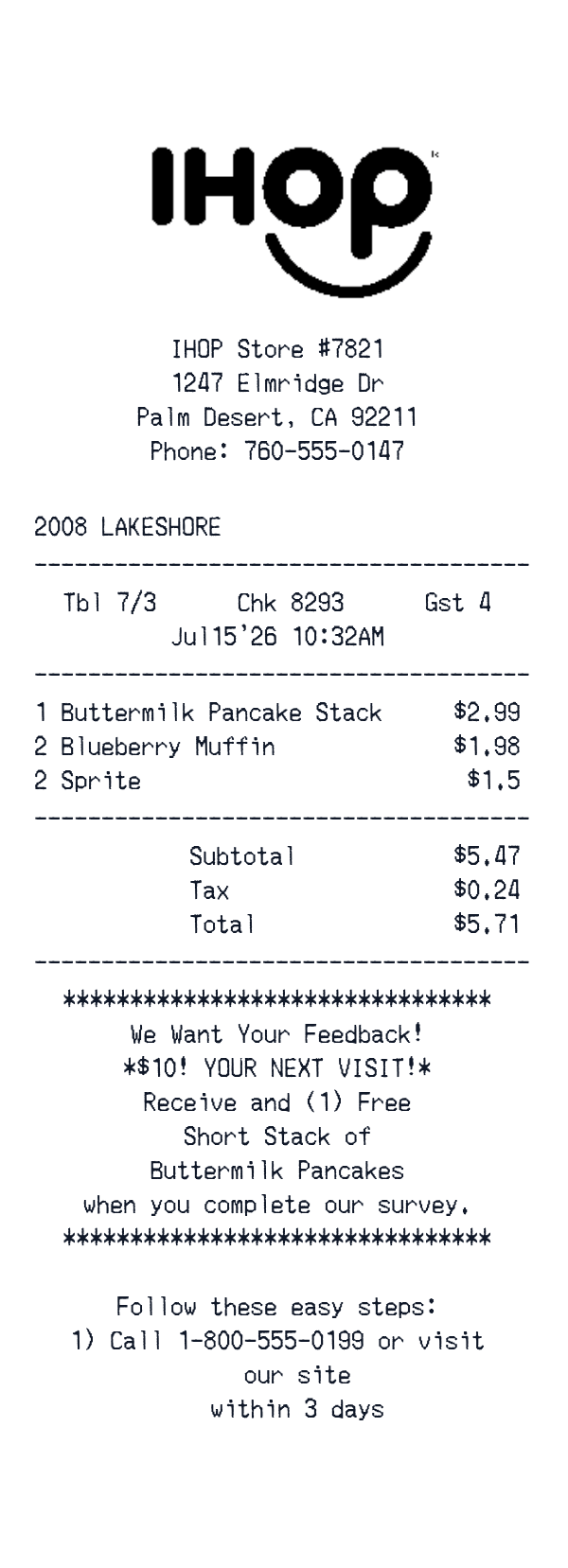
This IHOP-style receipt template is a restaurant-style itemized check for a pancake-house visit. It includes a store header, table and check details, a meal line, subtotal, tax, total, and a survey message.
The pre-filled sample uses an IHOP Store #7821 header and a few breakfast items. The editor lets you adjust the fields to match your own sample check.
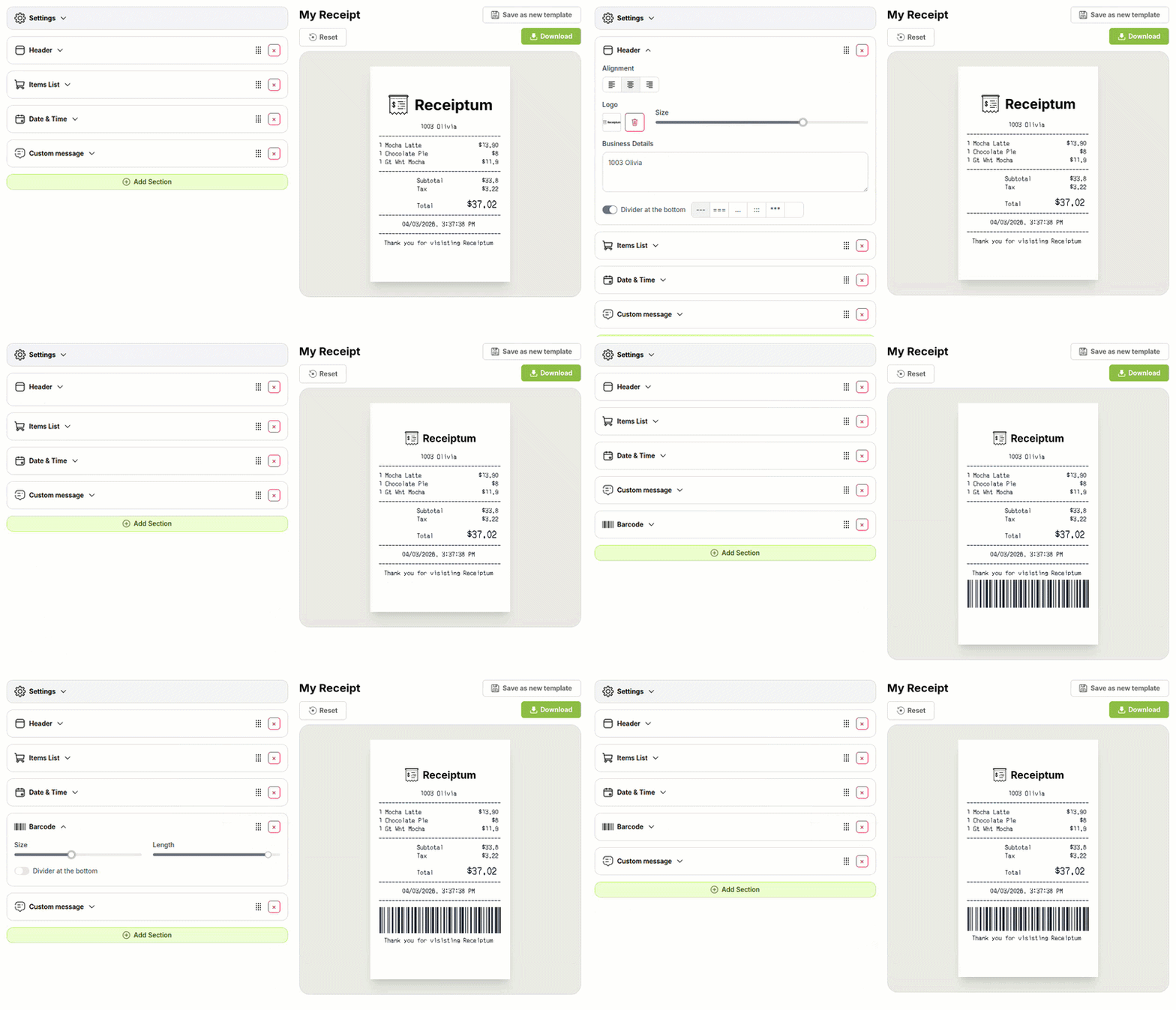
- ✔Create a receipt in seconds
- ✔No design skills needed
- ✔Fully customizable
- ✔Add custom logo
- ✔Edit line items
- ✔Choose payment method
- ✔Add or remove receipt elements
What's on a real IHOP Receipt?
Every part of the receipt has a purpose. Here is what you will find on this template and why it matters.
Business header
The restaurant name, street address, city, and phone number identify the location and give the check a standard opening block.
Check and table line
A short line with the check number, table, and guest count helps tie the meal to a particular seating.
Date and time
The visit date and time, often to the minute, record when the meal was served.
Location line
A short location, store, or area line can appear near the top to identify the specific outlet.
Itemized meal lines
Each dish or drink appears with its quantity and price, so the meal can be reviewed line by line.
Subtotal and tax
The subtotal adds the item prices, and the tax line separates the applicable sales tax before the total.
Total
The final amount combines the subtotal and tax into the amount shown at the bottom of the check.
Footer message
A feedback, loyalty, or thank-you message can appear after the totals on many restaurant checks.
How the sample is arranged
This template comes pre-filled with a realistic sample receipt. Here is what it contains, top to bottom.
IHOP logo, IHOP Store #7821, 1247 Elmridge Dr, Palm Desert, CA 92211, Phone: 760-555-0147. Tbl 7/3, Chk 8293, Gst 4, Jul15'26 10:32AM. 2008 LAKESHORE. Buttermilk Pancake Stack 1 @ 2.99; Blueberry Muffin 2 @ 1.98; Sprite 2 @ 1.5. Subtotal 5.47, Tax 0.24, Total 5.71. No payment line; survey message with $10 next visit and free short stack.
How to make a IHOP Receipt?
With our Receipt Maker, creating any receipt is as easy as 1, 2, 3.
Customize your receipt
Customize every detail, from items to pricing and payment details, with ease.
Export your receipt
One-click export, ready to print.
Where a IHOP Receipt comes in handy
IHOP dining records
Keeping a personal record of restaurant visits and what they cost
Pancake shop budget
Tracking dining-out spending and building a personal budget
Check math review
Verifying a dining purchase against the itemized courses and total
Film and app mockups
Building mockups for film, TV, apps, or design projects
Hospitality training
Preparing sample restaurant checks for hospitality or bookkeeping training
Paper check archive
Digitizing faded paper checks into a clean digital format
Tips for a IHOP Receipt
- 1Keep the math consistent: item prices, subtotal, tax, and total should all add up.
- 2List the meal lines in service order, such as pancakes, muffins, and drinks.
- 3Include a check number and table or guest details, as restaurant checks often carry both.
- 4Use a plausible date and time for the dining visit.
Similar Templates
More receipt templates like this one — pick one and generate your own receipt in seconds.
Get started in 1 minute
- ✔Create receipts in seconds
- ✔Customize everything
- ✔Easy with our Receipt Builder