Free Homebase Receipt Generator
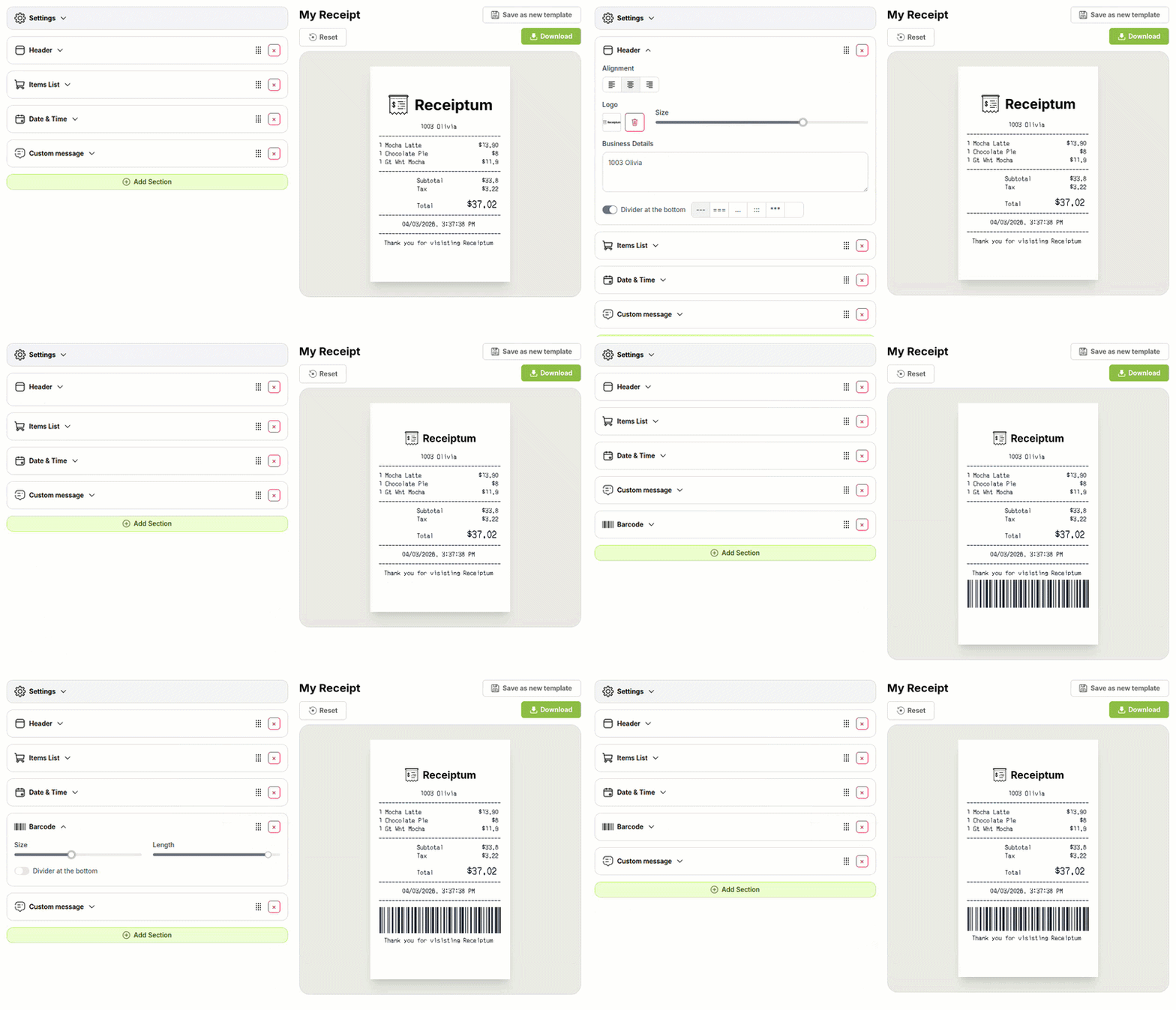
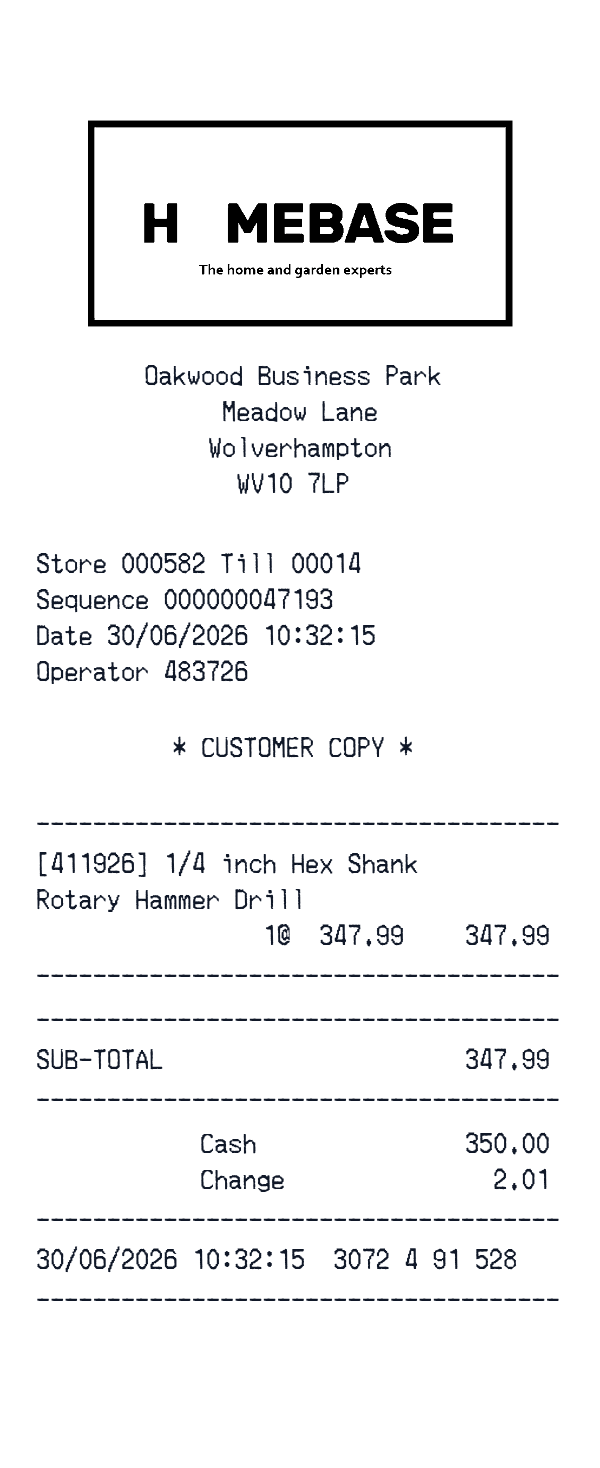
This Homebase-style receipt template is a narrow, itemized store receipt layout for retail purchases. It shows a business header, till and operator details, product lines, a subtotal, cash payment with change, and a closing date stamp. The editor lets you adjust each field to match your own sample, record, or project.
- ✔Create a receipt in seconds
- ✔No design skills needed
- ✔Fully customizable
- ✔Add custom logo
- ✔Edit line items
- ✔Choose payment method
- ✔Add or remove receipt elements
What's on a real Homebase Receipt?
Every part of the receipt has a purpose. Here is what you will find on this template and why it matters.
Business header
The store name and street address identify the location where the sale was recorded.
Register identifiers
Store, till, sequence, and operator codes show where the sale was processed and who handled it.
Customer copy label
A short label marks the receipt as the copy kept by the customer.
Item lines
Product names and prices list the purchased items, often with a product code and quantity.
Subtotal
The subtotal adds the item prices before payment is applied.
Cash payment
Cash tender and change due complete the payment section for a cash sale.
Date stamp
The final date and time record when the transaction was completed.
How the sample is arranged
This template comes pre-filled with a realistic sample receipt. Here is what it contains, top to bottom.
Sample business: Oakwood Business Park, Meadow Lane, Wolverhampton, WV10 7LP Register details: Store 000582, Till 00014, Sequence 000000047193, Date 30/06/2026 10:32:15, Operator 483726 Copy label: * CUSTOMER COPY * Item lines: [411926] 1/4 inch Hex Shank Rotary Hammer Drill, 1@ 347.99 Subtotal line: 347.99 Payment lines: Cash 350.00, Change 2.01 Closing stamp: 30/06/2026 10:32:15 3072 4 91 528 No logo or barcode appears.
How to make a Homebase Receipt?
With our Receipt Maker, creating any receipt is as easy as 1, 2, 3.
Customize your receipt
Customize every detail, from items to pricing and payment details, with ease.
Export your receipt
One-click export, ready to print.
Where a Homebase Receipt comes in handy
Personal purchase records
Keep a personal record of store purchases and their line items.
Household budget tracking
Track household spending and keep a clear picture of your budget.
Line-by-line review
Review a purchase line by line after the fact.
App and film mockups
Build receipt mockups for app, film, TV, or website projects.
Retail education
Prepare sample receipts for retail or bookkeeping education and training.
Digitizing paper receipts
Turn a faded or damaged paper receipt into a clean image.
Tips for a Homebase Receipt
- 1Use short product names and product codes to keep the item list compact.
- 2Keep the math consistent: quantities times prices should add up to the subtotal.
- 3If you add tax, make the amount match the printed rate applied to the subtotal.
- 4Keep the store, till, sequence, and operator lines aligned with the register identifiers in the header.
Similar Templates
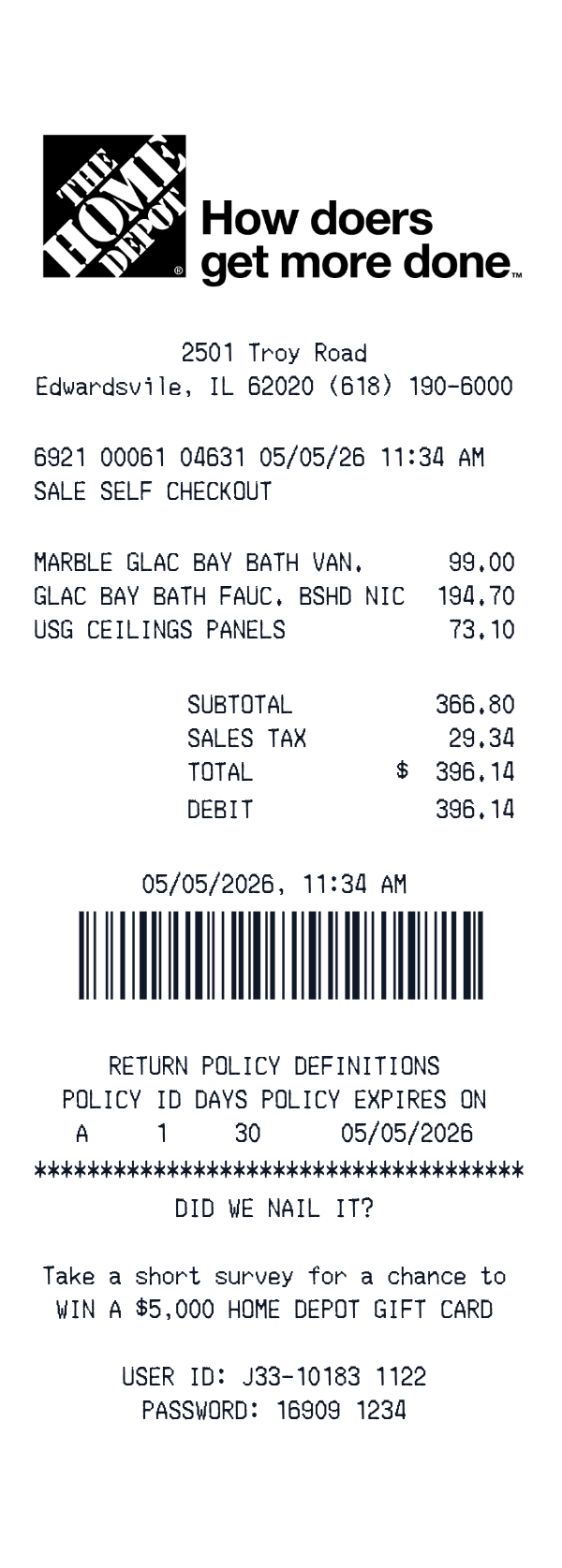
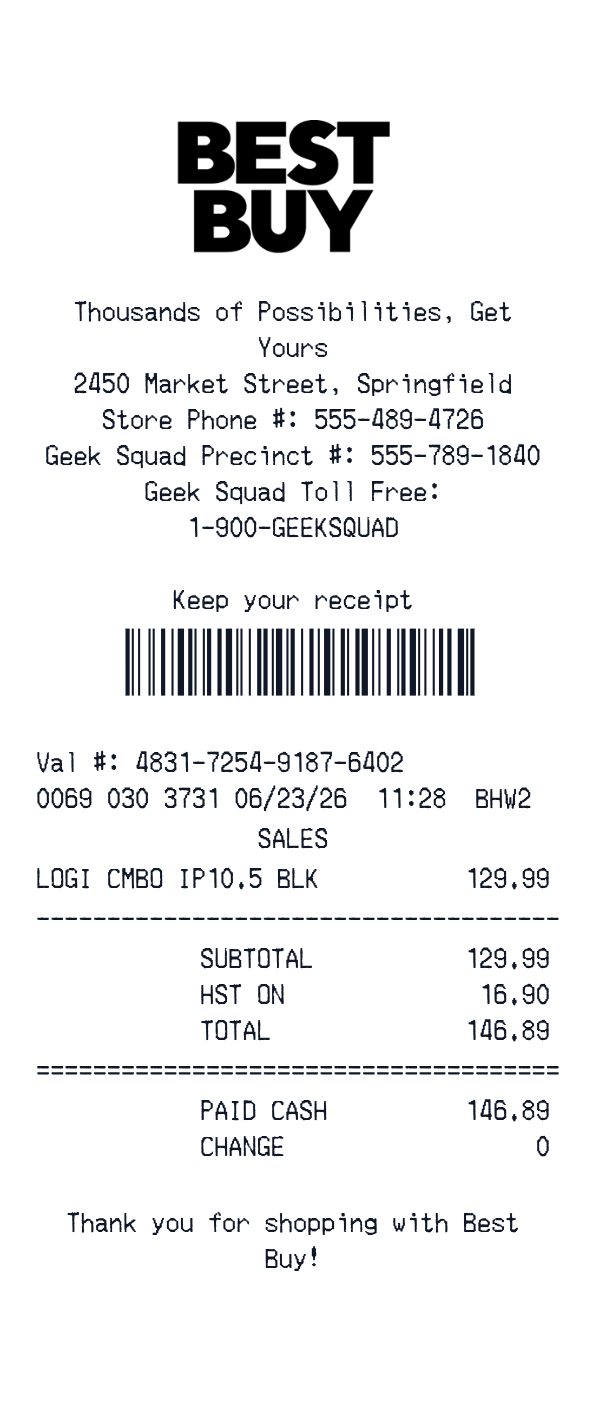
More receipt templates like this one — pick one and generate your own receipt in seconds.
Get started in 1 minute
- ✔Create receipts in seconds
- ✔Customize everything
- ✔Easy with our Receipt Builder