Free Home Depot Receipt Generator
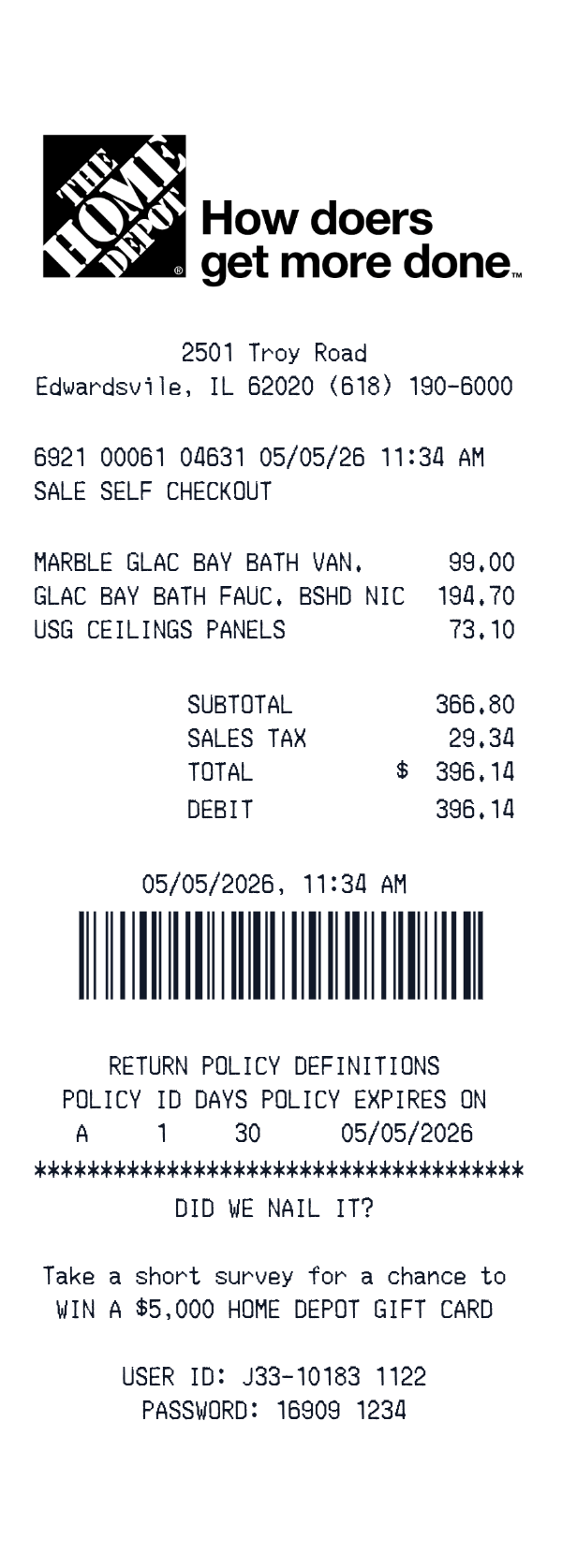
This Home Depot-style receipt template is an itemized retail receipt with a store address header, three product lines, tax, total, and a barcode. It fits personal records, budget notes, classroom samples, or digitizing paper receipts you already have. The editor lets you replace the sample text before downloading.
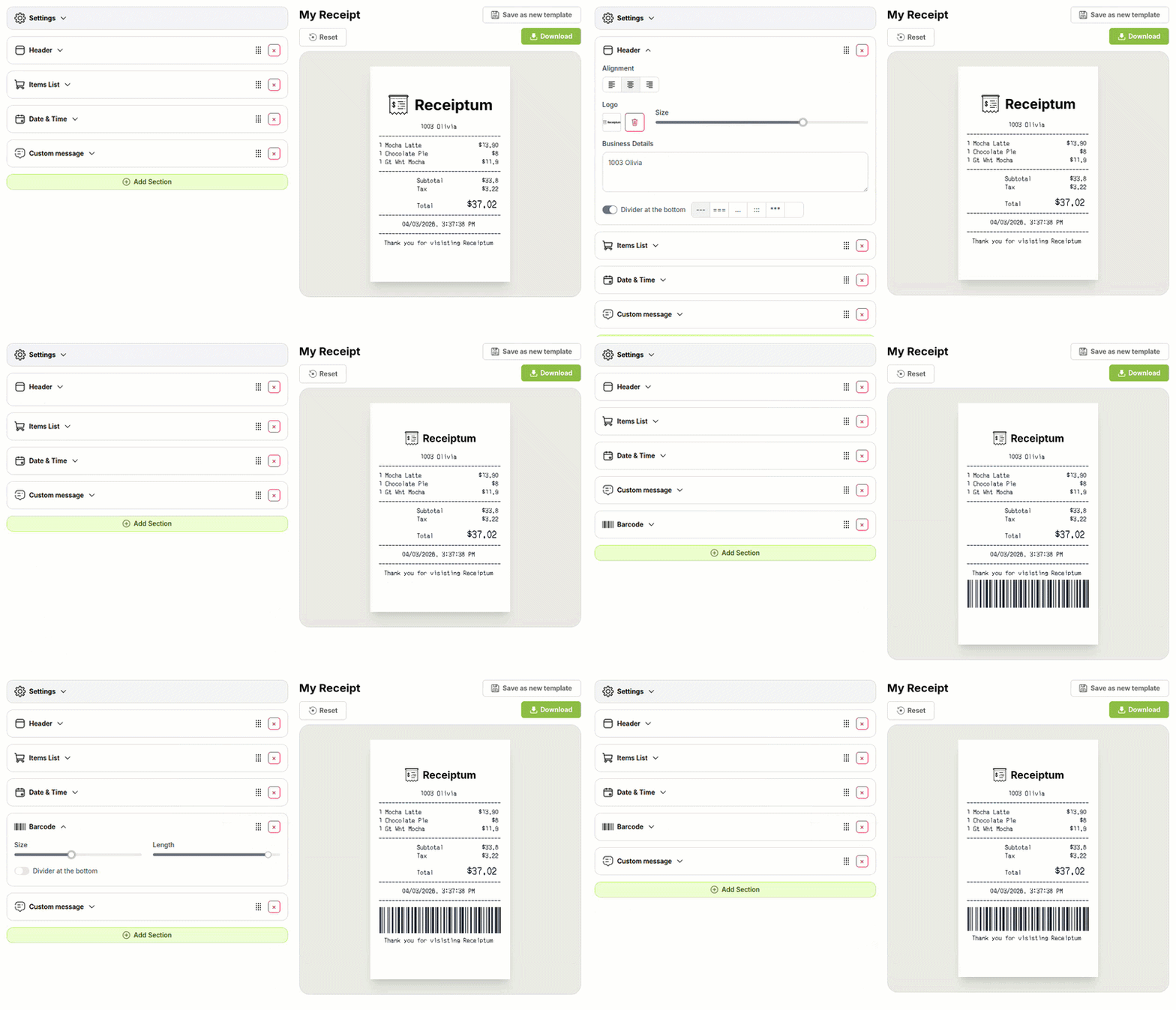
- ✔Create a receipt in seconds
- ✔No design skills needed
- ✔Fully customizable
- ✔Add custom logo
- ✔Edit line items
- ✔Choose payment method
- ✔Add or remove receipt elements
What's on a real Home Depot Receipt?
Every part of the receipt has a purpose. Here is what you will find on this template and why it matters.
Store header
The top line identifies the location with its name, address, and phone number. It helps the reader know where the purchase happened.
Transaction message
A short code block and checkout label record the sale type and transaction reference. It gives the receipt a register-style context.
Itemized products
Each product line shows an abbreviated name and price. This makes it easy to review what was purchased and how much each item cost.
Subtotal and tax
The subtotal adds the item prices, then sales tax is applied before the final total. These lines explain how the amount due was calculated.
Payment details
The payment section shows the tender type and amount paid. It completes the transaction by matching the total with the method used.
Date and time
The purchase date and time identify when the transaction occurred. This is useful for records, budgeting, and reviewing the order of purchases.
Return policy
A policy block can list return conditions, such as policy ID, days, and expiration. It adds the kind of store-specific notice often printed on retail receipts.
Barcode
A barcode at the bottom provides a scannable reference for the transaction. It matches the layout of many store receipts.
How the sample is arranged
This template comes pre-filled with a realistic sample receipt. Here is what it contains, top to bottom.
The sample order is: Header: 2501 Troy Road, Edwardsvile, IL 62020 (618) 190-6000. Message: 6921 00061 04631 05/05/26 11:34 AM, SALE SELF CHECKOUT. Items: MARBLE GLAC BAY BATH VAN. 99.00; GLAC BAY BATH FAUC. BSHD NIC 194.70; USG CEILINGS PANELS 73.10. Totals: SUBTOTAL 366.80, SALES TAX 29.34, TOTAL $$ 396.14. Payment: DEBIT 396.14. Date: 05/05/2026, 11:34 AM. Closing: barcode, return policy A 1 30 05/05/2026, Home Depot gift card survey.
How to make a Home Depot Receipt?
With our Receipt Maker, creating any receipt is as easy as 1, 2, 3.
Customize your receipt
Customize every detail, from items to pricing and payment details, with ease.
Export your receipt
One-click export, ready to print.
Where a Home Depot Receipt comes in handy
Personal purchase records
Keep a personal record of home improvement purchases and line items.
Household budget tracking
Track home project spending and compare it against a planned budget.
Line-by-line review
Review product names, prices, tax, and total after a purchase.
App and film mockups
Build a store receipt visual for app, film, TV, or website concepts.
Retail education
Prepare sample retail receipts for bookkeeping, POS, or customer-service training.
Digitizing paper receipts
Turn a faded paper receipt into a clean, editable image.
Tips for a Home Depot Receipt
- 1Use abbreviated product names, like real register output, so the item list stays compact and readable.
- 2Keep the math consistent: multiply quantities by prices so the subtotal, tax, and total add up.
- 3Make the sales tax amount match the rate applied to the subtotal for a clean store receipt.
- 4For card payments, show only the last four digits and the tender type, not full card numbers.
- 5Include a store number, transaction code, and barcode if the layout has room, since store receipts often carry them.
Similar Templates
More receipt templates like this one — pick one and generate your own receipt in seconds.
Get started in 1 minute
- ✔Create receipts in seconds
- ✔Customize everything
- ✔Easy with our Receipt Builder