Free Holiday Inn Receipt Generator
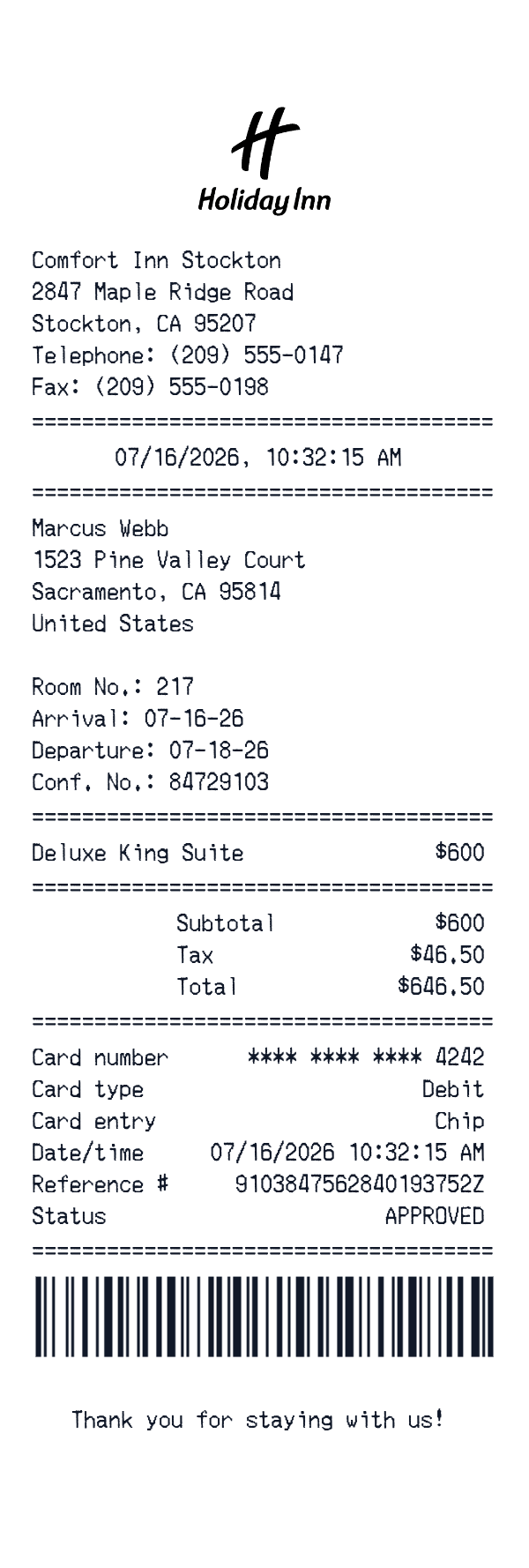
This Holiday Inn-style receipt template is a hotel folio layout for an itemized stay. It includes a property header, guest and room details, a room charge, tax, total, card payment details, and a barcode. It is useful for personal trip records, bookkeeping samples, training materials, or creative projects. The editor lets you adjust the fields, upload a logo, change colors, and download a PNG or print the finished receipt.
- ✔Create a receipt in seconds
- ✔No design skills needed
- ✔Fully customizable
- ✔Add custom logo
- ✔Edit line items
- ✔Choose payment method
- ✔Add or remove receipt elements
What's on a real Holiday Inn Receipt?
Every part of the receipt has a purpose. Here is what you will find on this template and why it matters.
Property header
The hotel name, address, and phone or fax identify the property and give a contact point for the stay.
Guest and stay details
The guest name, room number, arrival and departure dates, and confirmation number tie the charges to one booking.
Itemized charges
The room or service lines show what was billed, such as a room type or other stay-related charges.
Tax and total
A separate tax line and final total make the amount easy to check against the room charge.
Payment details
The payment section shows the method, card type, last four digits, entry method, reference number, and approval status.
Barcode
A barcode or printed code can be used for quick reference or scanning in a record system.
How the sample is arranged
This template comes pre-filled with a realistic sample receipt. Here is what it contains, top to bottom.
Comfort Inn Stockton, 2847 Maple Ridge Road, Stockton, CA 95207, Telephone: (209) 555-0147, Fax: (209) 555-0198. 07/16/2026, 10:32:15 AM, then guest Marcus Webb, 1523 Pine Valley Court, Sacramento, CA 95814, United States, Room No. 217, arrival 07-16-26, departure 07-18-26, Conf. No. 84729103. Deluxe King Suite listed at 600. Subtotal 600, Tax 46.50, Total 646.50. Debit card payment ending 4242, chip entry, date/time, reference 9103847562840193752Z, status APPROVED. Barcode and closing message Thank you for staying with us!
How to make a Holiday Inn Receipt?
With our Receipt Maker, creating any receipt is as easy as 1, 2, 3.
Customize your receipt
Customize every detail, from items to pricing and payment details, with ease.
Export your receipt
One-click export, ready to print.
Where a Holiday Inn Receipt comes in handy
Trip cost records
Keep a clean personal record of hotel stay costs.
Stay cost review
Review room rate, tax, and total from a hotel folio.
Personal travel log
Keep a personal log of stay dates, room charges, and totals.
Travel education
Prepare sample hotel folio documents for bookkeeping or travel training.
Film and design mockups
Create sample hotel receipt visuals for film, TV, or design projects.
Digitizing paper receipts
Convert a paper hotel receipt you already have into a clean layout.
Tips for a Holiday Inn Receipt
- 1Show check-in and check-out dates and room number, because they anchor the stay.
- 2Break the total into room charge, tax, and final amount so the math is easy to follow.
- 3Use a hotel tax line of 10 to 15 percent when preparing a US-style folio sample.
- 4Include a confirmation number and keep guest name, room, and dates consistent.
- 5For card payment lines, show the card type, last four digits, entry method, and approval status.
Similar Templates
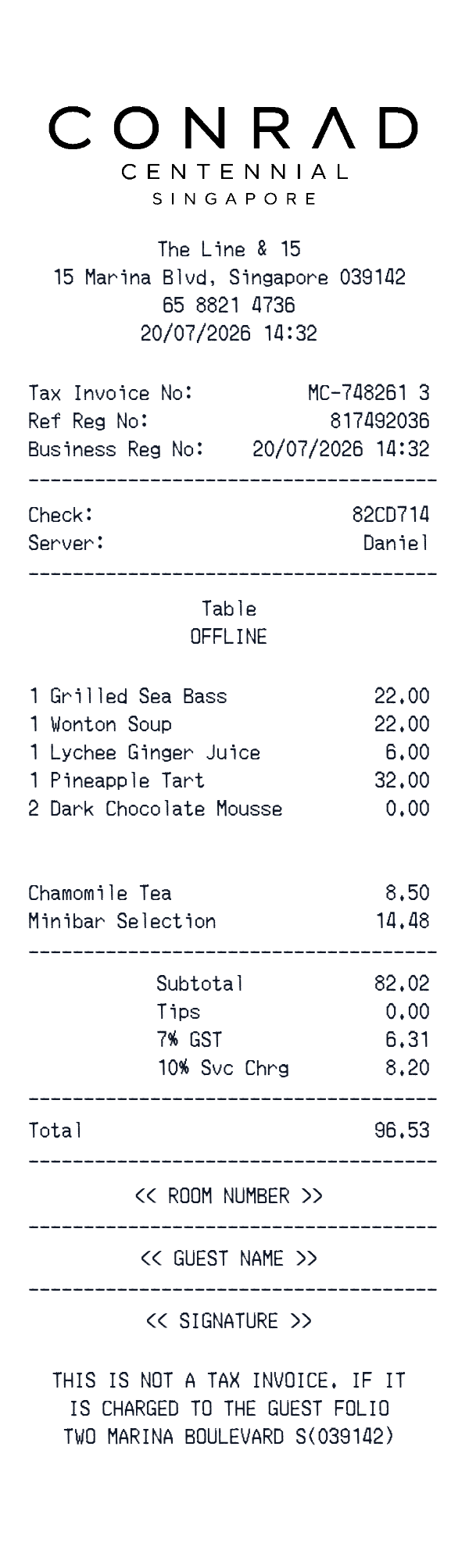
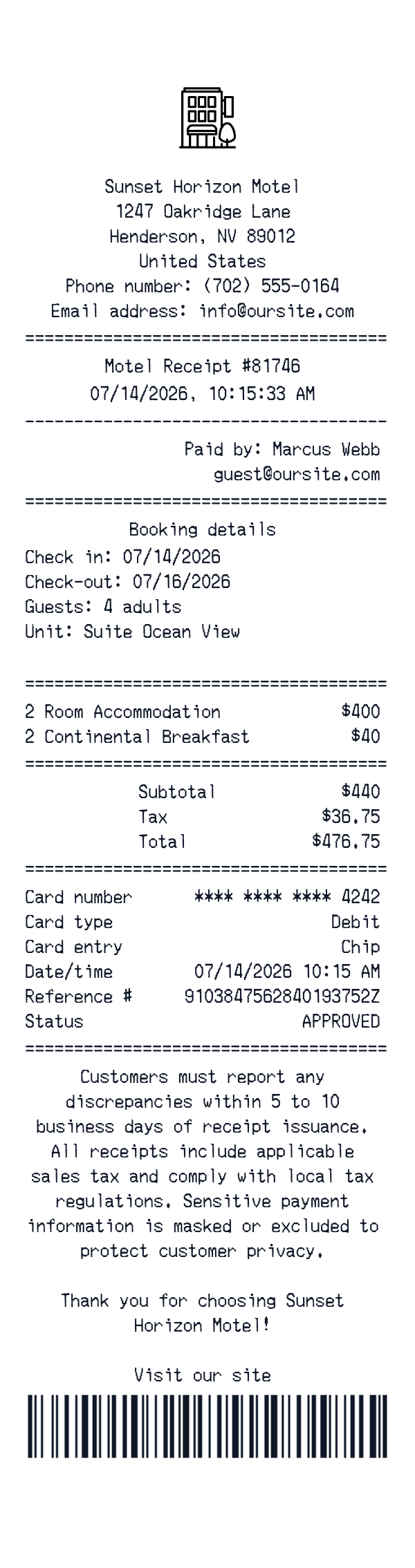
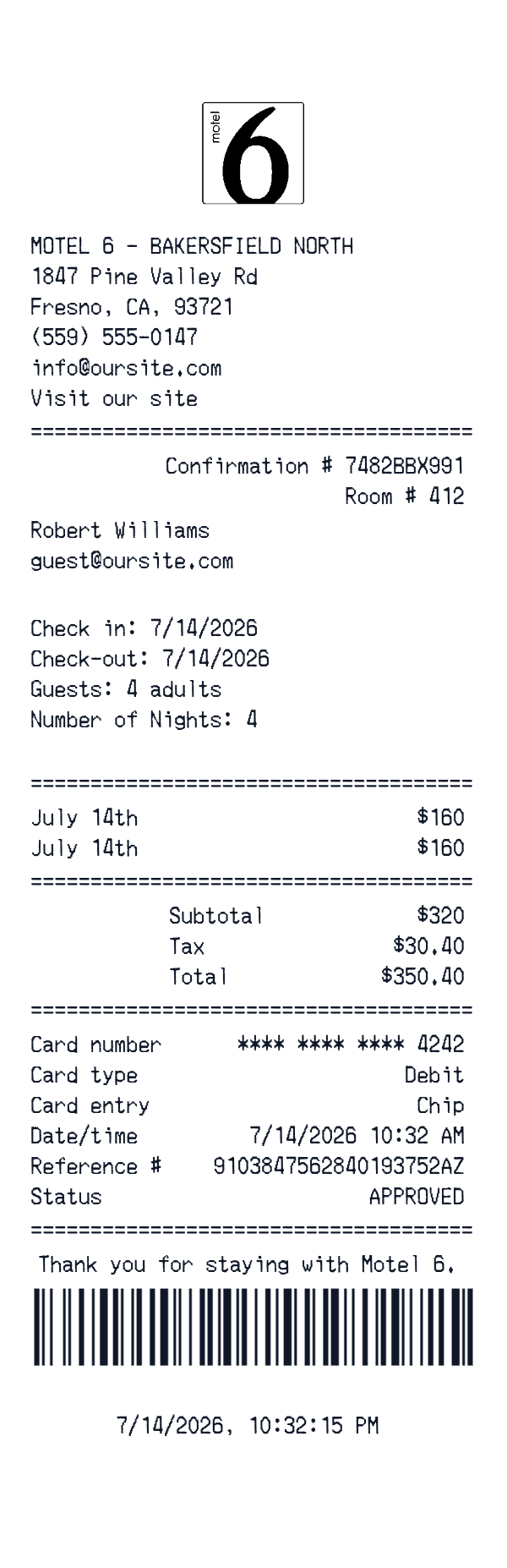
More receipt templates like this one — pick one and generate your own receipt in seconds.
Get started in 1 minute
- ✔Create receipts in seconds
- ✔Customize everything
- ✔Easy with our Receipt Builder
