Free Dentist Receipt Generator
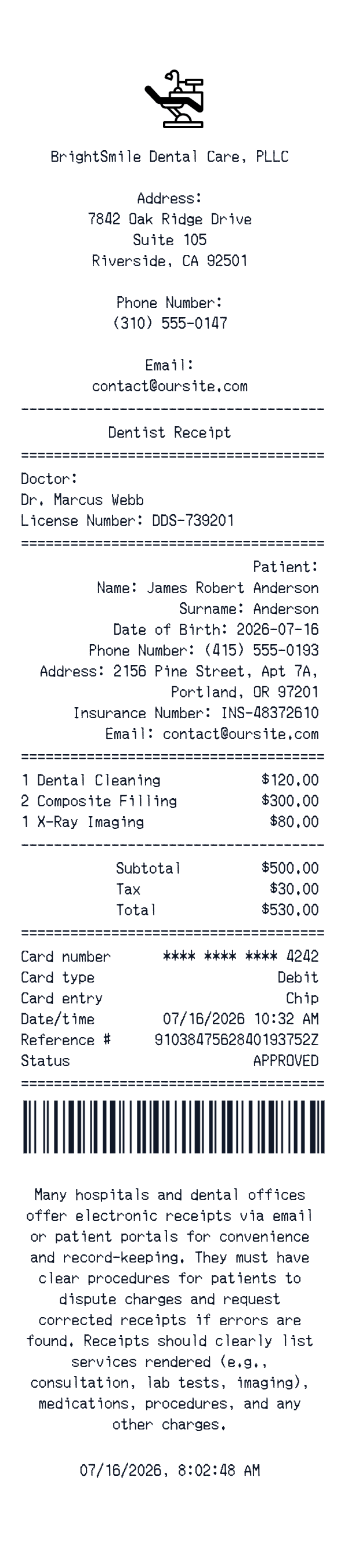
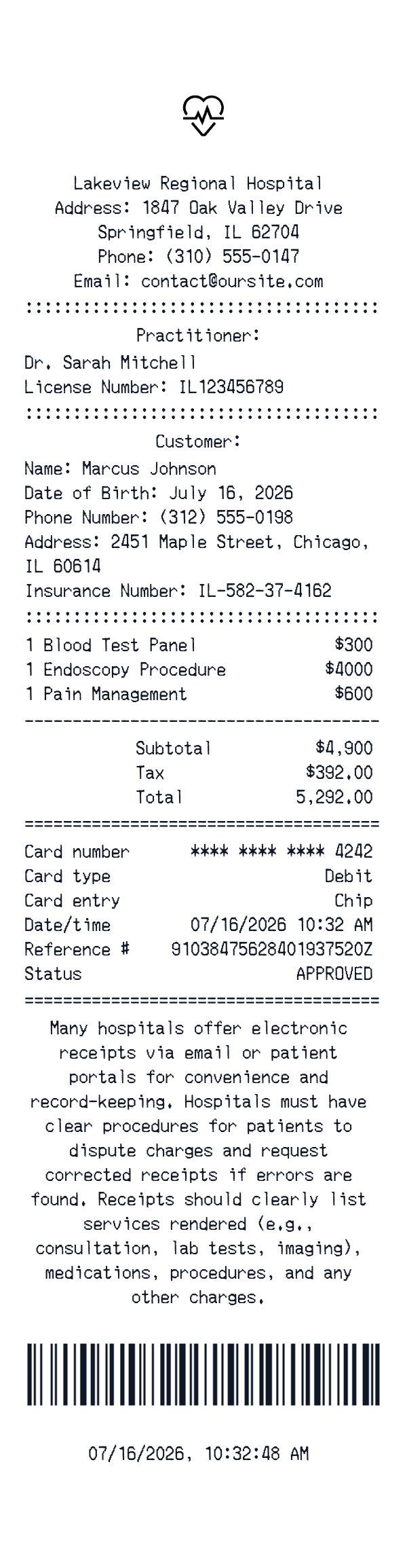
This Dentist Receipt template is an itemized medical receipt for a dental visit. It includes practice details, provider and patient blocks, service lines, totals, card payment, barcode, and timestamp.
It is useful for personal records, training samples, creative mockups, or digitizing paper receipts. The editor lets you customize every field before downloading or printing.
- ✔Create a receipt in seconds
- ✔No design skills needed
- ✔Fully customizable
- ✔Add custom logo
- ✔Edit line items
- ✔Choose payment method
- ✔Add or remove receipt elements
What's on a real Dentist Receipt?
Every part of the receipt has a purpose. Here is what you will find on this template and why it matters.
Practice header
The dental practice name, street address, phone, and email identify where the visit occurred.
Provider and patient block
The dentist, license number, patient name, date of birth, contact, and insurance number connect the charge to the visit.
Itemized services
Each dental service appears as a separate line with quantity and price.
Amounts
Subtotal, tax, and total show how the final amount due is calculated.
Card payment
The payment method, last four digits, entry method, reference number, and status document how the charge was paid.
Barcode and timestamp
A barcode and printed date/time give the receipt a scannable identifier and a clear point in time.
How the sample is arranged
This template comes pre-filled with a realistic sample receipt. Here is what it contains, top to bottom.
Business header: BrightSmile Dental Care, PLLC, 7842 Oak Ridge Drive, Suite 105, Riverside, CA 92501, phone and email. Dentist Receipt label, Dr. Marcus Webb with license number, and patient James Robert Anderson with date of birth, phone, address, insurance number, and email. Itemized lines: Dental Cleaning x1 at 120.00, Composite Filling x2 at 300.00, X-Ray Imaging x1 at 80.00. Totals: Subtotal 500.00, Tax 30.00, Total 530.00. Payment: debit card ending 4242, chip entry, date/time, reference number, approved status. Barcode, a note about electronic receipts, and timestamp 07/16/2026, 8:02:48 AM.
How to make a Dentist Receipt?
With our Receipt Maker, creating any receipt is as easy as 1, 2, 3.
Customize your receipt
Customize every detail, from items to pricing and payment details, with ease.
Export your receipt
One-click export, ready to print.
Where a Dentist Receipt comes in handy
Personal medical records
Keeping a personal record of dental visits and costs.
Out-of-pocket tracking
Tracking out-of-pocket dental costs in a personal budget.
Charge review
Verifying a dental charge against itemized services and total.
Film and design mockups
Building mockups for film, TV, or design projects.
Medical office training
Preparing sample dental receipts for office or bookkeeping training.
Digitizing paper receipts
Digitizing faded paper dental receipts into a clean digital format.
Tips for a Dentist Receipt
- 1Keep the math consistent: service prices, subtotal, tax, and total should all add up.
- 2Use plausible dental service names with plausible prices, and keep each service on its own line.
- 3Include the patient name, date of birth, and date of service, since medical receipts expect those details.
- 4For card payments, print only the last four digits, entry method, reference number, and approval status.
- 5Keep the provider name, license number, and patient details in separate blocks so the layout stays readable.
Similar Templates
More receipt templates like this one — pick one and generate your own receipt in seconds.
Get started in 1 minute
- ✔Create receipts in seconds
- ✔Customize everything
- ✔Easy with our Receipt Builder
