Free Coogee Pavilion Receipt Generator
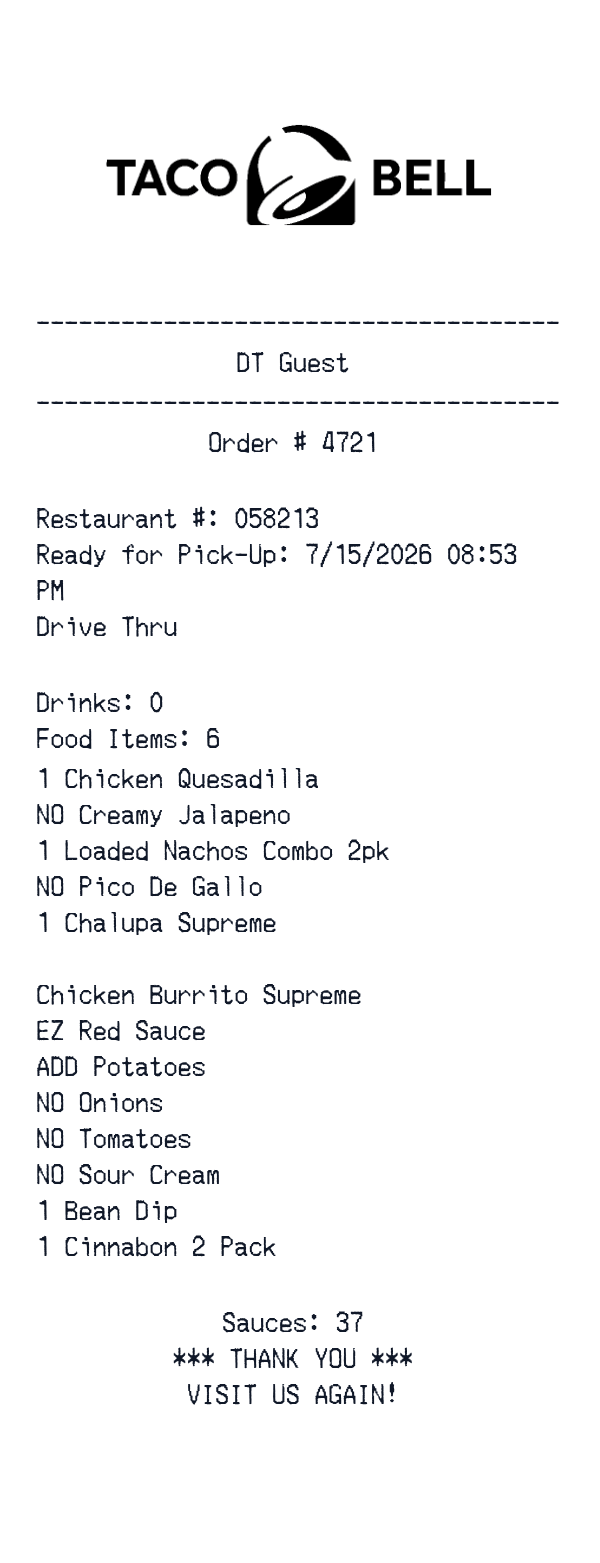
This Coogee Pavilion-style receipt template is a restaurant sample built around a drive-thru pickup order. It pre-fills a short guest line, order and restaurant numbers, a ready-for-pick-up time, several food items with customizations, and a closing thank-you note.
Use it as a starting point for a food-service check, then open it in the editor to adjust the fields.
- ✔Create a receipt in seconds
- ✔No design skills needed
- ✔Fully customizable
- ✔Add custom logo
- ✔Edit line items
- ✔Choose payment method
- ✔Add or remove receipt elements
What's on a real Coogee Pavilion Receipt?
Every part of the receipt has a purpose. Here is what you will find on this template and why it matters.
Business header
The top block identifies the venue and can carry the address, phone number, or other contact details that tie the check to a specific location.
Order number
A check or order number helps distinguish one visit from another, especially when several guests are served at the same time.
Date and time
The date and time record when the order was placed or ready, which is useful for personal records and service notes.
Service note
A guest or service note can show the service channel, such as dine-in, takeout, or drive-thru pickup.
Itemized food lines
The item list shows each course or item, along with quantities and customizations, so the order can be reviewed line by line.
Closing message
A footer message can include a thank-you note, a short service remark, or other brief information.
How the sample is arranged
This template comes pre-filled with a realistic sample receipt. Here is what it contains, top to bottom.
The header area is blank for a restaurant name and contact details. It shows DT Guest, Order # 4721, and Restaurant #: 058213 with Ready for Pick-Up: 7/15/2026 08:53 PM Drive Thru. The items begin with Drinks: 0 and Food Items: 6, then list Chicken Quesadilla, Loaded Nachos Combo 2pk, Chalupa Supreme, Chicken Burrito Supreme, Bean Dip, and Cinnabon 2 Pack with customization notes. No subtotal, tax, total, or payment lines are pre-filled. The footer reads Sauces: 37 *** THANK YOU *** VISIT US AGAIN!
How to make a Coogee Pavilion Receipt?
With our Receipt Maker, creating any receipt is as easy as 1, 2, 3.
Customize your receipt
Customize every detail, from items to pricing and payment details, with ease.
Export your receipt
One-click export, ready to print.
Where a Coogee Pavilion Receipt comes in handy
Personal dining records
Keep a simple record of a drive-thru restaurant visit and its itemized food lines.
Dining budget tracking
Track food-service spending by reviewing the item list and the final check details.
Meal cost review
Compare the listed food items and customizations with the order you want to record.
Drive-thru mockup
Use the pre-filled pickup order as a starting point for film, app, or design work.
Hospitality training sample
Prepare a sample restaurant check for service training, bookkeeping practice, or classroom use.
Paper check digitizing
Rebuild a faded paper check as a clean digital image for personal records.
Tips for a Coogee Pavilion Receipt
- 1Keep the math consistent: course prices, subtotal, tax, tip, and total should all add up.
- 2Use the prices you want to record for the items on the check.
- 3List food items in service order, such as appetizers, mains, desserts, and drinks, when preparing a full check.
- 4This sample leaves totals and payment blank, so add the amounts only for the record you are creating.
Similar Templates
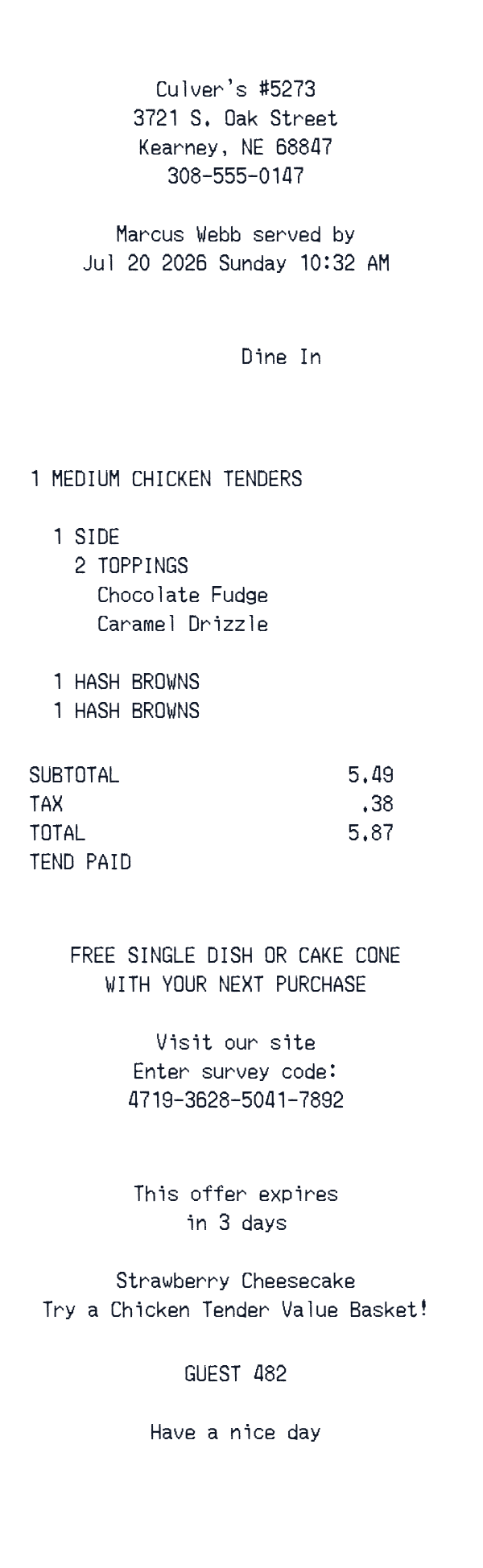
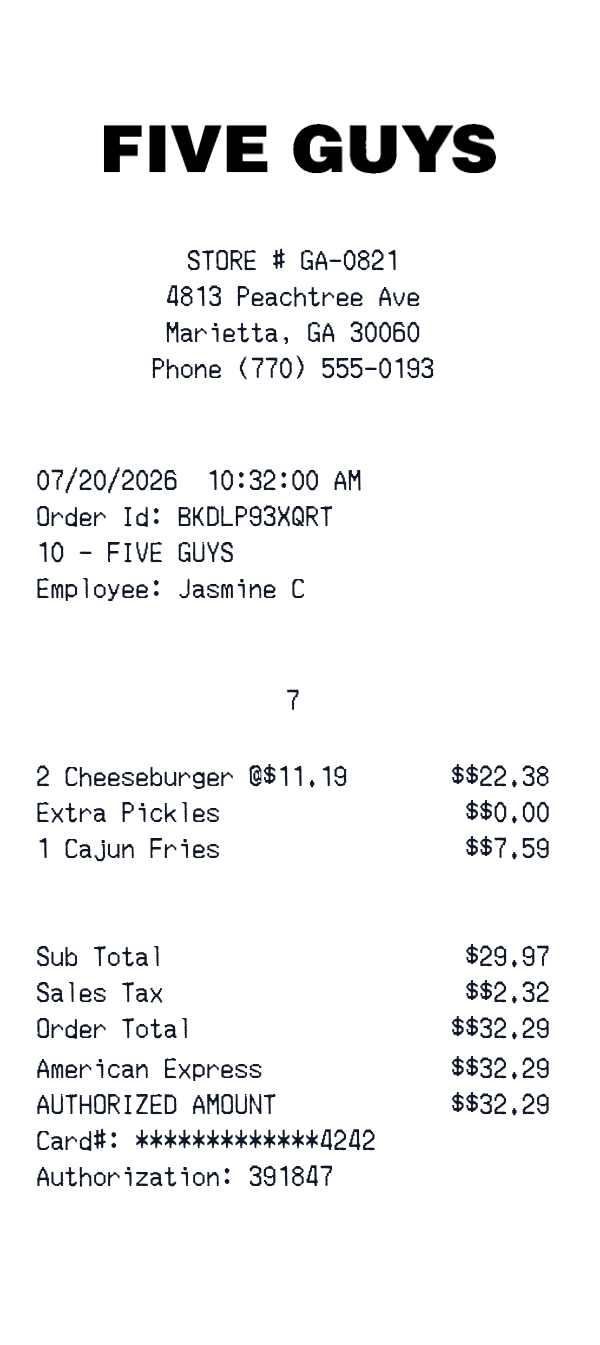
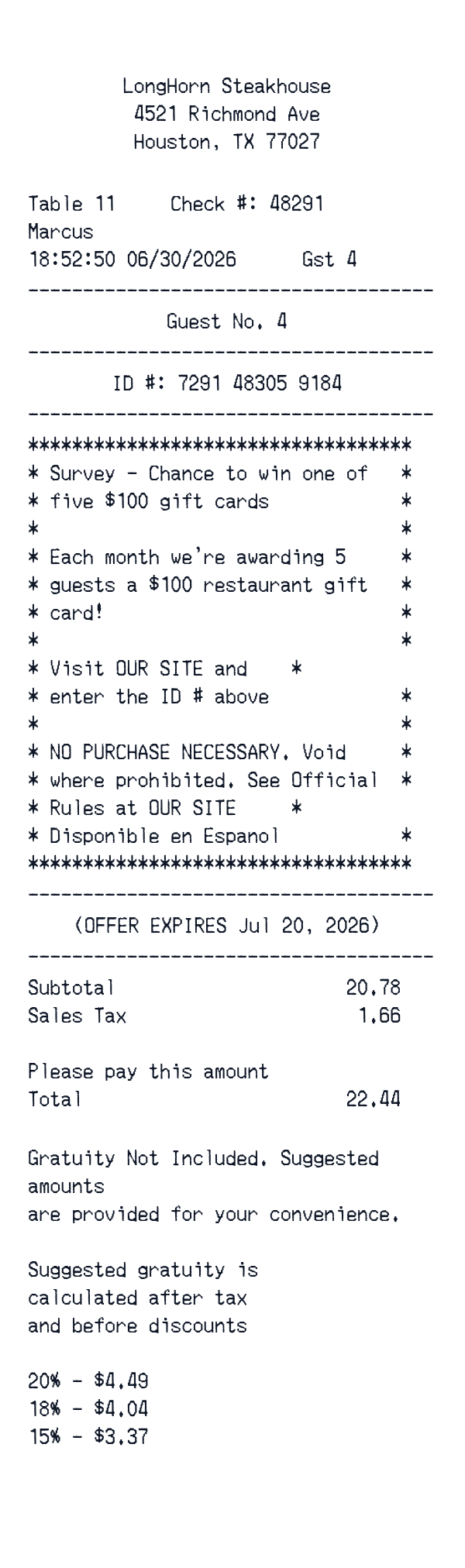
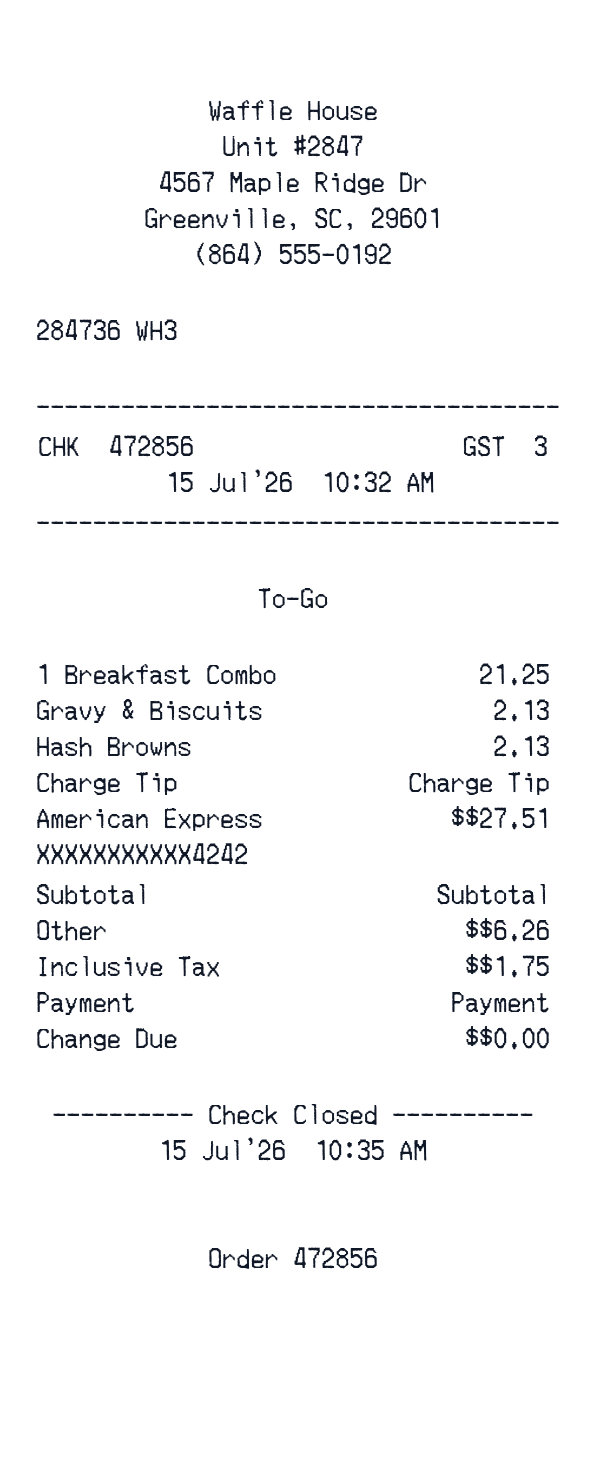
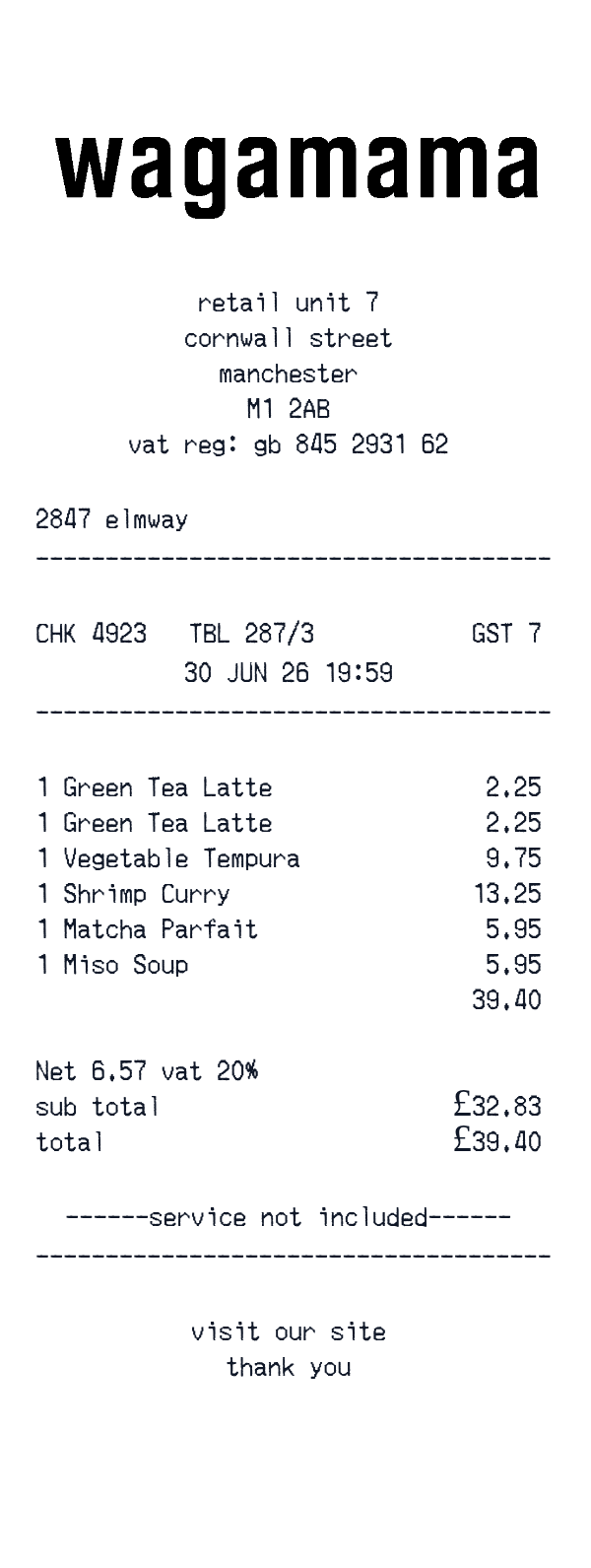
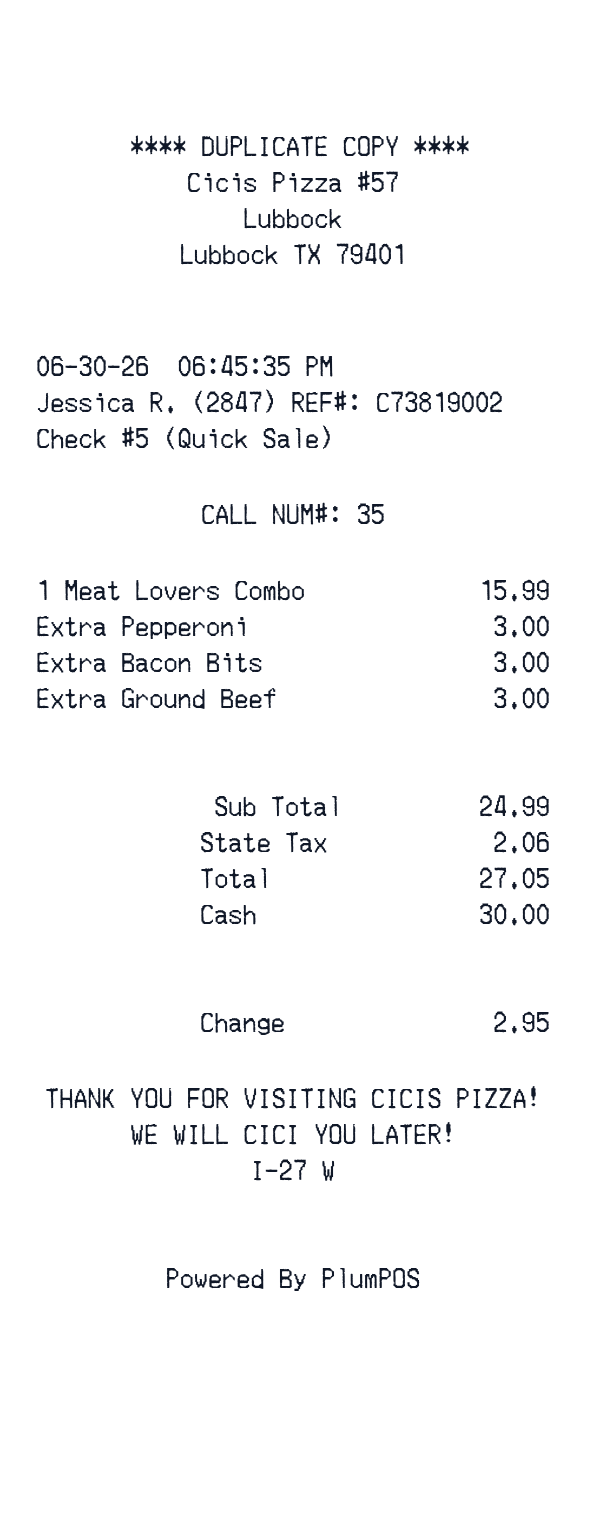
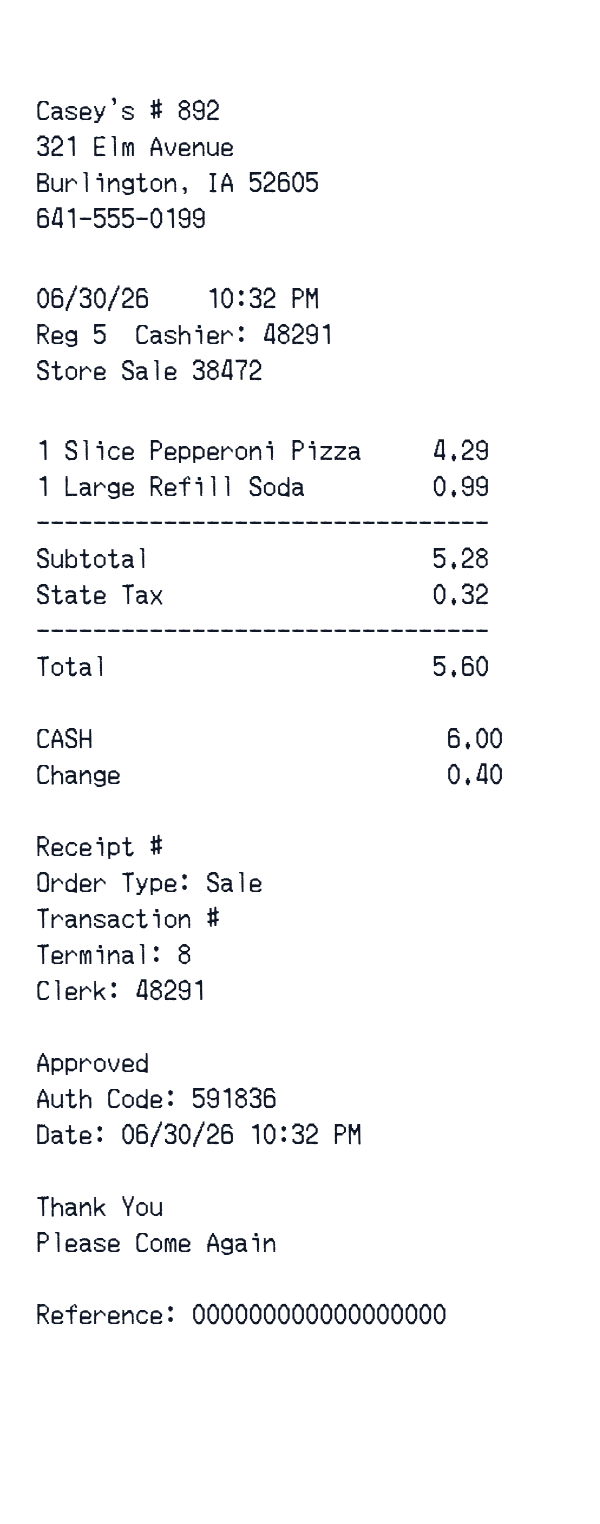
More receipt templates like this one — pick one and generate your own receipt in seconds.
Get started in 1 minute
- ✔Create receipts in seconds
- ✔Customize everything
- ✔Easy with our Receipt Builder
