Free Ola Cab Receipt Generator
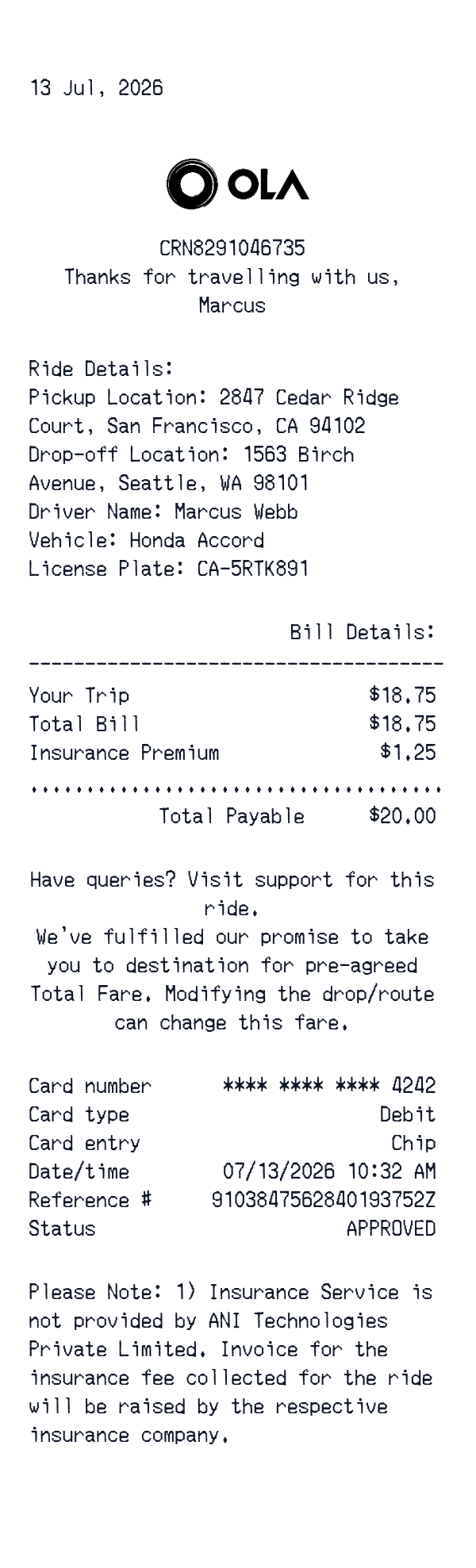
This Ola-style cab receipt template is a pre-filled itemized taxi receipt for ride records, travel education, or creative mockups. It shows a short ride header, route details, fare lines, total, and card payment block.
The editor lets you adjust the sample fields, colors, and layout before downloading or printing.
- ✔Create a receipt in seconds
- ✔No design skills needed
- ✔Fully customizable
- ✔Add custom logo
- ✔Edit line items
- ✔Choose payment method
- ✔Add or remove receipt elements
What's on a real Ola Cab Receipt?
Every part of the receipt has a purpose. Here is what you will find on this template and why it matters.
Ride date and time
Shows when the ride occurred, helping place the fare in a travel or expense record.
Trip reference
A short code identifies the ride and links the receipt to a specific trip.
Route details
Pickup and drop-off locations define the trip covered by the fare.
Fare lines
Itemized lines separate the base trip charge from any added fees.
Total payable
The final amount combines the listed fare lines into one payable figure.
Payment details
The payment block records how the fare was paid and the card status.
How the sample is arranged
This template comes pre-filled with a realistic sample receipt. Here is what it contains, top to bottom.
Date 13 Jul, 2026 appears first, then the header 'Thanks for travelling with us, Marcus' and code CRN8291046735. Ride details list pickup at 2847 Cedar Ridge Court, San Francisco, CA 94102, drop-off at 1563 Birch Avenue, Seattle, WA 98101, driver Marcus Webb, Honda Accord, and plate CA-5RTK891. Bill Details: Your Trip 18.75, Total Bill 18.75, Insurance Premium 1.25, Total Payable 20.00. Payment shows a debit card ending 4242, chip entry, 07/13/2026 10:32 AM, reference 9103847562840193752Z, status APPROVED. Support and insurance notes appear around the payment block.
How to make a Ola Cab Receipt?
With our Receipt Maker, creating any receipt is as easy as 1, 2, 3.
Customize your receipt
Customize every detail, from items to pricing and payment details, with ease.
Export your receipt
One-click export, ready to print.
Where a Ola Cab Receipt comes in handy
Ride cost records
Keep a clear record of ride costs for personal budgeting.
Fare review
Check the fare lines against the final total.
Travel log
Track rides, routes, and fares across personal trips.
Film and app mockups
Build cab receipt mockups for film, TV, or design work.
Travel education
Prepare sample ride receipts for bookkeeping or travel lessons.
Digitizing paper slips
Turn paper taxi slips into a clean digital format.
Tips for a Ola Cab Receipt
- 1Keep pickup and drop-off locations visible, since they define the ride.
- 2Show the base trip charge, insurance premium, and total payable as separate lines.
- 3Use the card last four digits and approval status in the payment block.
- 4Keep the ride date and payment date/time consistent before finalizing the layout.
- 5Add the trip code and vehicle details in the header area.
Similar Templates
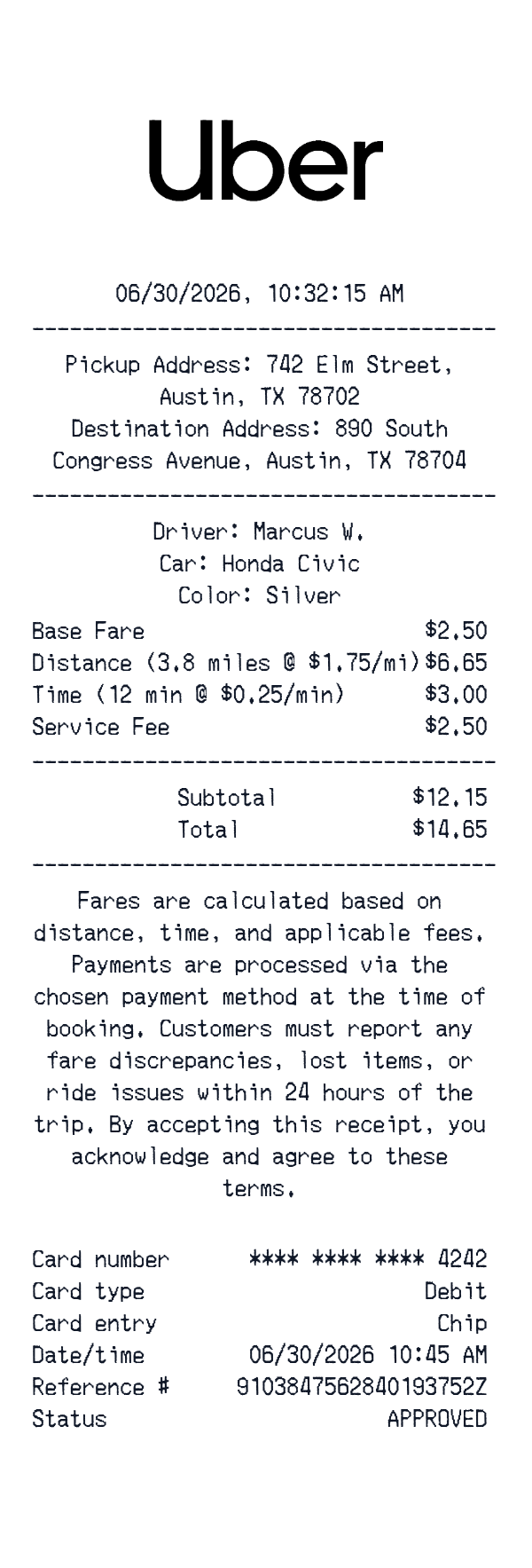
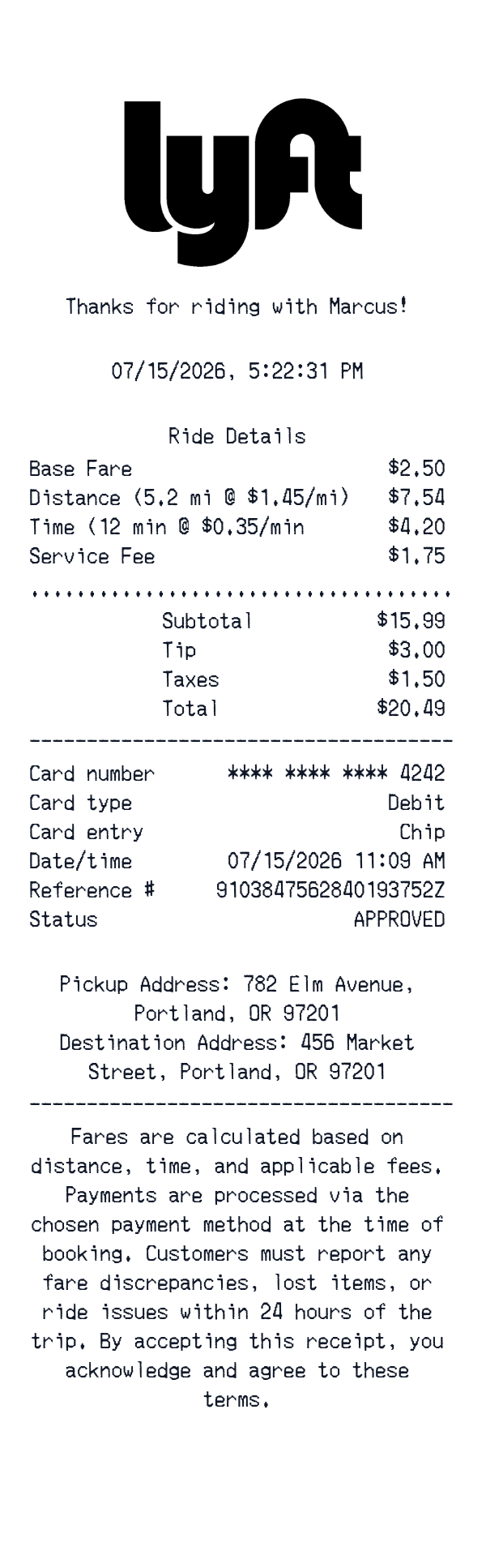
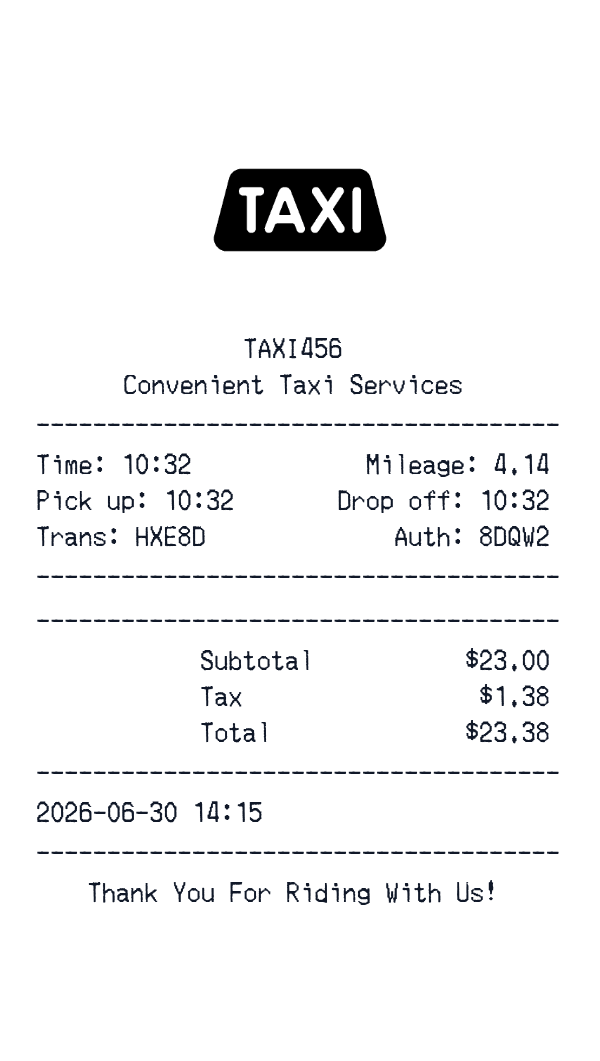
More receipt templates like this one — pick one and generate your own receipt in seconds.
Get started in 1 minute
- ✔Create receipts in seconds
- ✔Customize everything
- ✔Easy with our Receipt Builder
