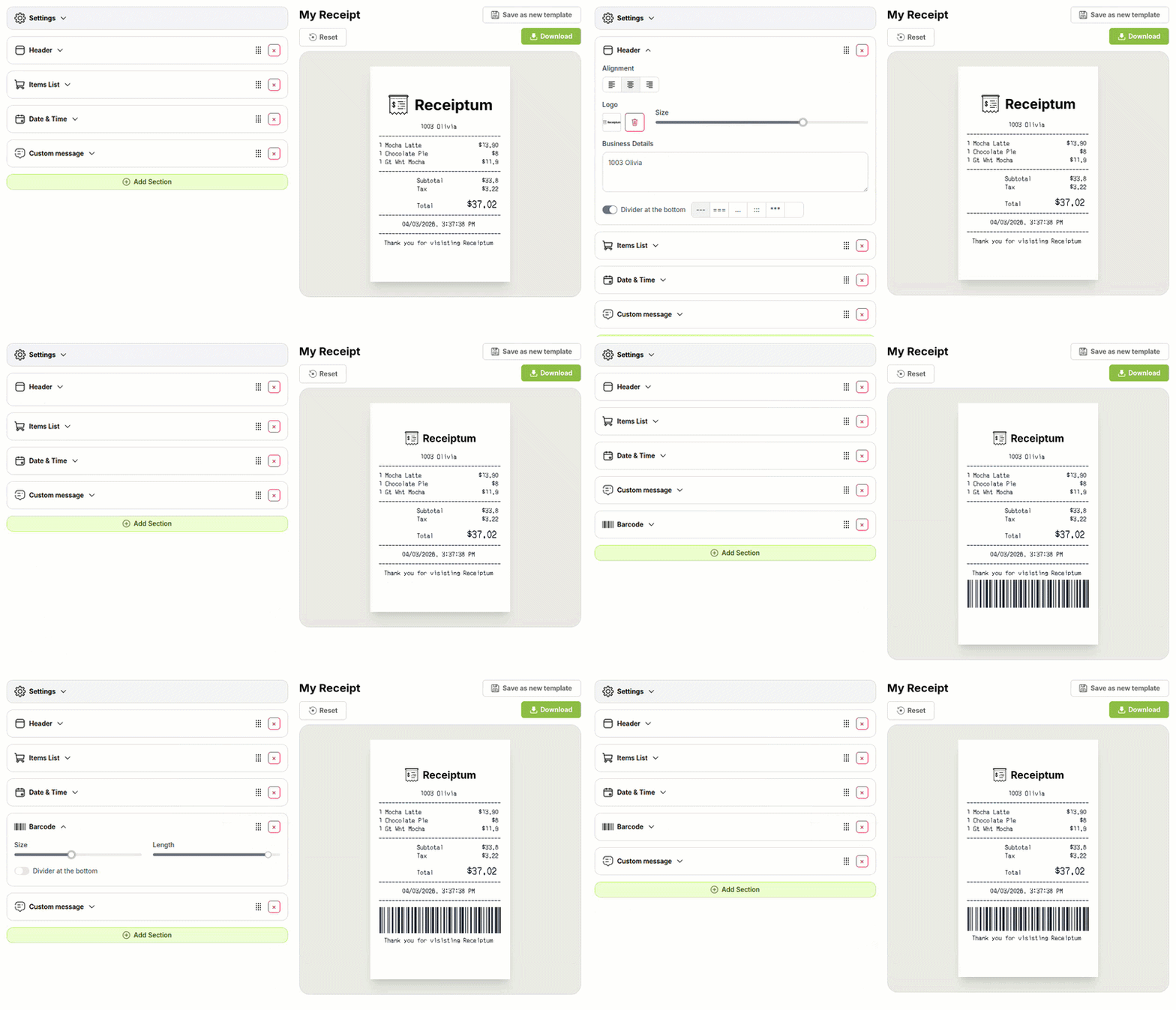
Free Car Detailing Receipt Generator
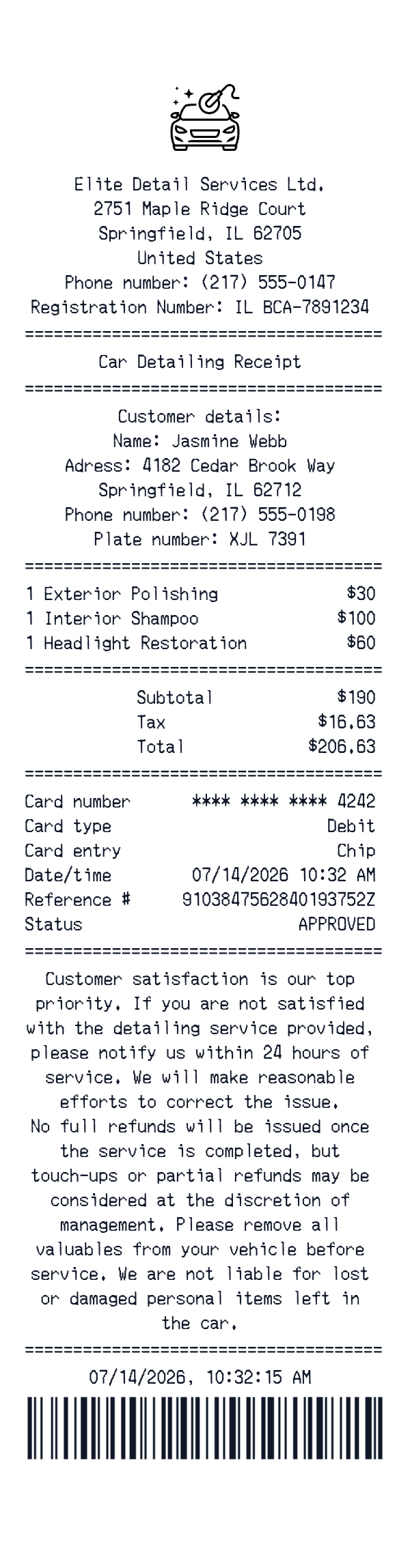
This car detailing receipt template is an itemized receipt layout for detailing services. It shows a business header, customer and vehicle details, service lines, card payment details, totals, and a closing policy note. Use it to create a clean record of a detailing appointment, a sample for training or bookkeeping practice, or a mockup for a service-business project. The editor lets you replace the sample fields with your own details.
- ✔Create a receipt in seconds
- ✔No design skills needed
- ✔Fully customizable
- ✔Add custom logo
- ✔Edit line items
- ✔Choose payment method
- ✔Add or remove receipt elements
What's on a real Car Detailing Receipt?
Every part of the receipt has a purpose. Here is what you will find on this template and why it matters.
Business header
The top block identifies the detailing business with its name, address, phone number, and registration line. It gives the document a clear point of origin.
Customer and vehicle details
This section records the customer's name, address, phone number, and vehicle plate. For detailing work, it ties the receipt to the person and car serviced.
Service line items
Each detailing service appears on its own line with a quantity and price. The line-item list makes the scope of work easy to read.
Totals block
The totals area shows subtotal, tax, and final amount. It lets the reader check how the service prices add up.
Card payment details
The payment block records how the service was paid, including masked card digits, card type, entry method, reference number, and approval status.
Closing policy note
A short note at the end can cover satisfaction, refunds, and valuables. It sets expectations after the service is completed.
Date, time, and barcode
The closing date/time and barcode identify when the transaction was recorded and provide a machine-readable reference.
How the sample is arranged
This template comes pre-filled with a realistic sample receipt. Here is what it contains, top to bottom.
Elite Detail Services Ltd. appears in the header with 2751 Maple Ridge Court, Springfield, IL 62705, United States, phone, and registration number. Customer details show Jasmine Webb, 4182 Cedar Brook Way, Springfield, IL 62712, phone, and plate number XJL 7391. Items list Exterior Polishing, Interior Shampoo, and Headlight Restoration, each quantity 1 at 30, 100, and 60. Totals show Subtotal 190, Tax 16.63, and Total 206.63. Payment is a chip debit card ending 4242, with reference number and APPROVED status. Closing note, date 07/14/2026 10:32:15 AM, and barcode finish layout.
How to make a Car Detailing Receipt?
With our Receipt Maker, creating any receipt is as easy as 1, 2, 3.
Customize your receipt
Customize every detail, from items to pricing and payment details, with ease.
Export your receipt
One-click export, ready to print.
Where a Car Detailing Receipt comes in handy
Personal service records
Keep a record of detailing services with line items and totals.
Vehicle maintenance log
Track car care services alongside other vehicle upkeep records.
Bookkeeping samples
Prepare itemized samples for bookkeeping practice or budgeting.
Staff training
Create sample receipts for service documentation or training.
Film and app mockups
Build detailing receipt mockups for film, TV, or app scenes.
Digitizing paper receipts
Turn paper detailing receipts into a clean image for storage.
Tips for a Car Detailing Receipt
- 1List each detailing service on its own line; that is what makes a receipt itemized.
- 2Keep the math consistent: line totals should add up to the subtotal, and tax should match its rate.
- 3Include quantities even when they are 1; registers usually print them.
- 4Show only the last four digits for card payments in the payment block.
- 5Use plain service names like polishing, shampooing, or headlight restoration rather than marketing copy.
Similar Templates
More receipt templates like this one — pick one and generate your own receipt in seconds.
Get started in 1 minute
- ✔Create receipts in seconds
- ✔Customize everything
- ✔Easy with our Receipt Builder